
Solutions
Assessment delivery

Assessment types
Integrations
Scale your assessments with BYOD: students take them on their own laptops. You decide which applications and resources they can use, and everything else is blocked until they finish.
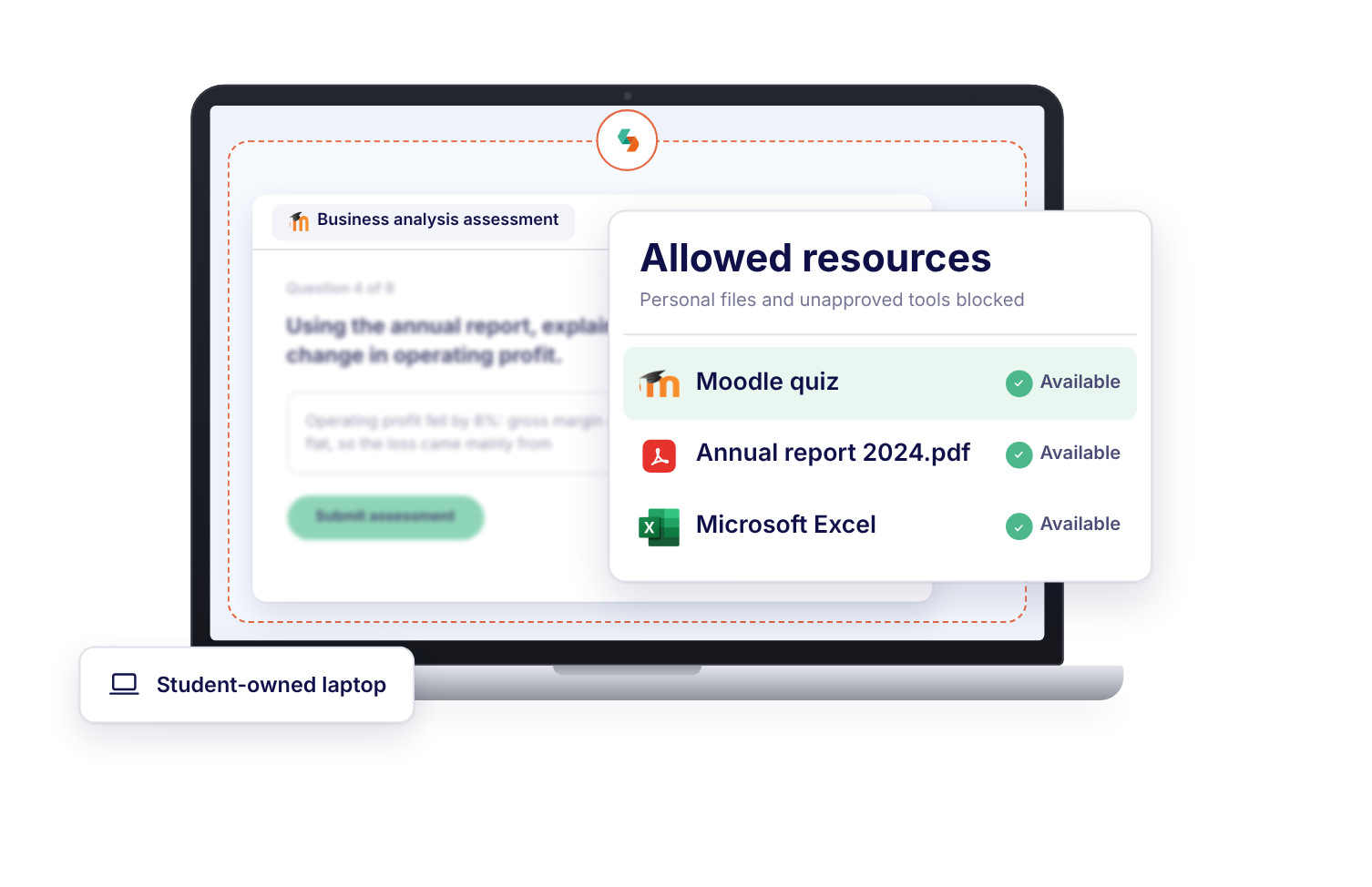


"With Schoolyear, students can use bookkeeping software, visit the exam site, open and fill in an Excel file, and then write a report about it in Word. All in a secured session, without access to AI or outside resources."



"The teachers are satisfied with the BYOD setup for their Moodle exams. Schoolyear saves us money in the sense that we do not have to have so many computer rooms anymore."

"With Schoolyear, students can use a desktop application during an exam and we can make it AI-proof. This way, we can assess if students have the necessary knowledge themselves."




"We had cases with our previous proctoring setup where we needed to look into whether we were dealing with a cheating case or not. The moment that you're conducting exams in Schoolyear, that is reduced heavily. This is saving us a lot of time."




"We can secure exams proactively instead of after the fact. This creates calm for students, clarity for teachers, and less hassle with the e-invigilators you no longer need."



"Schoolyear makes it possible to do skills assessments with the use of extra applications, like Rstudio, Excel and Matlab. Before, this was only possible with managed computers."

"We wanted to introduce safe and robust digital testing on campus. However, no combination of exam rooms had 800+ computers available at the same time. Schoolyear was the perfect and robust solution that we were looking for, as this allowed us to use the laptops of the students in regular exam rooms."


"We sought a flexible solution for fraud prevention during exams on students' own laptops. Schoolyear allows us to use our educational spaces more flexibly and reduce the need for fixed PC rooms."



"Before the introduction of the Schoolyear, lots of eyes were needed to make sure students didn’t use search engines, chat apps, notes, or email."




You don't control the software, files or settings on a student's own laptop.
Allowing Excel or a coding tool also lets in its internet access, AI features and add-ins, and a way around the lockdown.
Webcam and screen recordings intrude on students' privacy and leave hours of footage to review.
Each laptop becomes a controlled assessment workspace, without IT managing the device.
Excel, SPSS and coding tools run in isolation, with their internet access, AI features and add-ins closed and only the files you approve.
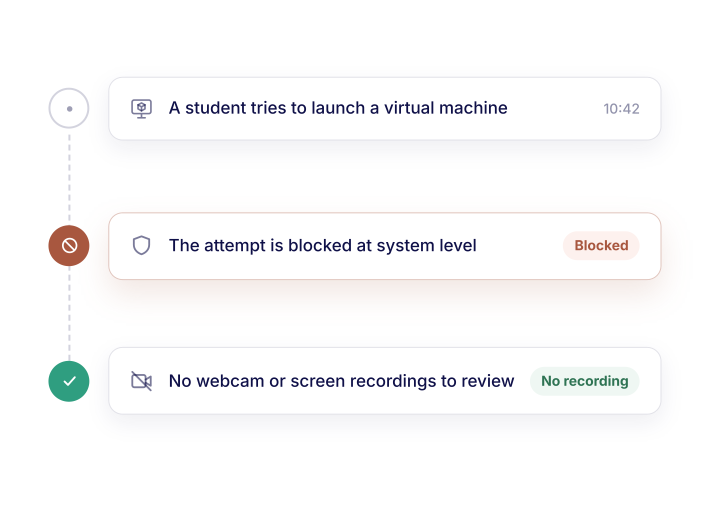
Schoolyear blocks unauthorized access during the assessment, without recording students.
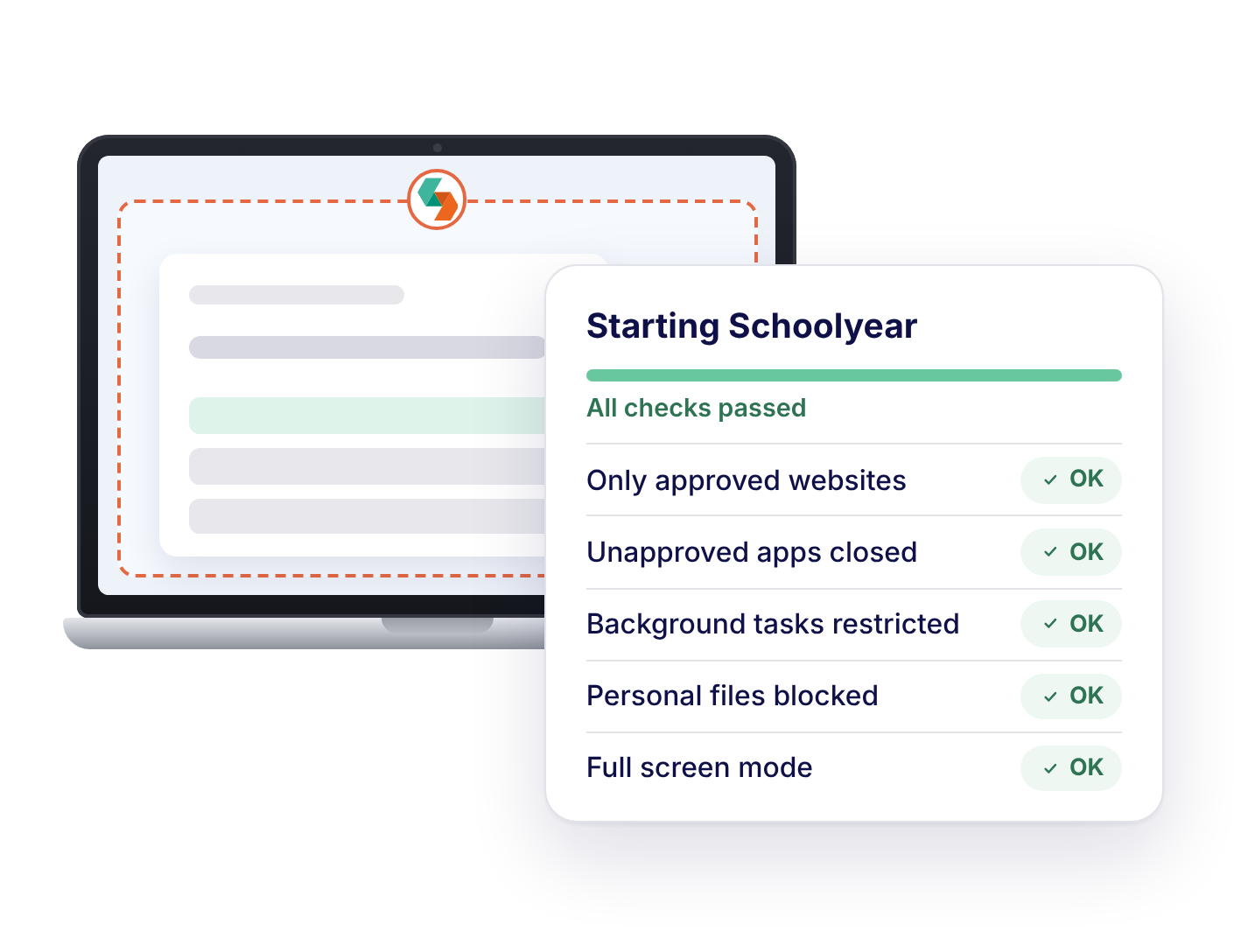
IT can't push device policies to laptops it doesn't manage. Schoolyear locks BYOD laptops down at system level, so they can only open the websites, apps and files the assessment allows.
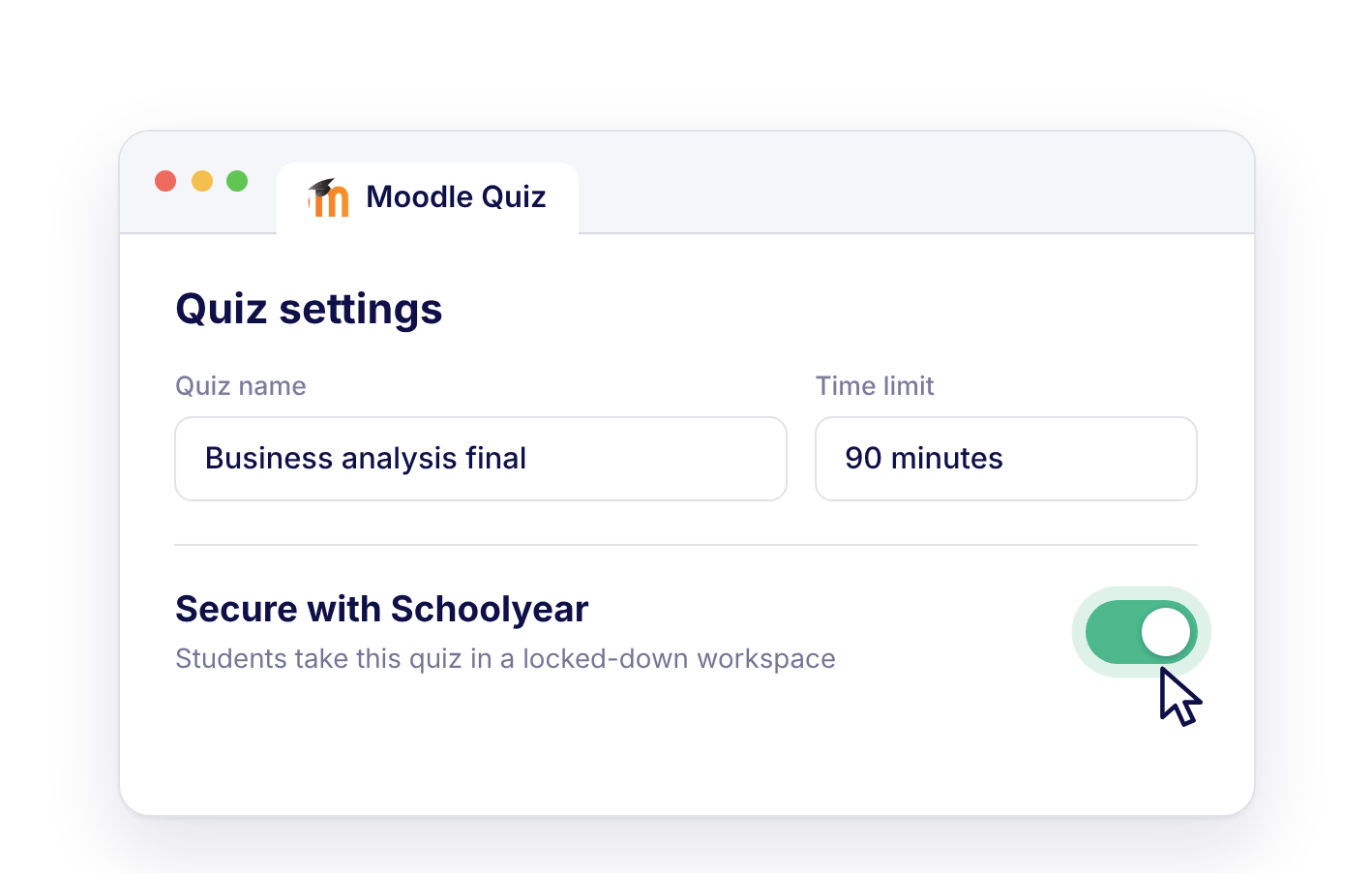
Educators configure assessments in the LMS, without help from IT. Students install Schoolyear once, then start every assessment from the LMS as usual.
Applications like Excel, SPSS and coding tools run inside Schoolyear, so students don't have to install anything. Even BYOD laptops without these applications can take the assessment, and the cheating routes inside them stay closed.
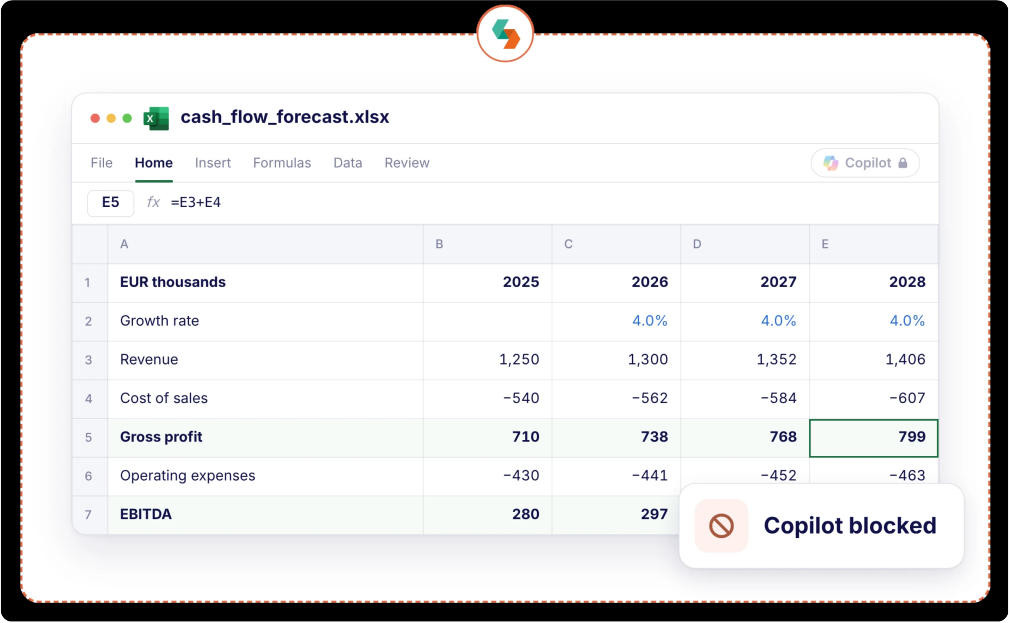
Schoolyear restricts access during the assessment instead of filming students or their screens. There are no recordings to review afterwards, and students keep their privacy.


"We sought a flexible solution for fraud prevention during exams on students' own laptops. Schoolyear allows us to use our educational spaces more flexibly and reduce the need for fixed PC rooms."
"We wanted to introduce safe and robust digital testing on campus. However, no combination of exam rooms had 800+ computers available at the same time. Schoolyear was the perfect and robust solution that we were looking for, as this allowed us to use the laptops of the students in regular exam rooms."
"With Schoolyear, the involvement of IT and related costs of overhead now has been reduced to almost nothing. Our teachers are back in control of their secure digital exams."

Our experts are ready to help you explore
the benefits of Schoolyear.