
















.svg)




.png)




Solutions
Assessment delivery

Assessment types
Integrations
Run in-class secure assessments and high-stakes exams with the apps, files and websites students need, with or without AI. You decide what they can and cannot reach on their devices.
.svg)
.svg)


"With Schoolyear, students can use bookkeeping software, visit the exam site, open and fill in an Excel file, and then write a report about it in Word. All in a secured session, without access to AI or outside resources."

.jpeg)


"The teachers are satisfied with the BYOD setup for their Moodle exams. Schoolyear saves us money in the sense that we do not have to have so many computer rooms anymore."

"With Schoolyear, students can use a desktop application during an exam and we can make it AI-proof. This way, we can assess if students have the necessary knowledge themselves."





"We had cases with our previous proctoring setup where we needed to look into whether we were dealing with a cheating case or not. The moment that you're conducting exams in Schoolyear, that is reduced heavily. This is saving us a lot of time."




"We can secure exams proactively instead of after the fact. This creates calm for students, clarity for teachers, and less hassle with the e-invigilators you no longer need."



"Schoolyear makes it possible to do skills assessments with the use of extra applications, like Rstudio, Excel and Matlab. Before, this was only possible with managed computers."

"We wanted to introduce safe and robust digital testing on campus. However, no combination of exam rooms had 800+ computers available at the same time. Schoolyear was the perfect and robust solution that we were looking for, as this allowed us to use the laptops of the students in regular exam rooms."


"We sought a flexible solution for fraud prevention during exams on students' own laptops. Schoolyear allows us to use our educational spaces more flexibly and reduce the need for fixed PC rooms."



"Before the introduction of the Schoolyear, lots of eyes were needed to make sure students didn’t use search engines, chat apps, notes, or email."



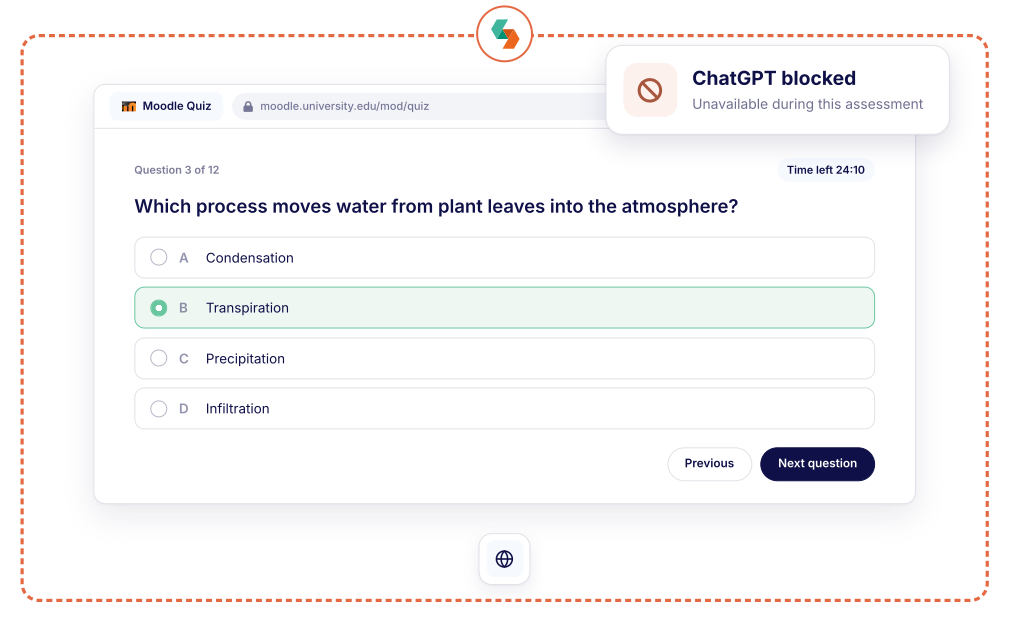
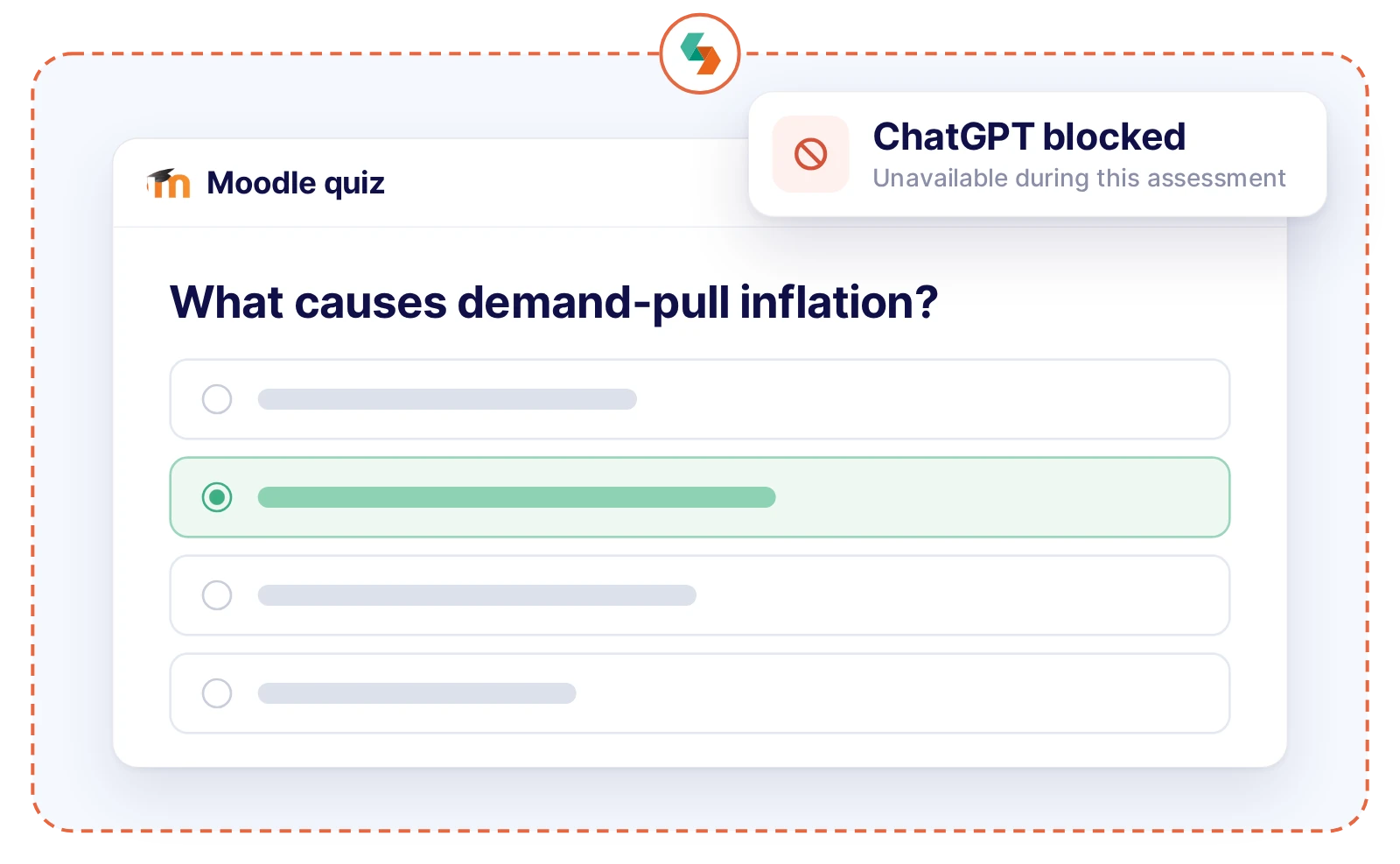
Run the quizzes you already have in your LMS and decide what students can and cannot reach while they answer.
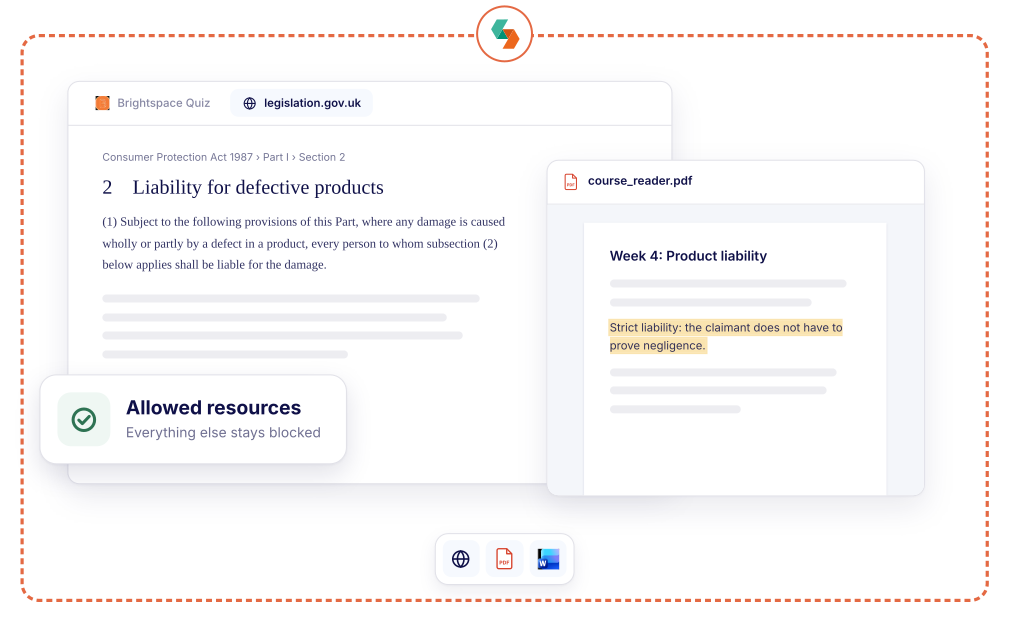
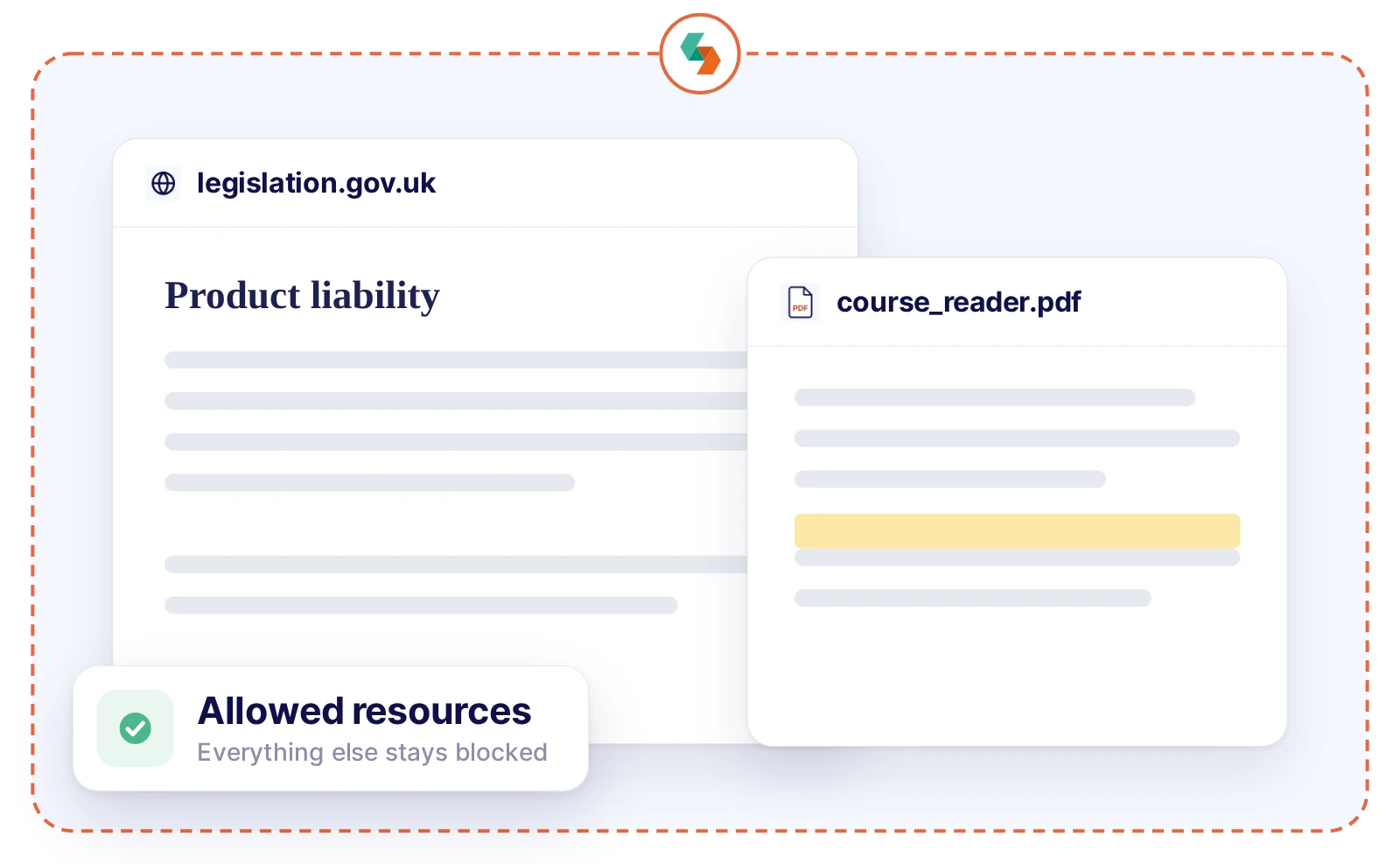
Open book exams without opening up the entire internet. Allow exactly the resources you choose: course materials, selected websites, students' own notes and, if you want, an approved AI tool.
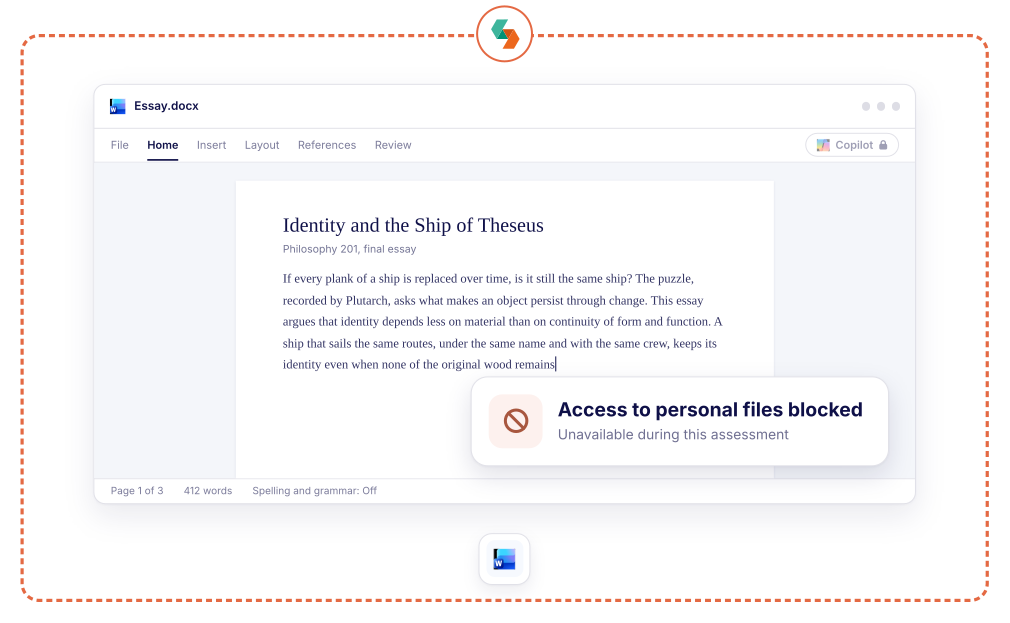
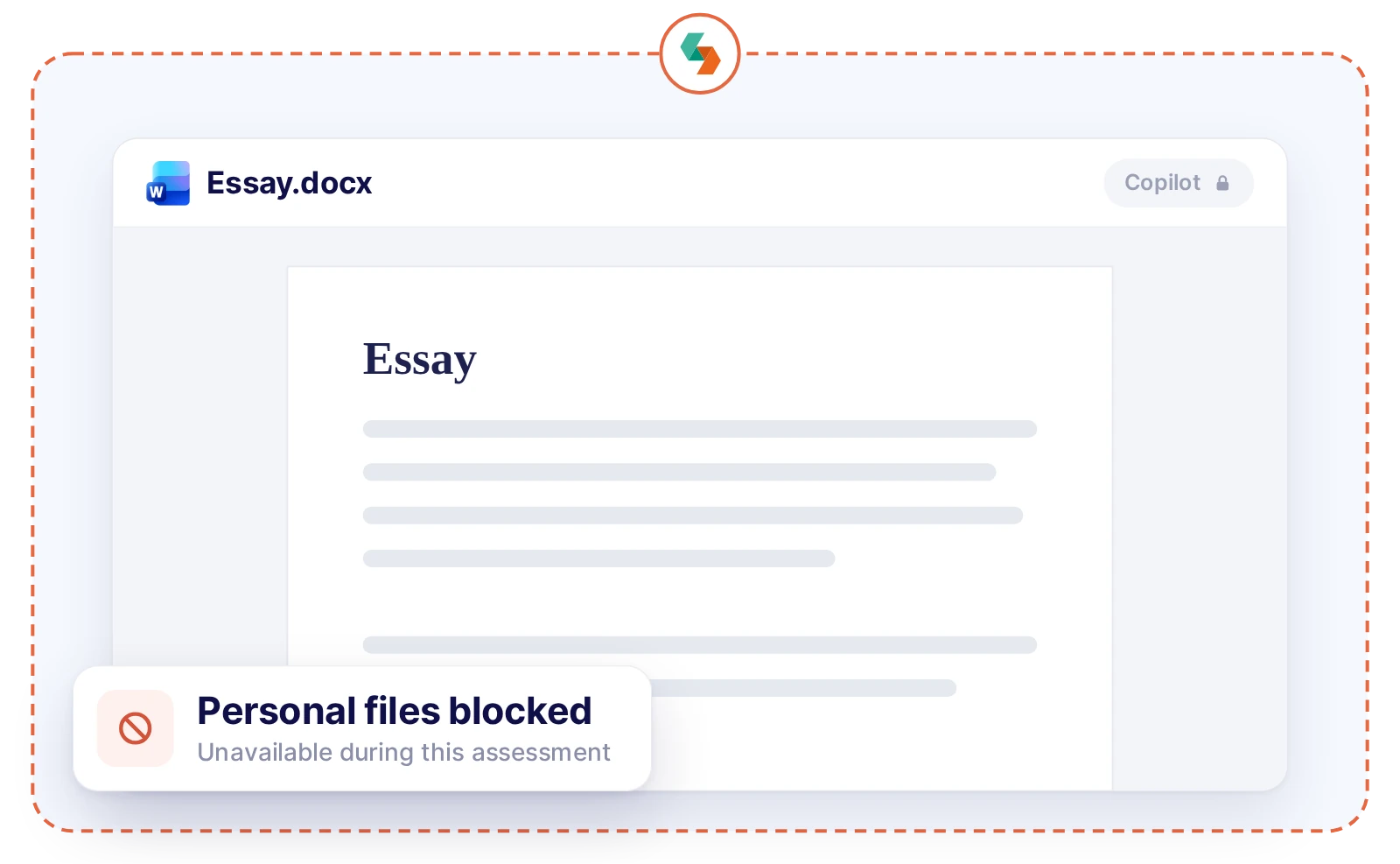
In-person essays, in the browser or a full word processor. You decide whether spellcheck, grammar suggestions or an AI writing tool belong in the assignment. Everything else stays out.
.webp)
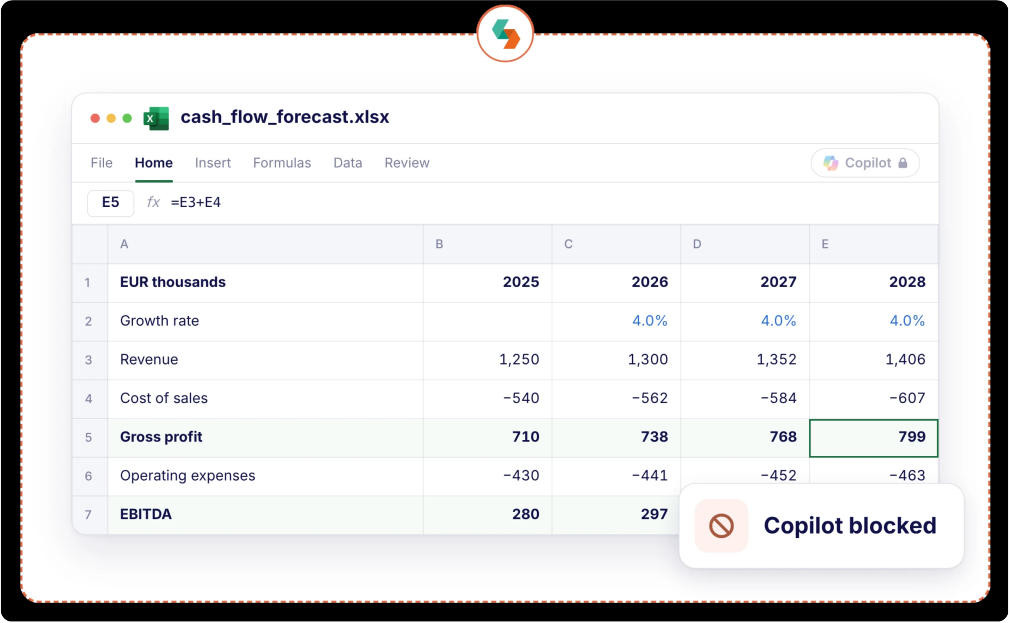
Let students solve accounting, finance and business cases in Excel. You see the formulas behind every number, and decide whether Copilot belongs in the assessment.
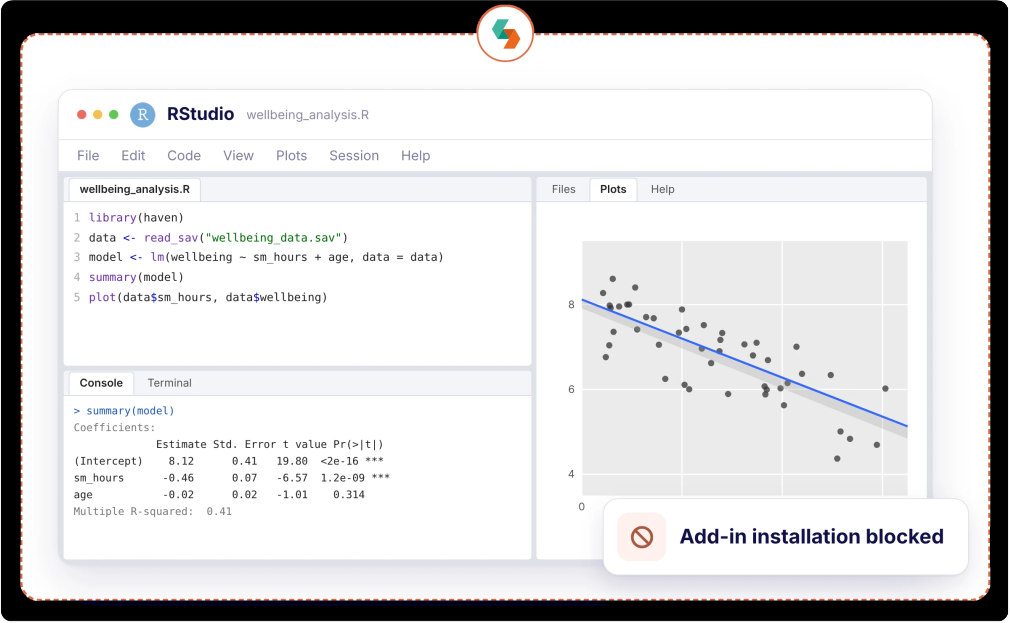
Let students analyze real datasets in SPSS, R or Stata. Keep AI assistants and add-ins out, or allow the one you see fit, while personal files stay out of reach.
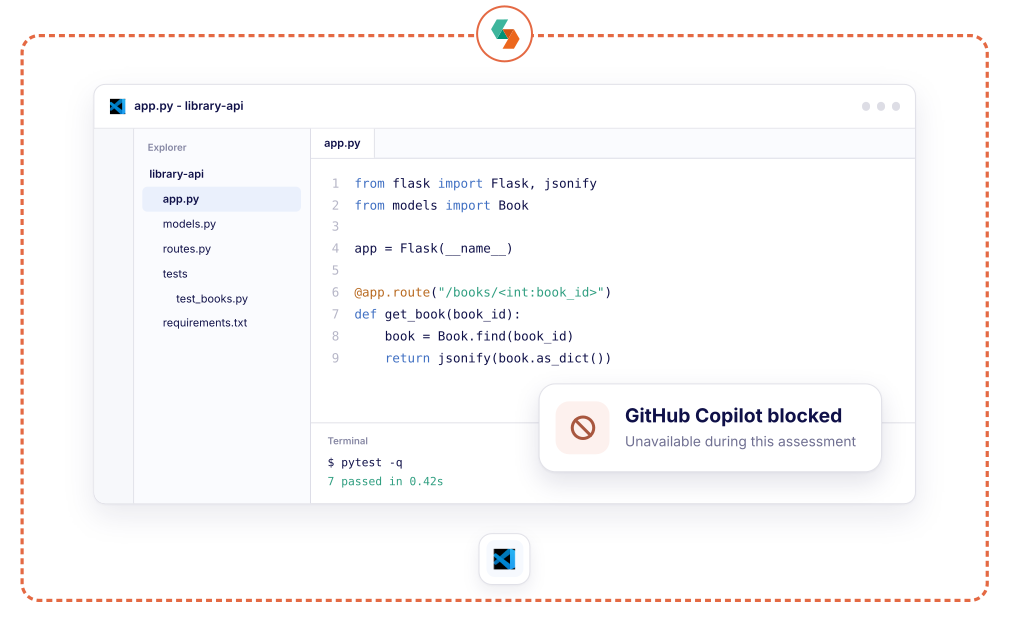
Assess real coding skills in a real IDE, not with pen and paper. Turn autocomplete and AI assistants off to see what students write themselves, or on when working with them is part of the skill.
.webp)
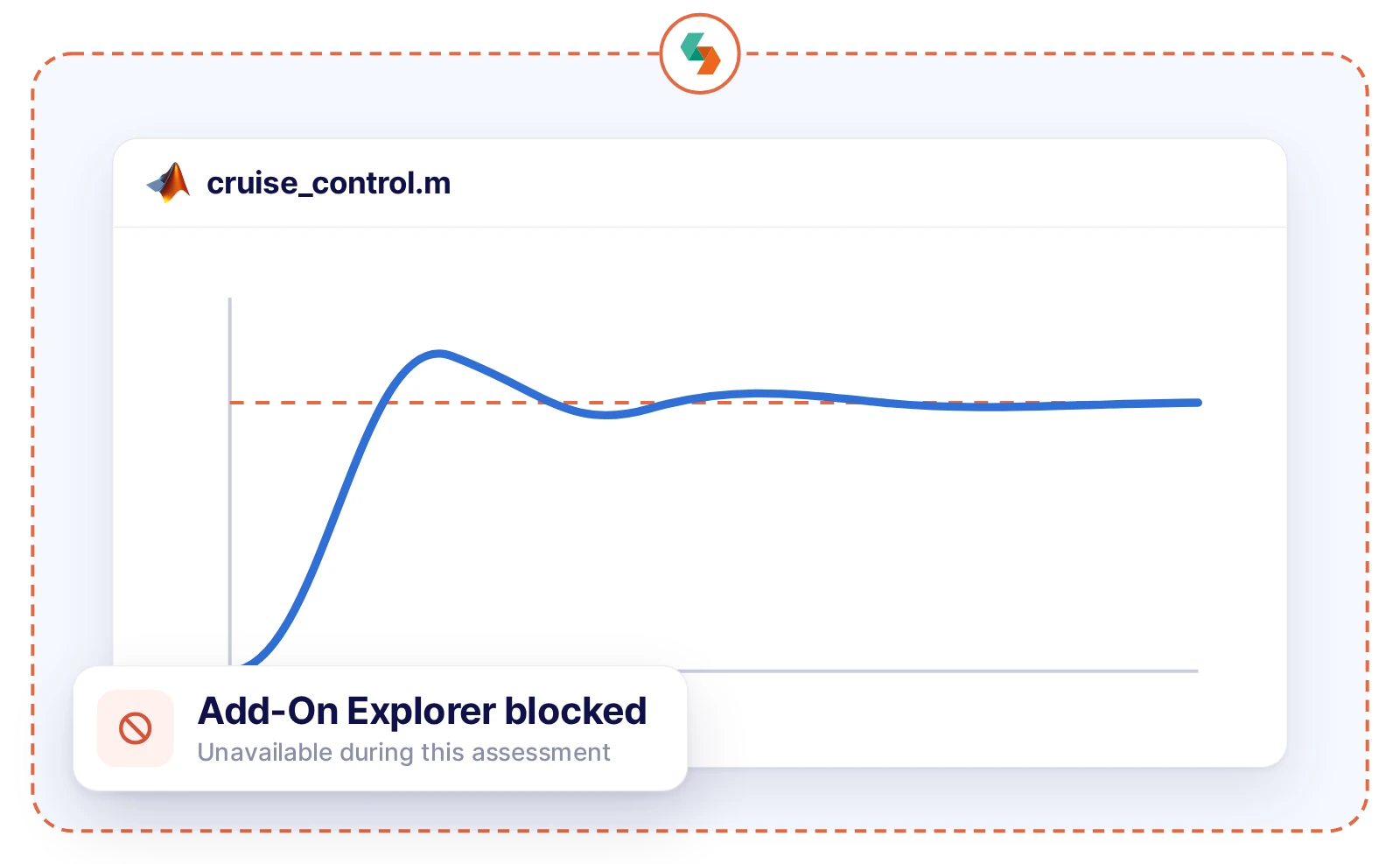
Let students build and test models in MATLAB, Simulink or Ansys. Give them the starter model and data they need, while unapproved add-ons and personal files stay out of reach.
Educators choose the LMS, websites, files and software for each assessment themselves. Everything else stays blocked, without involving IT.
.webp)
.webp)
.webp)
.webp)
.webp)
.webp)
.webp)
.webp)
That depends on your learning outcomes. Block AI when students must work on their own, or allow supervised AI when working with AI is part of the skill.

To assess what students can do on their own
.svg)
To assess how students work with AI
Turn on support tools like spellcheck, text-to-speech or a screen magnifier for the students who need them.
.svg)
For students with spelling difficulties, such as dyslexia
.svg)
For students with reading difficulties
.svg)
For students with low vision
"With Schoolyear, students can use a desktop application during an exam and we can make it AI-proof. This way, we can assess if students have the necessary knowledge themselves."

"We had cases with our previous proctoring setup where we needed to look into whether we were dealing with a cheating case or not. The moment that you're conducting exams in Schoolyear, that is reduced heavily. This is saving us a lot of time."

"With Schoolyear, students can use bookkeeping software, visit the exam site, open and fill in an Excel file, and then write a report about it in Word. All in a secured session, without access to AI or outside resources."


When AI is built into browsers, apps, and operating systems, a traditional lockdown browser is no longer enough. Schoolyear uses five security layers to keep assessments open to the tools you allow and closed to everything else.

Schoolyear replaces the student's desktop before the assessment starts. AI overlays, messaging apps, screen sharing, remote access: blocked, not detected afterwards.
Assessments run in a clean, purpose-built environment that students can’t customize, extend or bypass with browser tricks. The assessment never runs in the environment the student controls.
Applications and files used during the assessment don’t run locally on the student’s device. They’re isolated from personal storage, cloud drives and local AI features.
When a restriction is triggered or a bypass is attempted, it’s logged and signalled in real time. You can always see whether the lockdown is intact, during the assessment and afterwards.
Bypass techniques keep evolving, so Schoolyear’s security is updated as soon as new ones emerge. Updates are deployed automatically, with no action needed from students or educators.


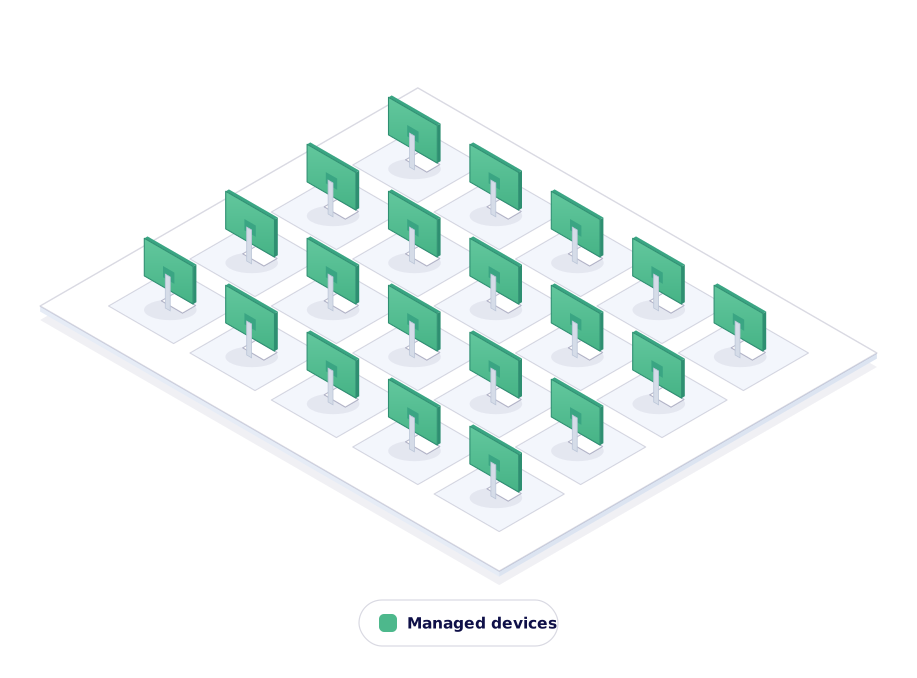
Run assessments and exams on any school-managed device without the exam infrastructure you maintain today. No generic exam accounts, no restricted profiles.
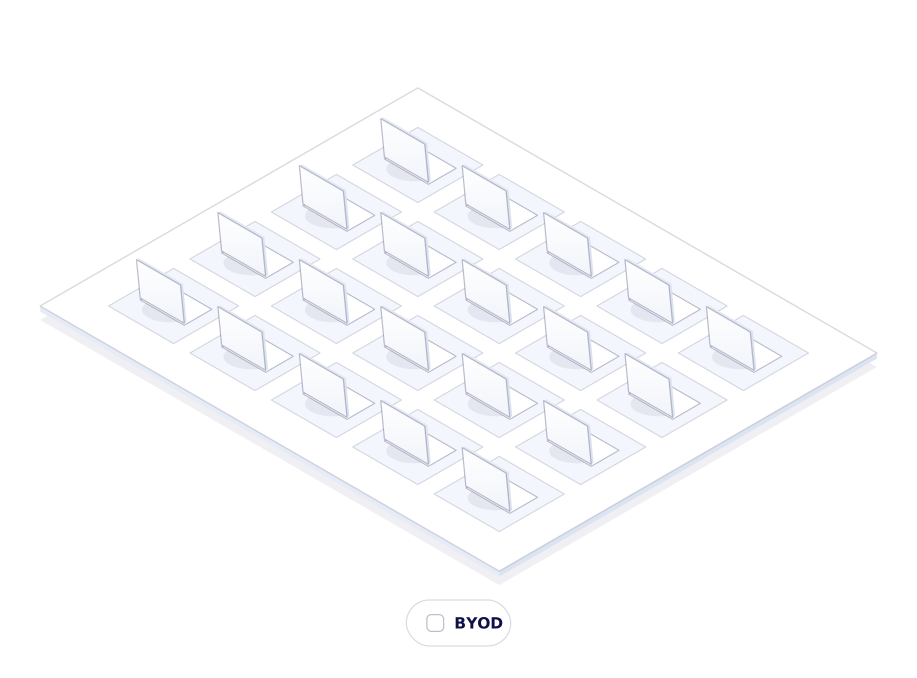
Run controlled assessments on BYOD. Students run a laptop check before exam day, so potential issues surface early, not on the day itself.
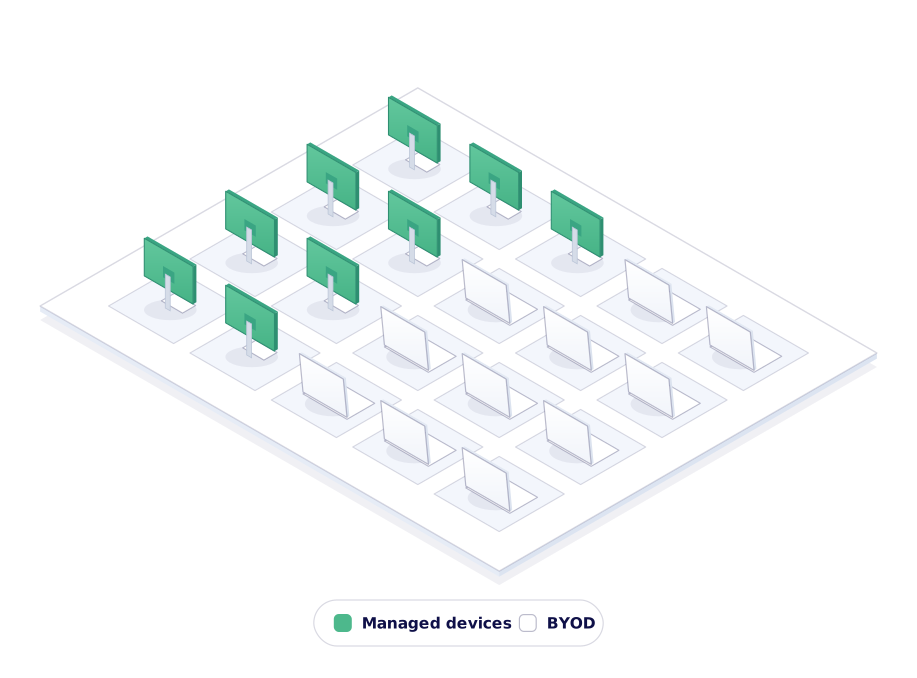
Mix computer labs and student-owned devices in a single session. Same assessment, same security, one dashboard.
We secure the assessment by locking down the device, not by filming the student or their screen. Nothing is recorded, so there is no footage to store, review or leak.

Anything outside the whitelist is blocked at system level. Cheating is stopped the moment it's tried, not spotted on a recording afterwards.

Students are not filmed or analyzed while they work. Less stress during the assessment, and no arguments afterwards about what a recording showed.
"We sought a flexible solution for fraud prevention during exams on students' own laptops. Schoolyear allows us to use our educational spaces more flexibly and reduce the need for fixed PC rooms."
.jpg)
"We wanted to introduce safe and robust digital testing on campus. However, no combination of exam rooms had 800+ computers available at the same time. Schoolyear was the perfect and robust solution that we were looking for, as this allowed us to use the laptops of the students in regular exam rooms."

Our experts are ready to help you explore
the benefits of Schoolyear.