
Solutions
Assessment delivery

Assessment types
Integrations
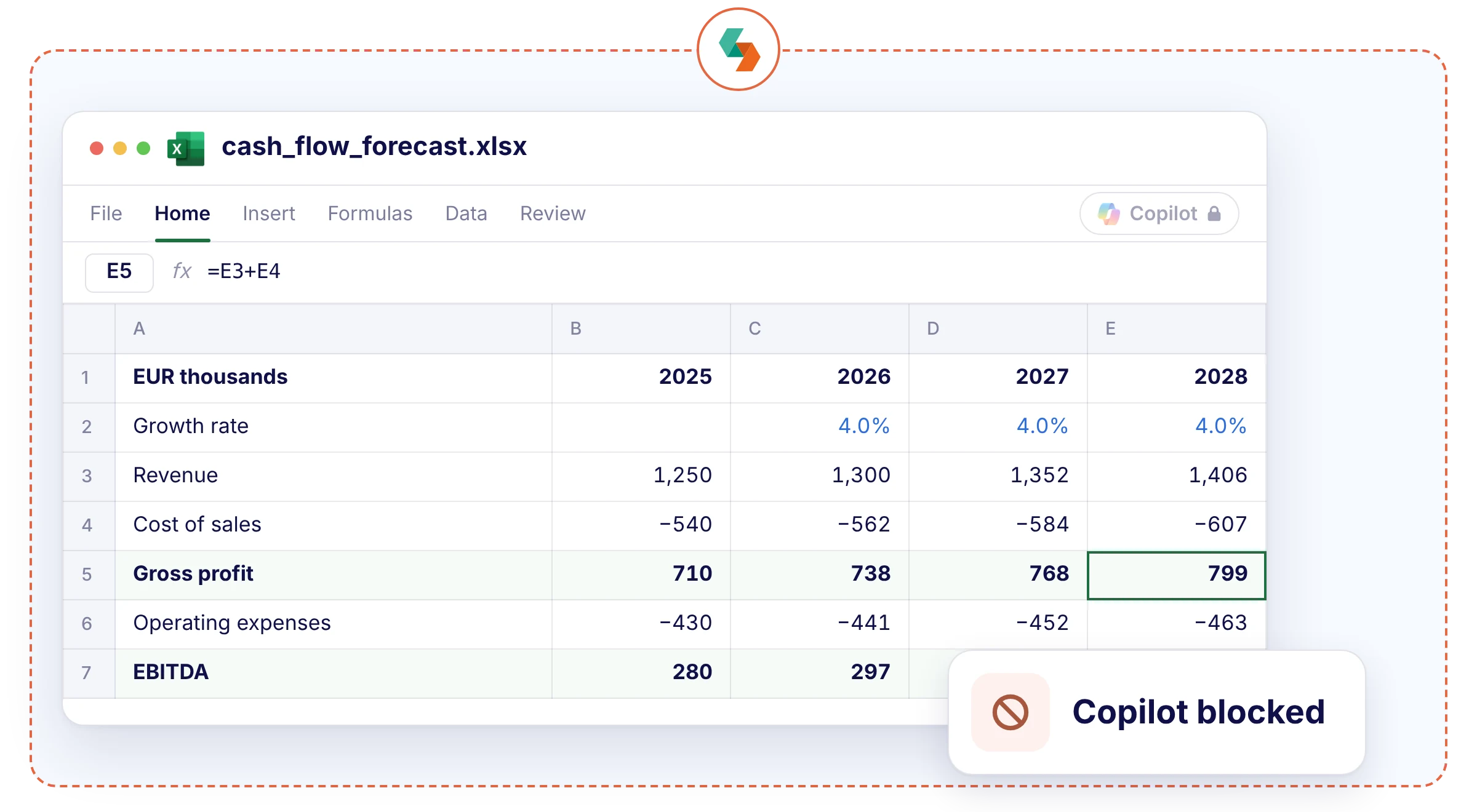
Let students work in the real Excel on their own laptops. Formulas, PivotTables and your case files work as usual, while Copilot, add-ins and OneDrive stay out of reach.


"With Schoolyear, students can use bookkeeping software, visit the exam site, open and fill in an Excel file, and then write a report about it in Word. All in a secured session, without access to AI or outside resources."

.jpeg)


"The teachers are satisfied with the BYOD setup for their Moodle exams. Schoolyear saves us money in the sense that we do not have to have so many computer rooms anymore."

"With Schoolyear, students can use a desktop application during an exam and we can make it AI-proof. This way, we can assess if students have the necessary knowledge themselves."





"We had cases with our previous proctoring setup where we needed to look into whether we were dealing with a cheating case or not. The moment that you're conducting exams in Schoolyear, that is reduced heavily. This is saving us a lot of time."




"We can secure exams proactively instead of after the fact. This creates calm for students, clarity for teachers, and less hassle with the e-invigilators you no longer need."



"Schoolyear makes it possible to do skills assessments with the use of extra applications, like Rstudio, Excel and Matlab. Before, this was only possible with managed computers."

"We wanted to introduce safe and robust digital testing on campus. However, no combination of exam rooms had 800+ computers available at the same time. Schoolyear was the perfect and robust solution that we were looking for, as this allowed us to use the laptops of the students in regular exam rooms."


"We sought a flexible solution for fraud prevention during exams on students' own laptops. Schoolyear allows us to use our educational spaces more flexibly and reduce the need for fixed PC rooms."



"Before the introduction of the Schoolyear, lots of eyes were needed to make sure students didn’t use search engines, chat apps, notes, or email."




Writes formulas, builds PivotTables and explains a dataset from a single prompt, right inside the workbook.
The add-in store is one click away, including AI assistants that write formulas and analyse data.
Share a workbook from OneDrive and someone outside the room can edit it alongside the student.
In Schoolyear, students can’t reach Copilot unless you add it.
Students can’t install add-ins from the store. Add-ins your course needs, such as Solver, can be made available beforehand.
Without OneDrive in the workspace, the workbook can’t be shared or co-authored.
During the assessment, Copilot, Get Data from Web and new add-ins are switched off. Does your course need Solver or the Analysis ToolPak? Those can stay available.
.webp)
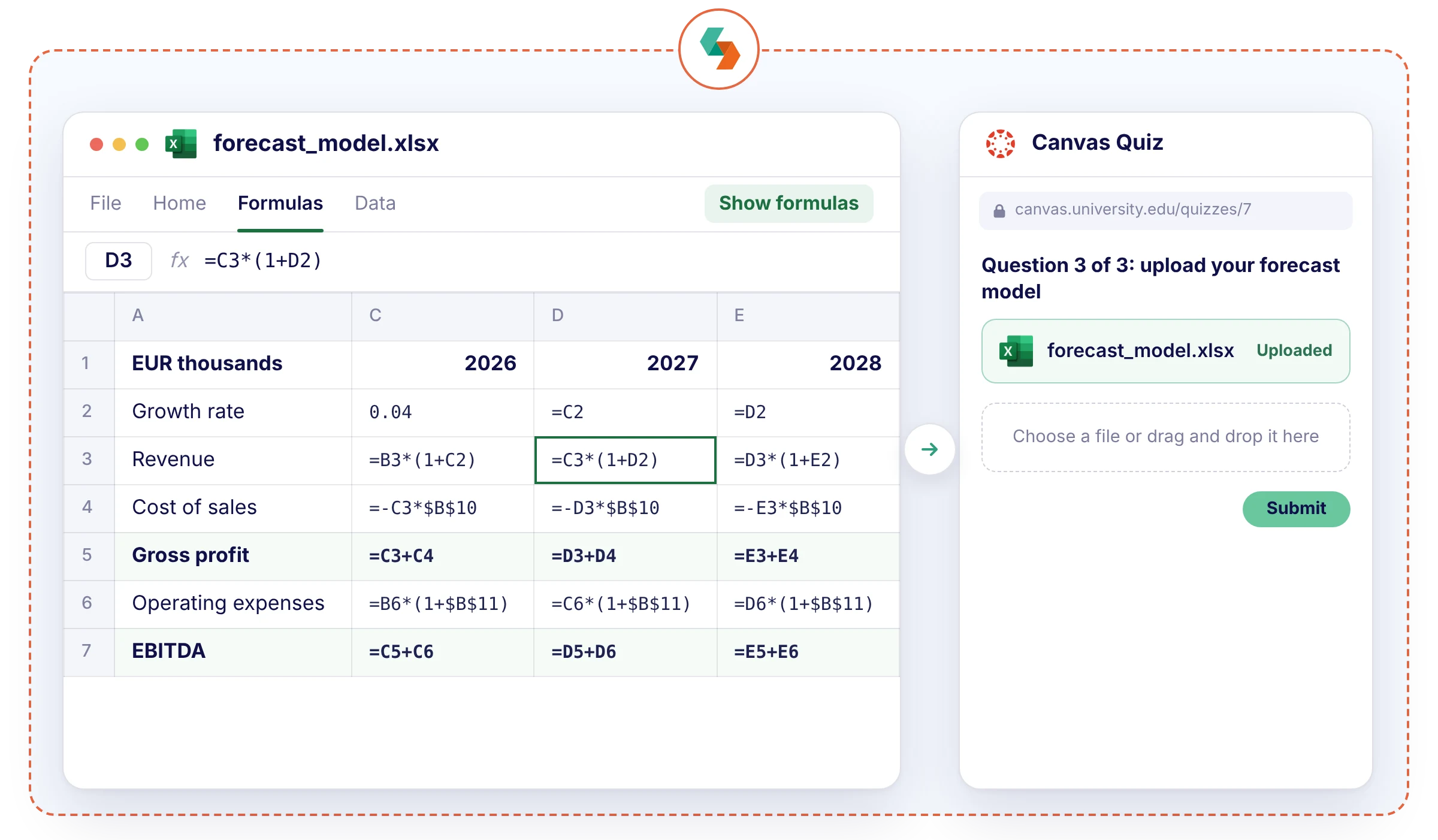
Students upload their final .xlsx in your LMS, such as a Canvas quiz. You see every formula behind the numbers, so you can grade the model and not just the outcome. A backup is saved in case a laptop fails.
Locking down Excel in kiosk mode means stacking Group Policies: one for Copilot, one for add-ins, and plenty more for the network and local files. It takes IT time, and one missed setting leaves a gap. Schoolyear makes securing any assessment in Excel quick and reliable, even on BYOD.
.webp)

Prepare financial statements, process adjusting entries and reconcile the accounts of a case company.

Value a company with a discounted cash flow model, or calculate premiums and reserves for an insurance portfolio.

Build a business case for an investment, compare scenarios and give a recommendation.

Forecast demand or revenue from historical data and explain the assumptions behind the forecast.
"With Schoolyear, students can use bookkeeping software, visit the exam site, open and fill in an Excel file, and then write a report about it in Word. All in a secured session, without access to AI or outside resources."

"With Schoolyear, students can use a desktop application during an exam and we can make it AI-proof. This way, we can assess if students have the necessary knowledge themselves."


When AI is built into browsers, apps, and operating systems, a traditional lockdown browser is no longer enough. Schoolyear uses five security layers to keep assessments open to the tools you allow and closed to everything else.

Schoolyear replaces the student's desktop before the assessment starts. AI overlays, messaging apps, screen sharing, remote access: blocked, not detected afterwards.
Assessments run in a clean, purpose-built environment that students can’t customize, extend or bypass with browser tricks. The assessment never runs in the environment the student controls.
Applications and files used during the assessment don’t run locally on the student’s device. They’re isolated from personal storage, cloud drives and local AI features.
When a restriction is triggered or a bypass is attempted, it’s logged and signalled in real time. You can always see whether the lockdown is intact, during the assessment and afterwards.
Bypass techniques keep evolving, so Schoolyear’s security is updated as soon as new ones emerge. Updates are deployed automatically, with no action needed from students or educators.


Our experts are ready to help you explore
the benefits of Schoolyear.