
Solutions
Assessment delivery

Assessment types
Integrations
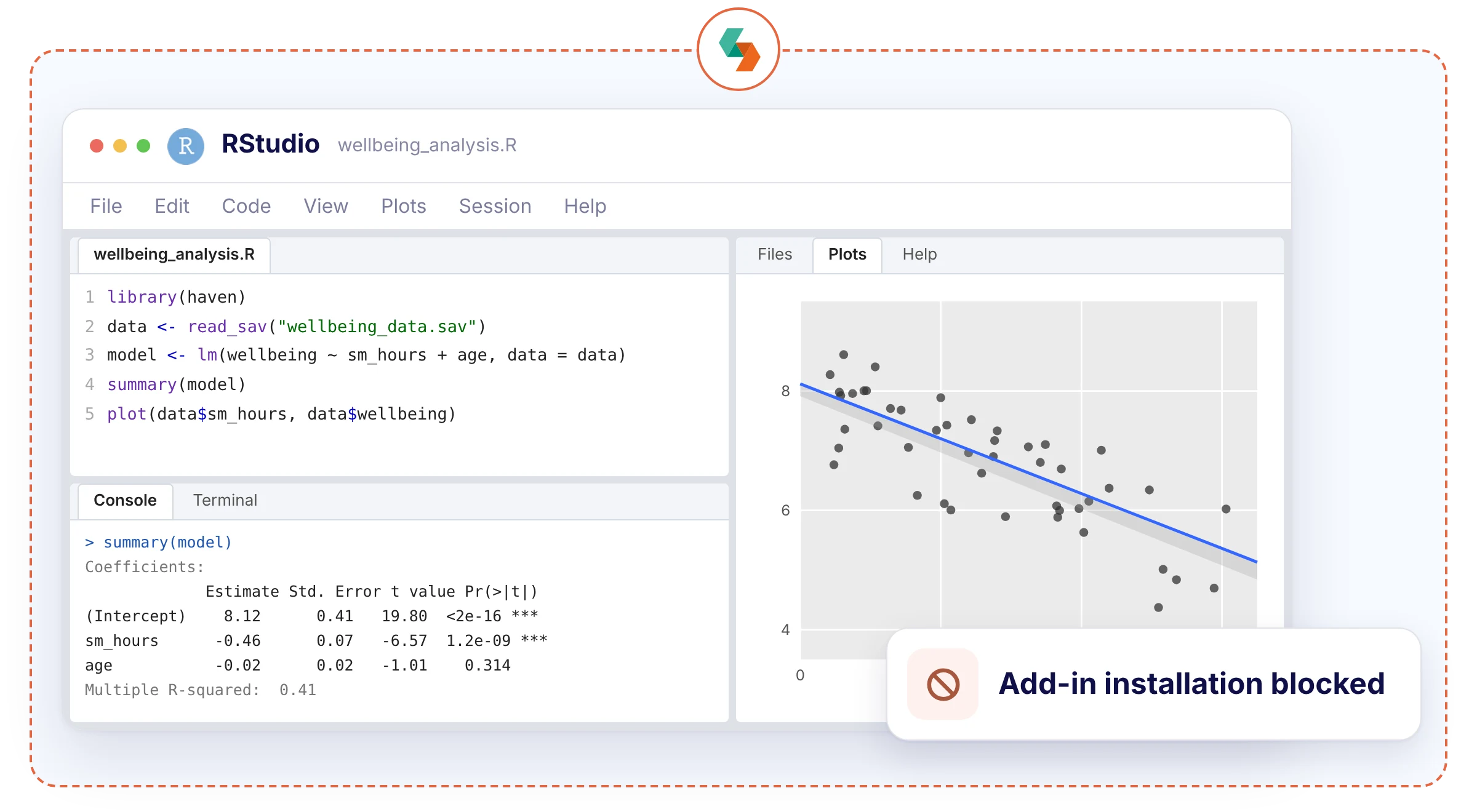
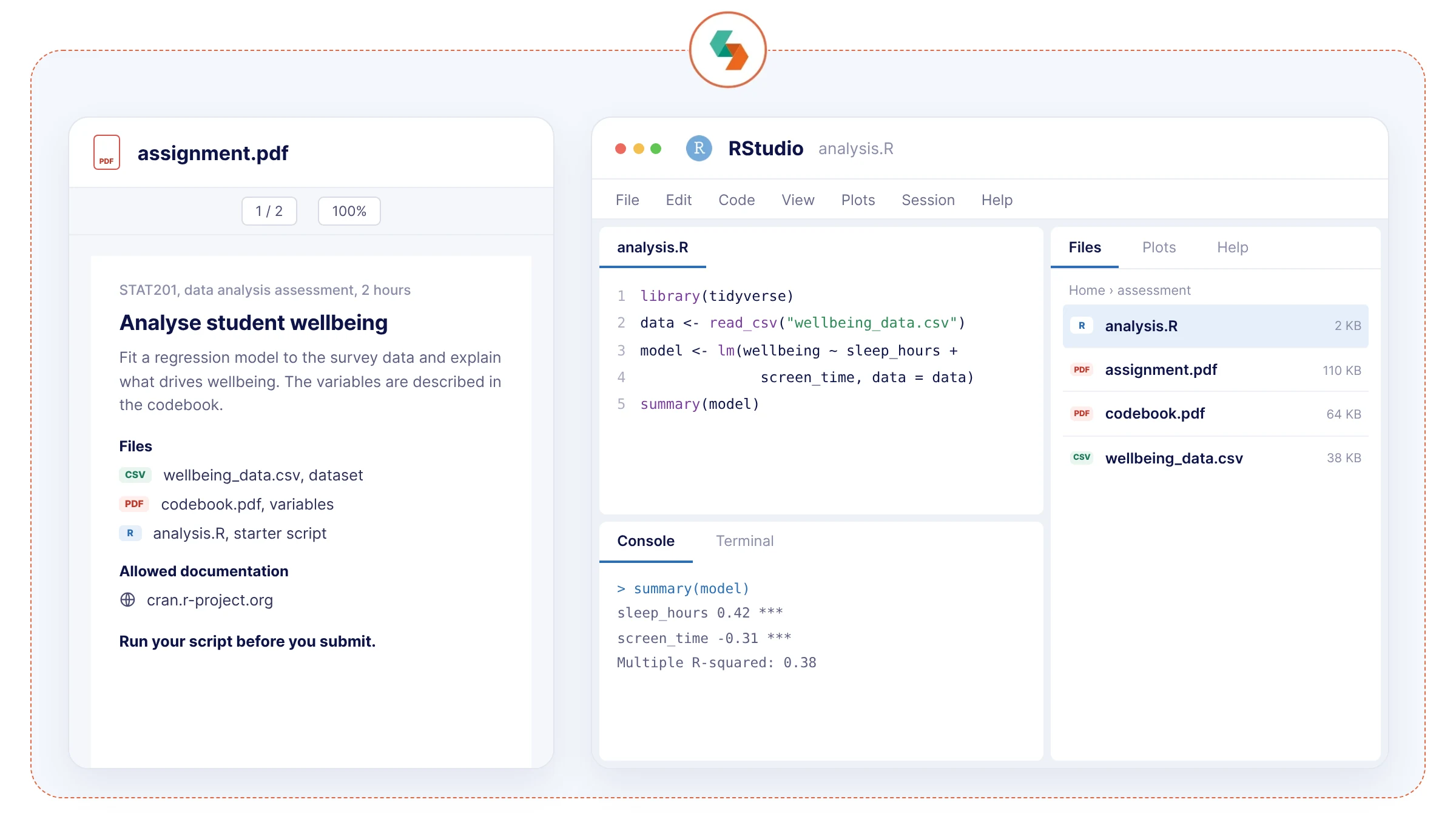
Let students analyse real datasets in RStudio on their own laptops. R scripts, plots and your data work as usual, while Copilot, AI add-ins and new packages stay out of reach.


"With Schoolyear, students can use bookkeeping software, visit the exam site, open and fill in an Excel file, and then write a report about it in Word. All in a secured session, without access to AI or outside resources."




"The teachers are satisfied with the BYOD setup for their Moodle exams. Schoolyear saves us money in the sense that we do not have to have so many computer rooms anymore."

"With Schoolyear, students can use a desktop application during an exam and we can make it AI-proof. This way, we can assess if students have the necessary knowledge themselves."





"We had cases with our previous proctoring setup where we needed to look into whether we were dealing with a cheating case or not. The moment that you're conducting exams in Schoolyear, that is reduced heavily. This is saving us a lot of time."




"We can secure exams proactively instead of after the fact. This creates calm for students, clarity for teachers, and less hassle with the e-invigilators you no longer need."



"Schoolyear makes it possible to do skills assessments with the use of extra applications, like Rstudio, Excel and Matlab. Before, this was only possible with managed computers."
"We wanted to introduce safe and robust digital testing on campus. However, no combination of exam rooms had 800+ computers available at the same time. Schoolyear was the perfect and robust solution that we were looking for, as this allowed us to use the laptops of the students in regular exam rooms."


"We sought a flexible solution for fraud prevention during exams on students' own laptops. Schoolyear allows us to use our educational spaces more flexibly and reduce the need for fixed PC rooms."



"Before the introduction of the Schoolyear, lots of eyes were needed to make sure students didn’t use search engines, chat apps, notes, or email."




Posit Assistant writes and explains R code in a chat, and GitHub Copilot suggests it as students type.
One install.packages() call adds any CRAN package, including add-ins that chat with an AI model.
Code and results saved before the assessment can load automatically the moment RStudio opens.
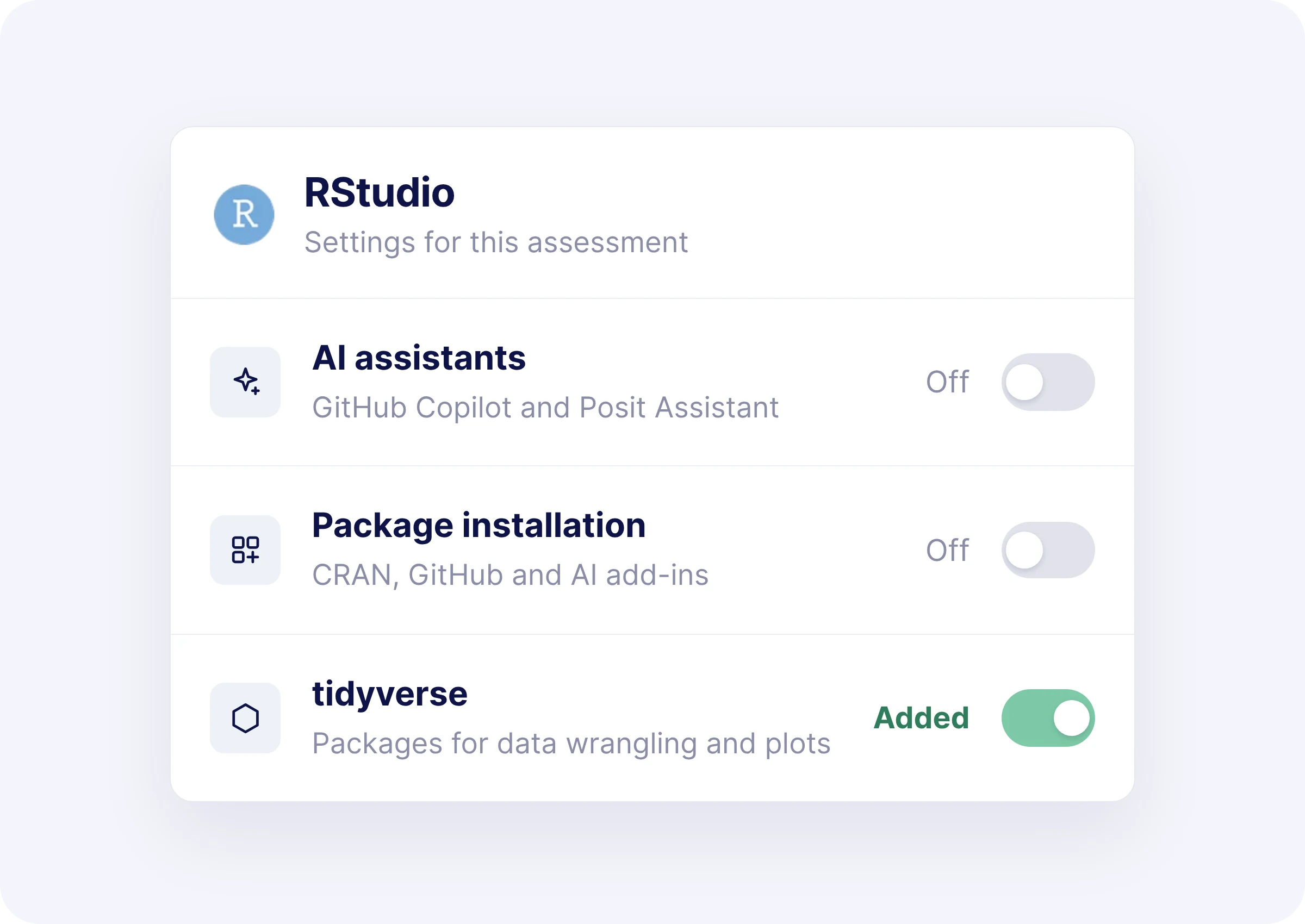
Copilot, Posit Assistant and AI add-ins stay unavailable, unless you choose to allow them.
Students work with the packages you approved, such as tidyverse. Installing anything else isn’t possible.
Students begin without their own startup files, saved workspaces or scripts, and see only the files you add.
Copilot, Posit Assistant and add-ins that call an AI model are switched off during the assessment. Does the analysis need specific packages, such as haven for SPSS files? Your institution adds them to the workspace before the assessment begins.
Students open the dataset, codebook and script template you provide, and explain their method in your LMS or assessment platform, right next to RStudio. Code they saved at home stays out of reach, and your assessment stays in the room, so you can reuse it next year instead of building a new one.
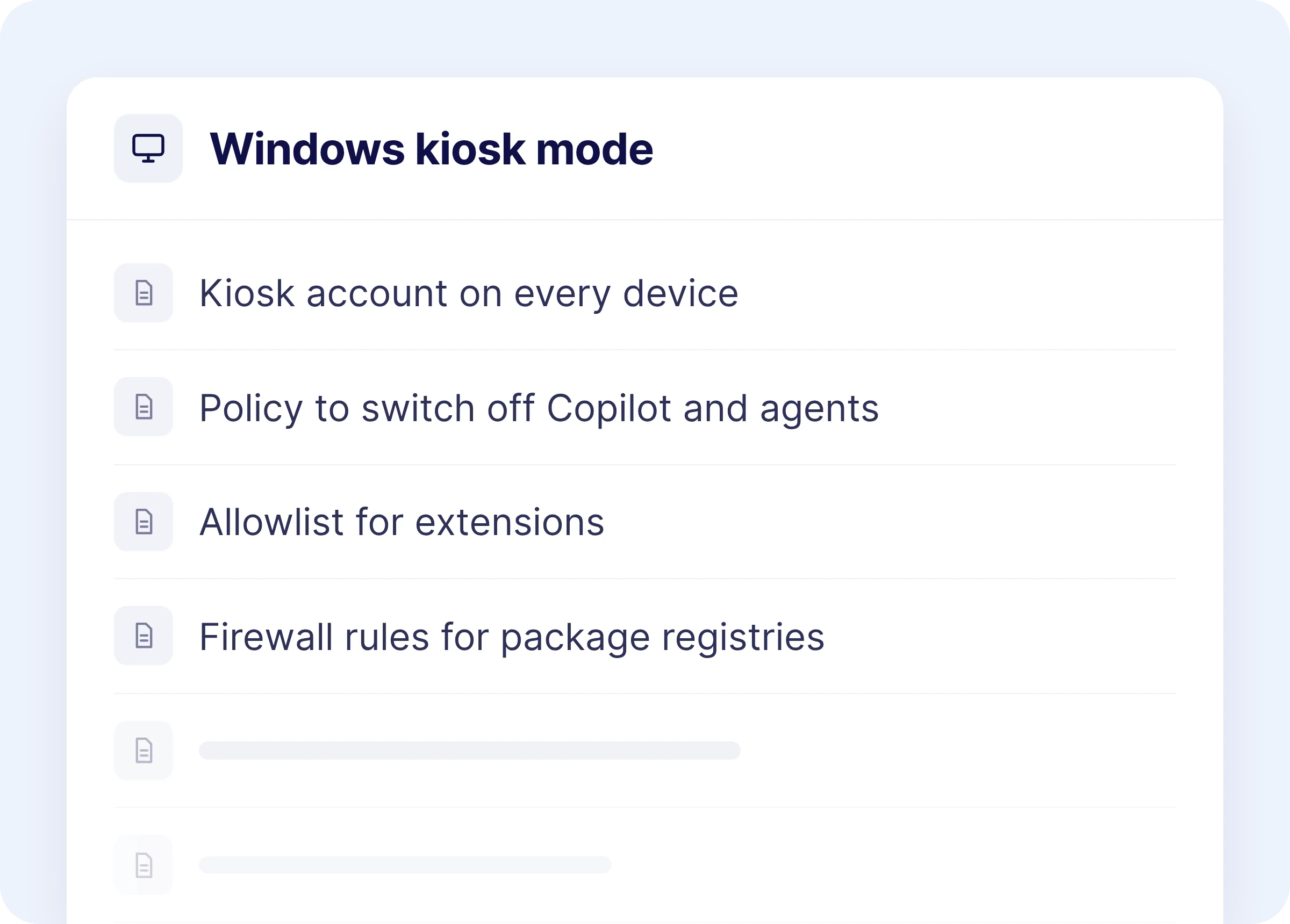
Without a secure assessment workspace, IT has to build complex setups with Group Policies. That only works on managed lab computers, not on students’ own laptops, and a new RStudio release can quietly add AI you thought was locked out.

Run a mixed model on experiment data and report the effect in APA style.

Estimate survival curves for two patient groups and interpret the hazard ratio.

Fit a panel regression on firm data and explain what the coefficients mean.

Analyze field measurements with a generalized linear model and plot the trends.
"With Schoolyear, students can use a desktop application during an exam and we can make it AI-proof. This way, we can assess if students have the necessary knowledge themselves."


When AI is built into browsers, apps, and operating systems, a traditional lockdown browser is no longer enough. Schoolyear uses five security layers to keep assessments open to the tools you allow and closed to everything else.

Schoolyear replaces the student's desktop before the assessment starts. AI overlays, messaging apps, screen sharing, remote access: blocked, not detected afterwards.
Assessments run in a clean, purpose-built environment that students can’t customize, extend or bypass with browser tricks. The assessment never runs in the environment the student controls.
Applications and files used during the assessment don’t run locally on the student’s device. They’re isolated from personal storage, cloud drives and local AI features.
When a restriction is triggered or a bypass is attempted, it’s logged and signalled in real time. You can always see whether the lockdown is intact, during the assessment and afterwards.
Bypass techniques keep evolving, so Schoolyear’s security is updated as soon as new ones emerge. Updates are deployed automatically, with no action needed from students or educators.


Our experts are ready to help you explore
the benefits of Schoolyear.