Schoolyear is one of the partners that collaborated with Microsoft on Windows baseline protection. Before an exam starts, Schoolyear can ask Windows whether a student’s device has its key security protections in place.
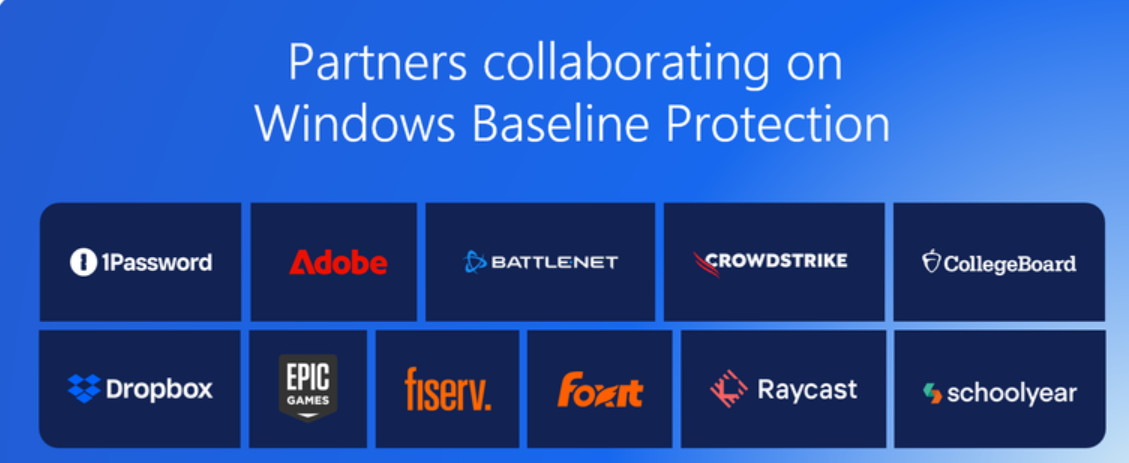
Schoolyear is one of the partners that collaborated with Microsoft on Windows baseline protection, announced on the Windows IT Pro Blog. Other partners include 1Password, Adobe, CrowdStrike, Dropbox and Epic Games.
Windows baseline protection checks whether a device's key security protections are in place, like Secure Boot and memory integrity. Windows reports them as one verifiable security state that apps can check. It is available in preview through the Windows Insider Program, with general availability planned for 2027.
When students take exams on their own laptops, institutions need to trust the device. Until now, every app that needed that trust ran its own checks. A banking app looks for a TPM chip, anti-cheat software checks driver signing, exam software verifies Secure Boot.
Windows baseline protection replaces those separate checks with one question: does this device meet the baseline? Windows enforces the protections from boot onward, and turning any of them off requires a restart. Before an exam starts, Schoolyear can ask Windows that question, and if the answer is no, Windows shows the student which protections to fix.
Schoolyear then handles the exam itself: it locks the device and controls what students can reach inside the apps they're assessed in. Microsoft plans to add criteria in future versions as the security bar rises.
About Schoolyear
Schoolyear lets universities and colleges run secured assessments on students' own laptops or managed devices. Students can also work in the real apps of their field, like Excel, Python and RStudio, while educators decide what's available inside them: AI assistants, files and add-ins. Schoolyear launches from the institution's LMS or assessment platform, such as Canvas, Moodle or Blackboard.
Customers include University of Melbourne, NAIT, TU Delft, and UNSW Sydney.
To see how Schoolyear works for your assessments, book a demo.
Share this