Solutions
Assessment delivery

Assessment types
Integrations
Restore assurance of learning with secure, in-person assessments. Let students work in the software and resources your course requires, while you control what they can reach inside them, AI included.

"With Schoolyear, students can use bookkeeping software, visit the exam site, open and fill in an Excel file, and then write a report about it in Word. All in a secured session, without access to AI or outside resources."




"The teachers are satisfied with the BYOD setup for their Moodle exams. Schoolyear saves us money in the sense that we do not have to have so many computer rooms anymore."

"With Schoolyear, students can use a desktop application during an exam and we can make it AI-proof. This way, we can assess if students have the necessary knowledge themselves."


"Schoolyear was really the only larger player on the market offering the ability to secure assessments on managed Chromebooks."



"We had cases with our previous proctoring setup where we needed to look into whether we were dealing with a cheating case or not. The moment that you're conducting exams in Schoolyear, that is reduced heavily. This is saving us a lot of time."




"We can secure exams proactively instead of after the fact. This creates calm for students, clarity for teachers, and less hassle with the e-invigilators you no longer need."



"Schoolyear makes it possible to do skills assessments with the use of extra applications, like Rstudio, Excel and Matlab. Before, this was only possible with managed computers."

"We wanted to introduce safe and robust digital testing on campus. However, no combination of exam rooms had 800+ computers available at the same time. Schoolyear was the perfect and robust solution that we were looking for, as this allowed us to use the laptops of the students in regular exam rooms."


"We sought a flexible solution for fraud prevention during exams on students' own laptops. Schoolyear allows us to use our educational spaces more flexibly and reduce the need for fixed PC rooms."



"Before the introduction of the Schoolyear, lots of eyes were needed to make sure students didn’t use search engines, chat apps, notes, or email."




An essay, a report or a calculation can now be produced by AI in minutes, in the student’s own style.
AI detectors can flag honest work and rarely offer clear evidence, which makes a suspicion hard to act on.
Moving back to written, pen and paper tests what students remember, not what they can do with the tools of their field.
When you need to know what a student can do on their own, add a secured assessment under your conditions.
Students work in Excel, RStudio, or VS Code and consult the files or websites you choose.
Block AI completely. Or allow it, when working with AI is what you’re assessing.
Assess your students’ thinking and doing in the software of your course, from a financial model in Excel to an analysis in RStudio.
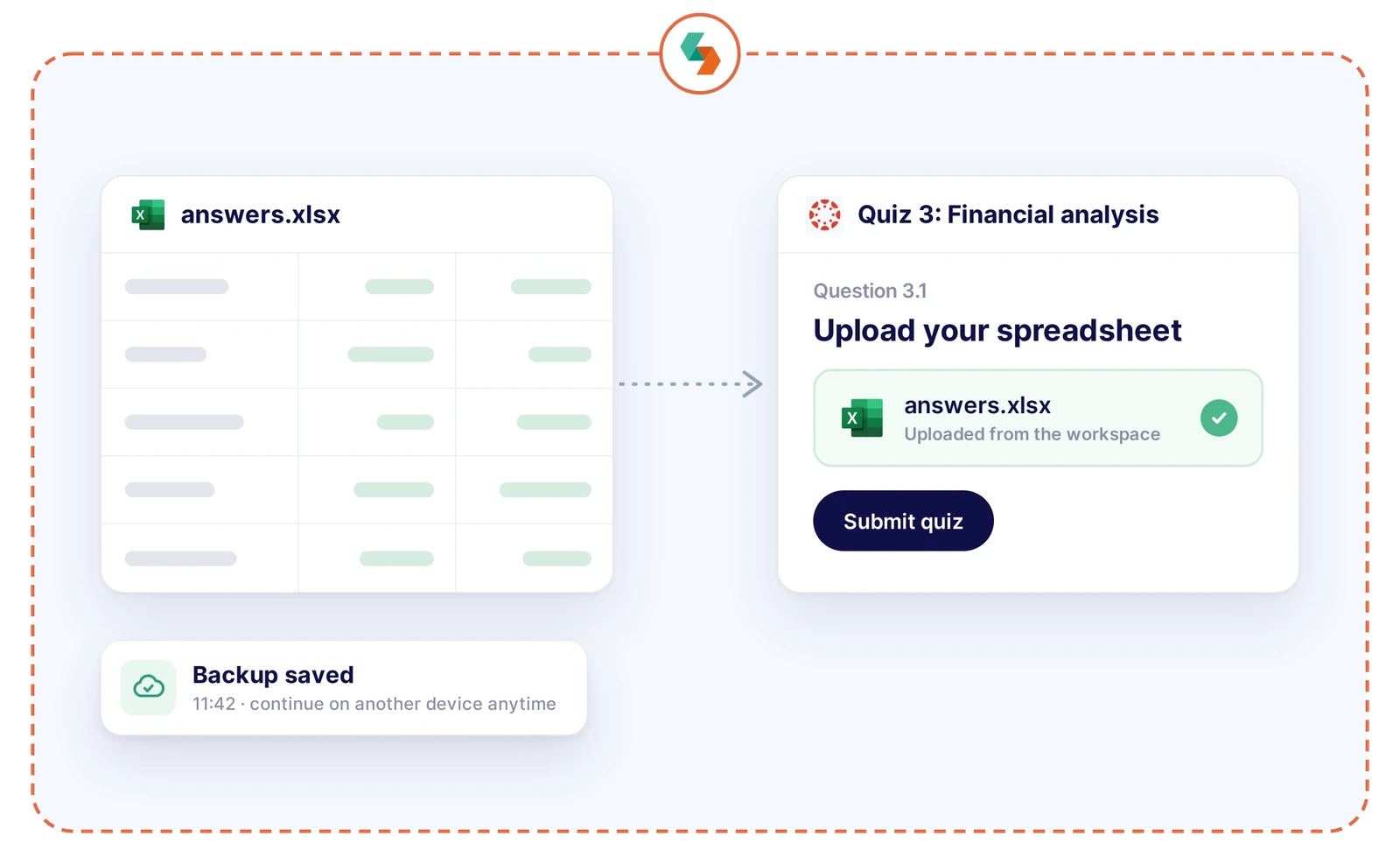
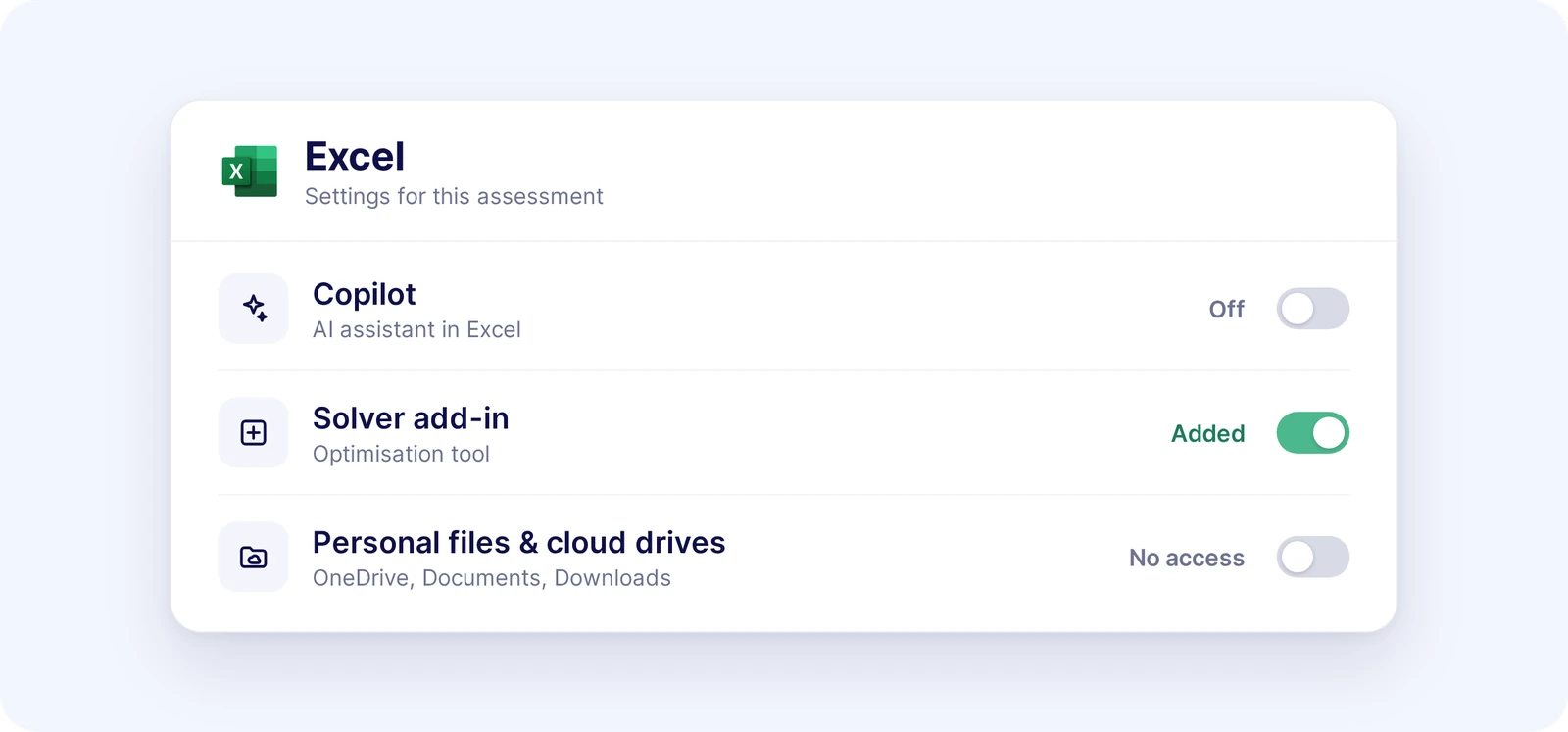
Students work with the apps of their field, and you decide what is accessible inside them. Take Excel: Copilot off, the Solver add-in on, and no access to personal files or cloud drives.
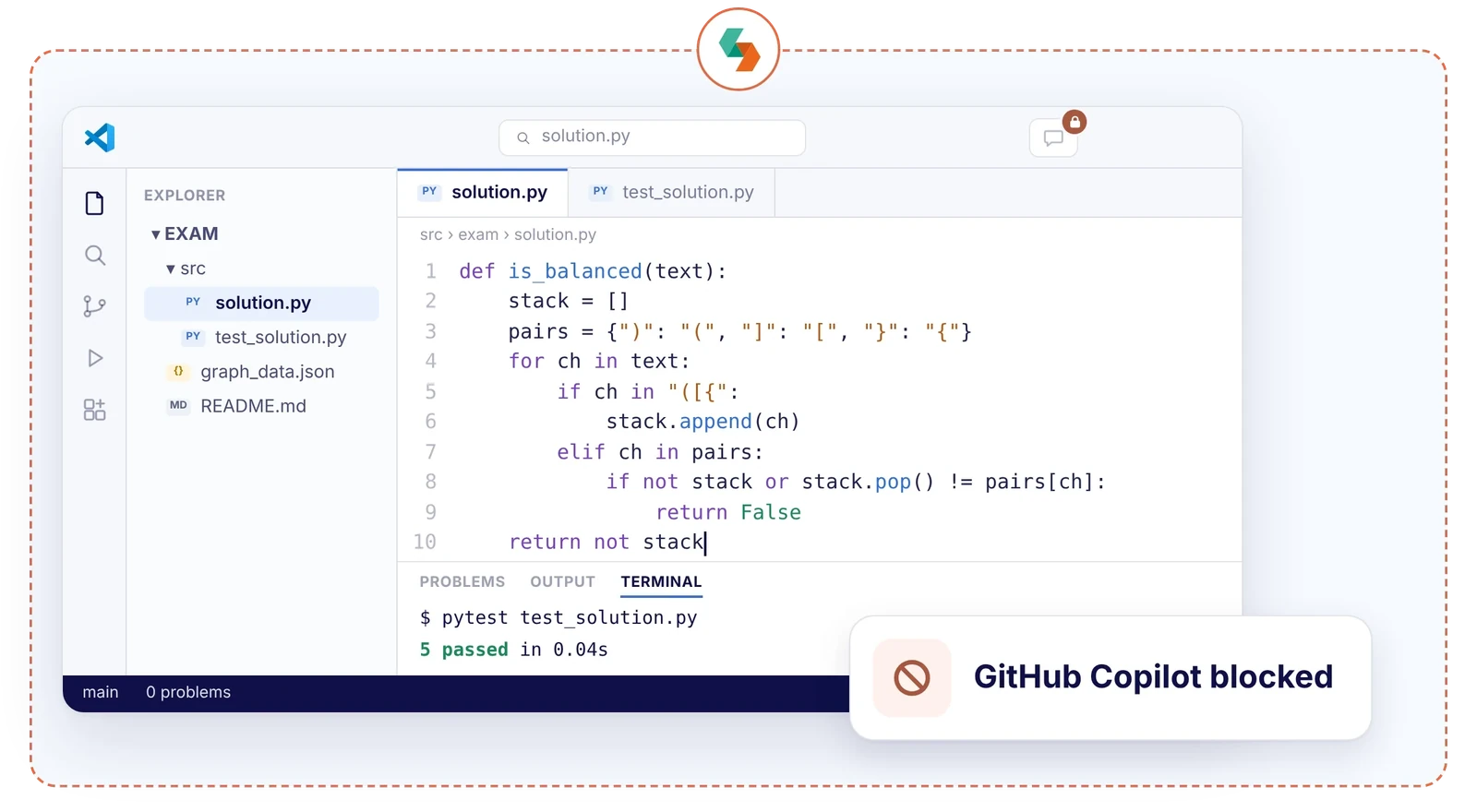
More and more apps come with a built-in AI assistant. Allow it when working with AI is part of what students need to learn. Switch it off when you want to see what they can do on their own.


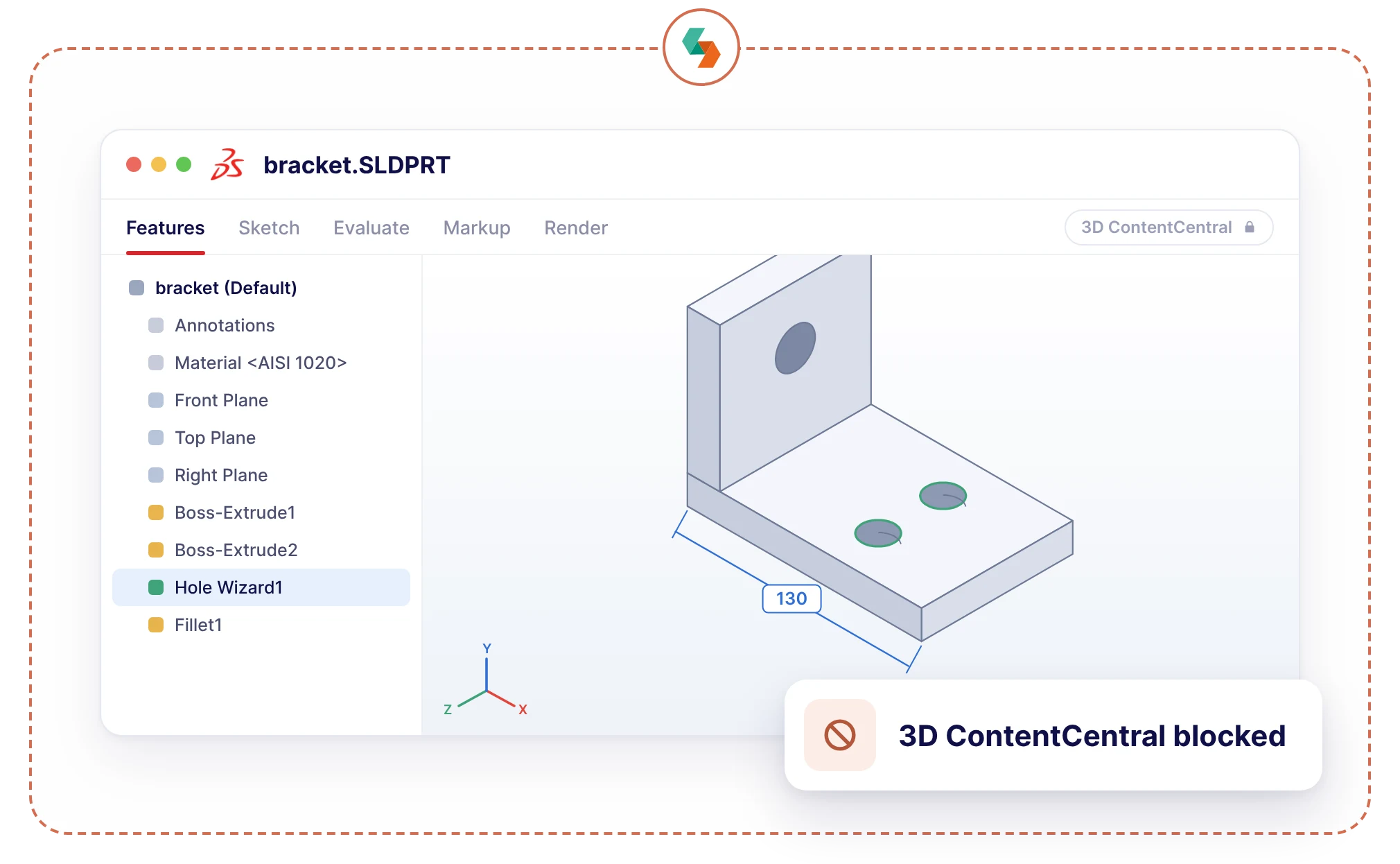
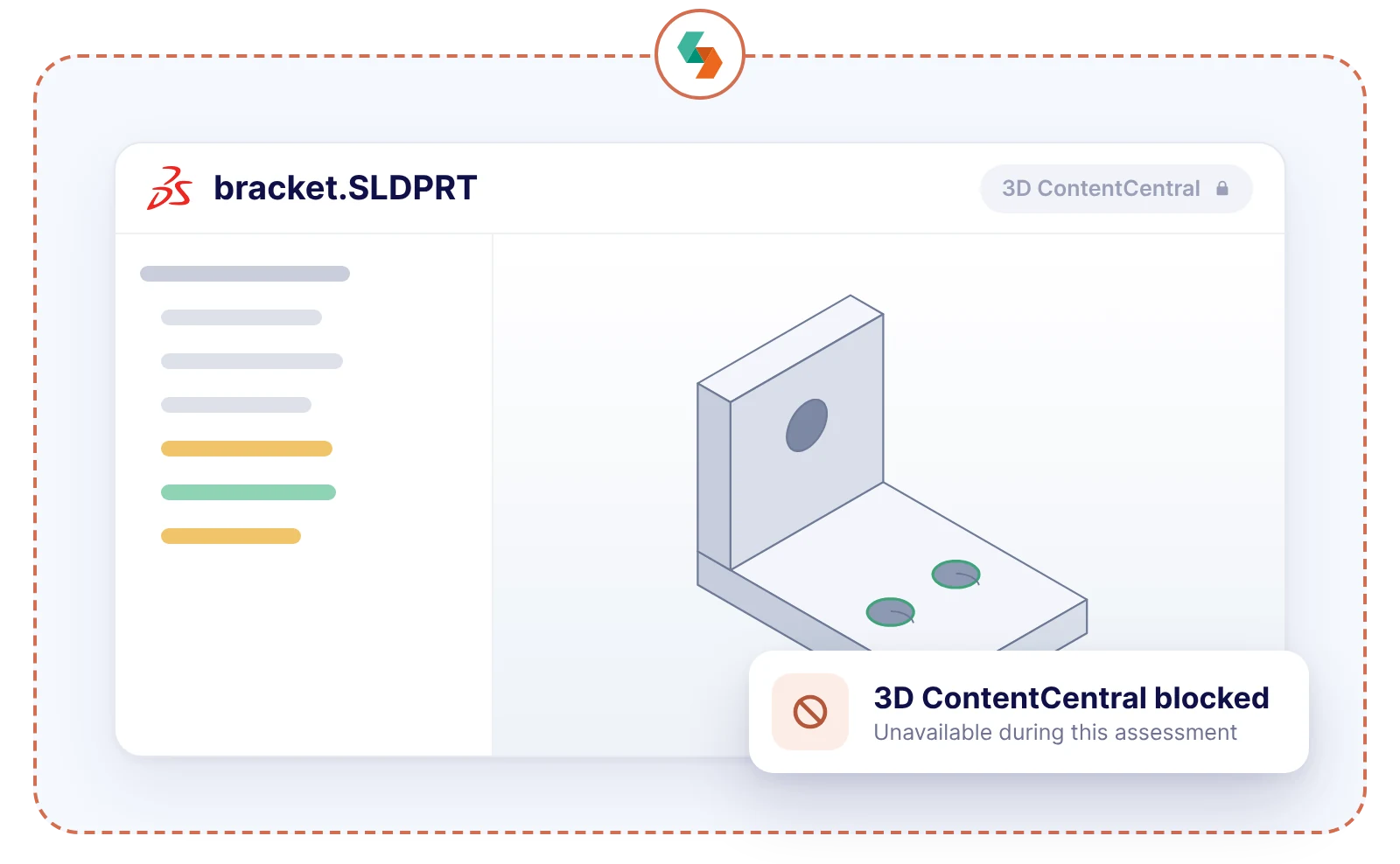
Assess design skills in the CAD software students actually use, without downloaded parts doing the work for them.
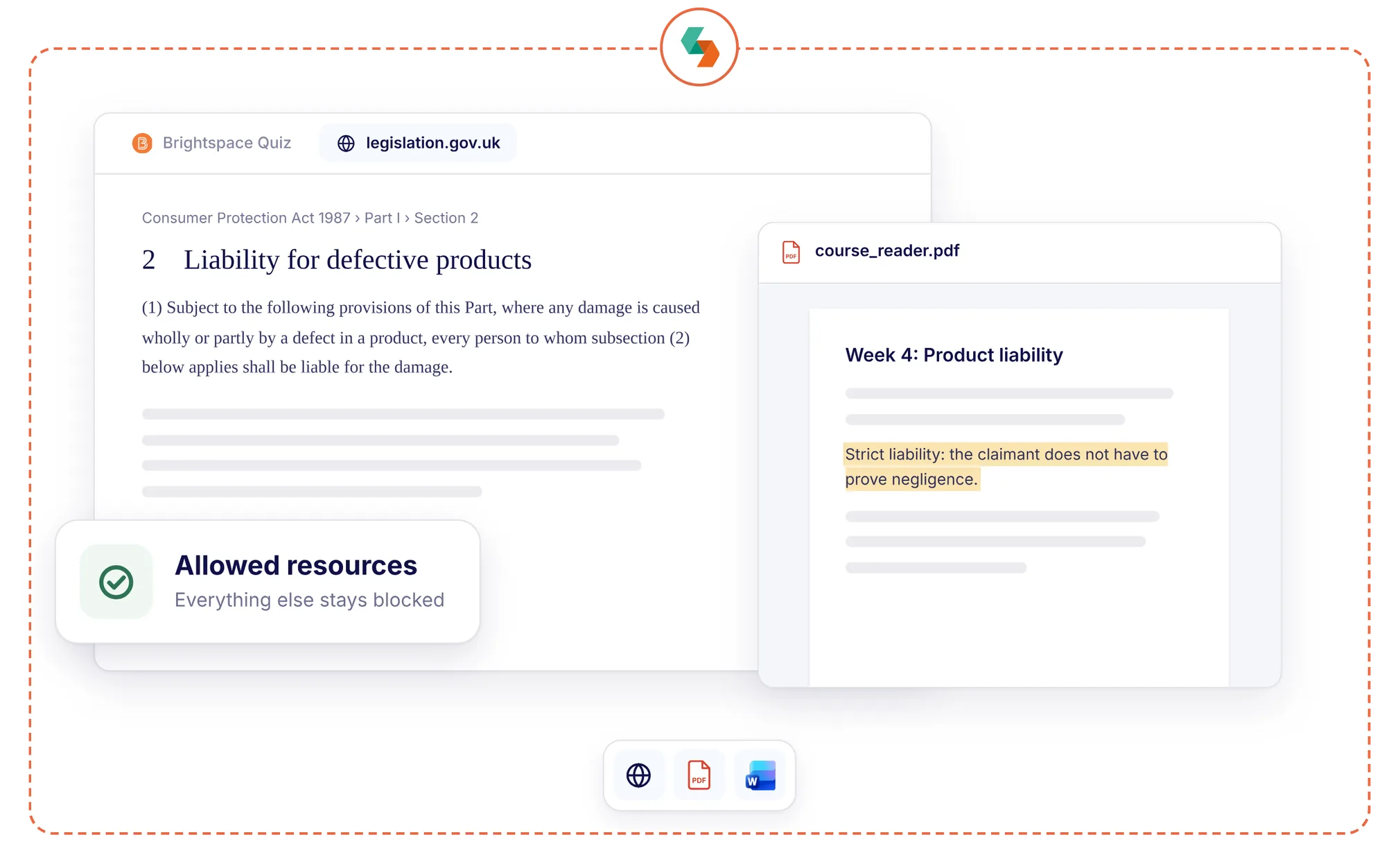
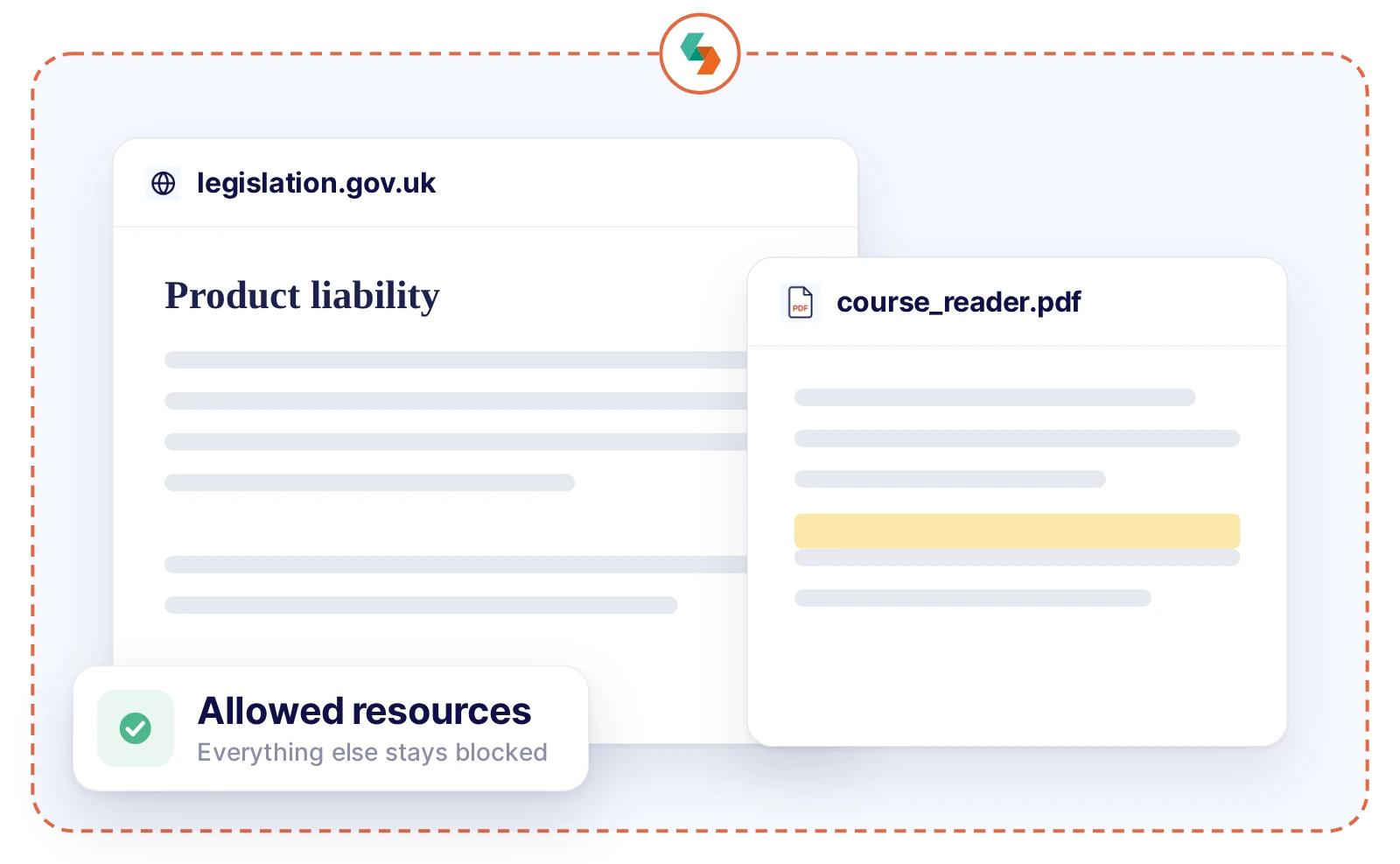
Open book exams without opening up the entire internet. Allow exactly the resources you choose: course materials, selected websites, students' own notes and, if you want, an approved AI tool.
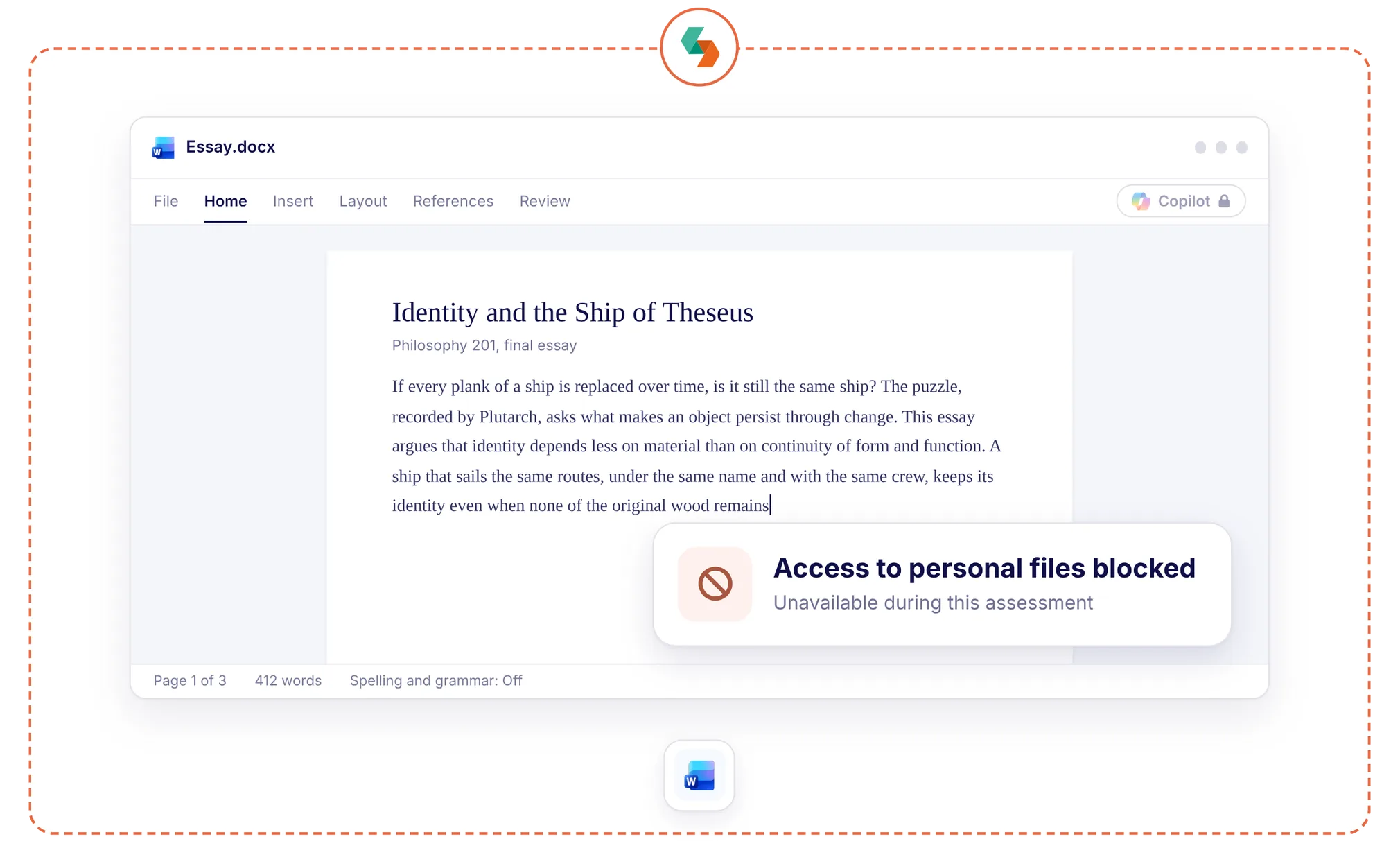
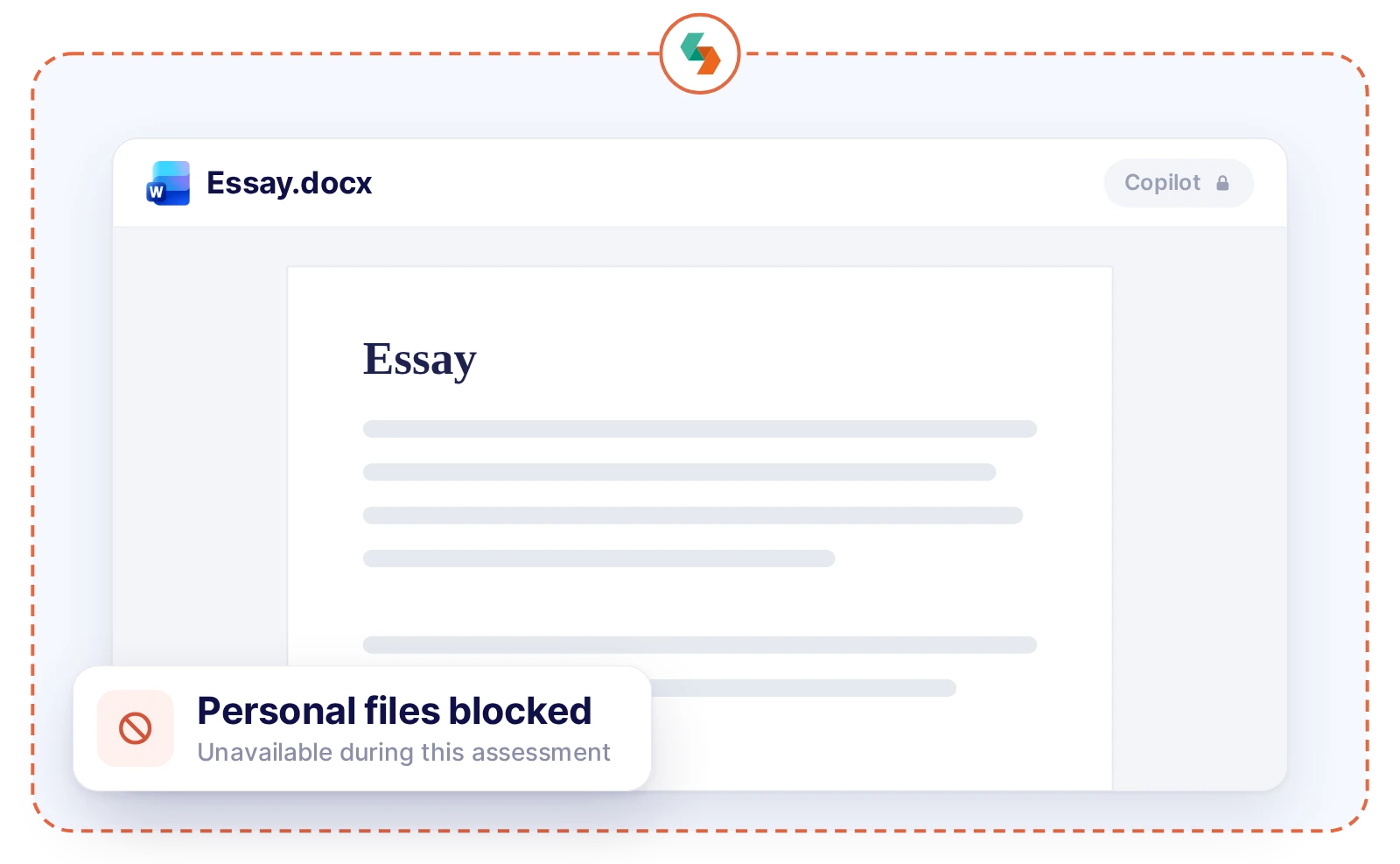
In-person essays, in the browser or a full word processor. You decide whether spellcheck, grammar suggestions or an AI writing tool belong in the assignment. Everything else stays out.
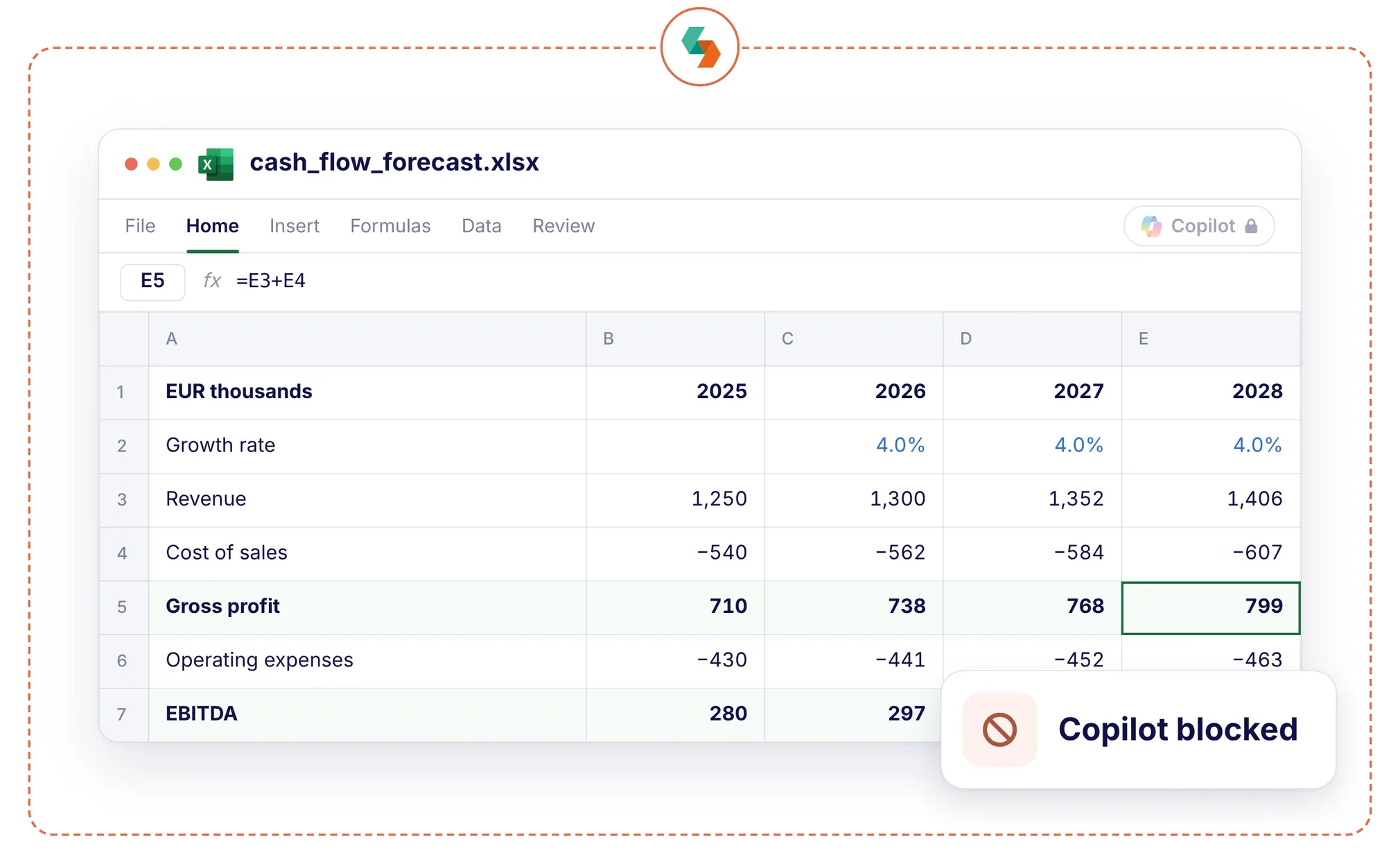
Let students solve accounting, finance and business cases in Excel. You see the formulas behind every number, and decide whether Copilot belongs in the assessment.
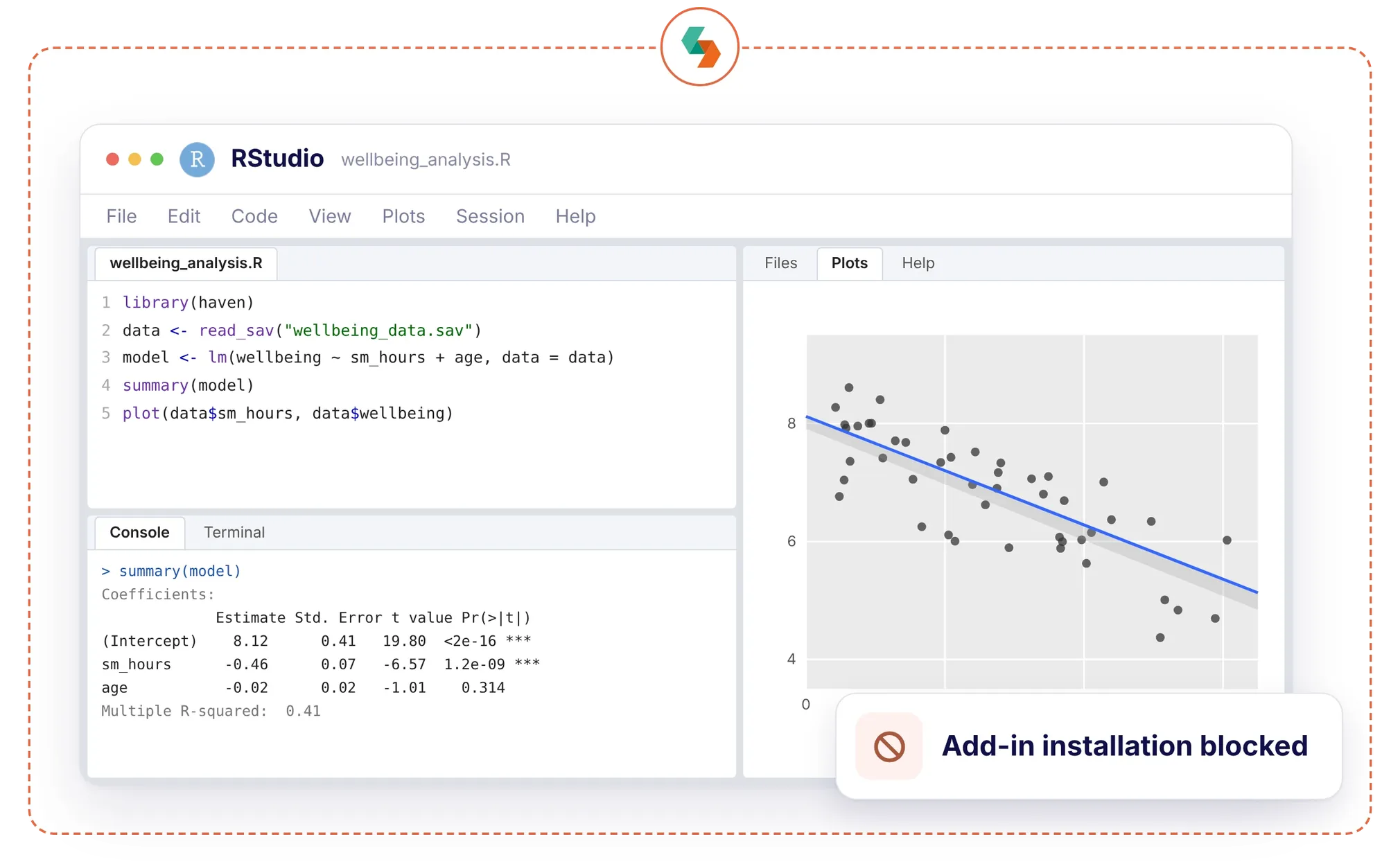
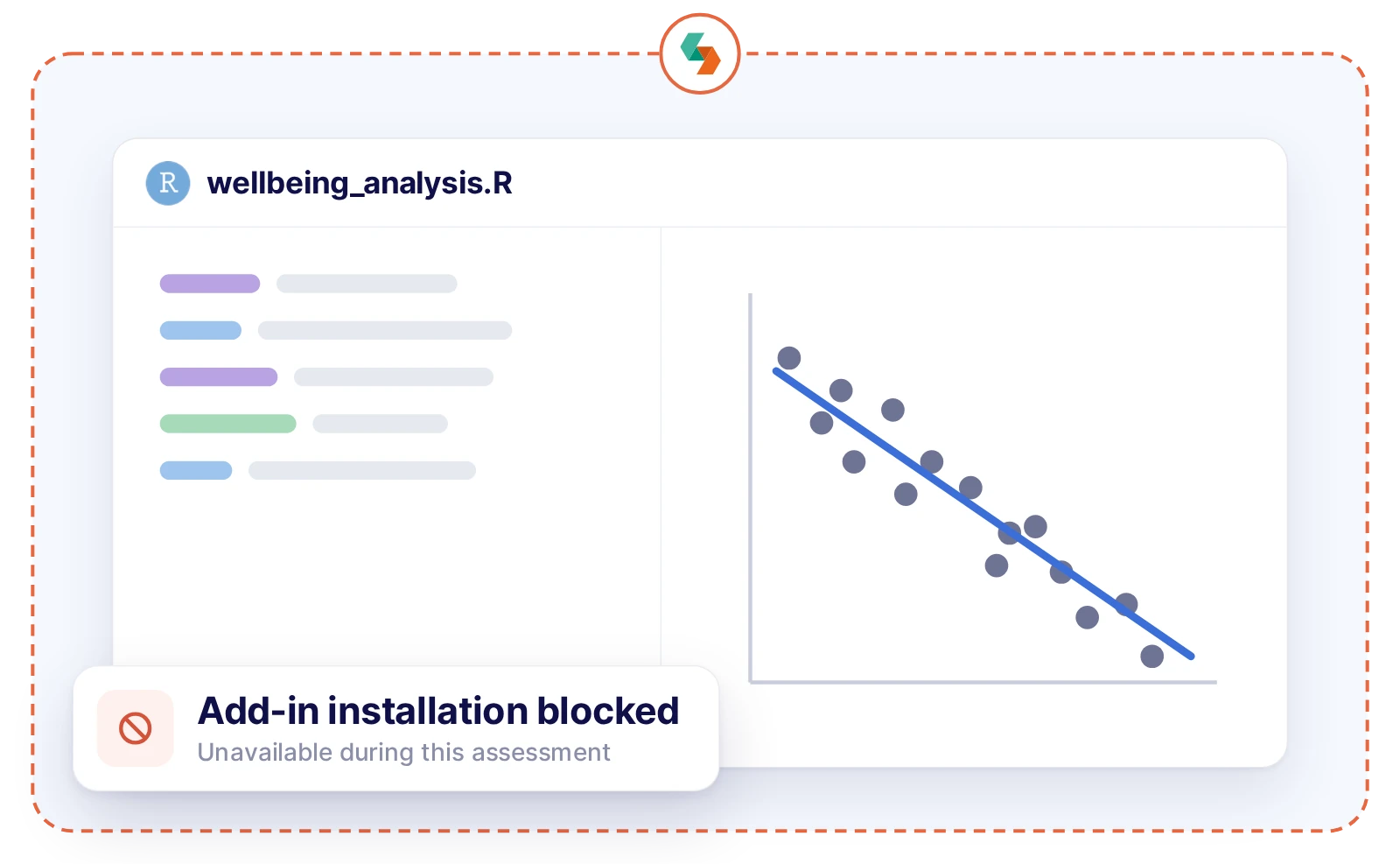
Let students analyze real datasets in SPSS, R or Stata. Keep AI assistants and add-ins out, or allow the one you see fit, while personal files stay out of reach.
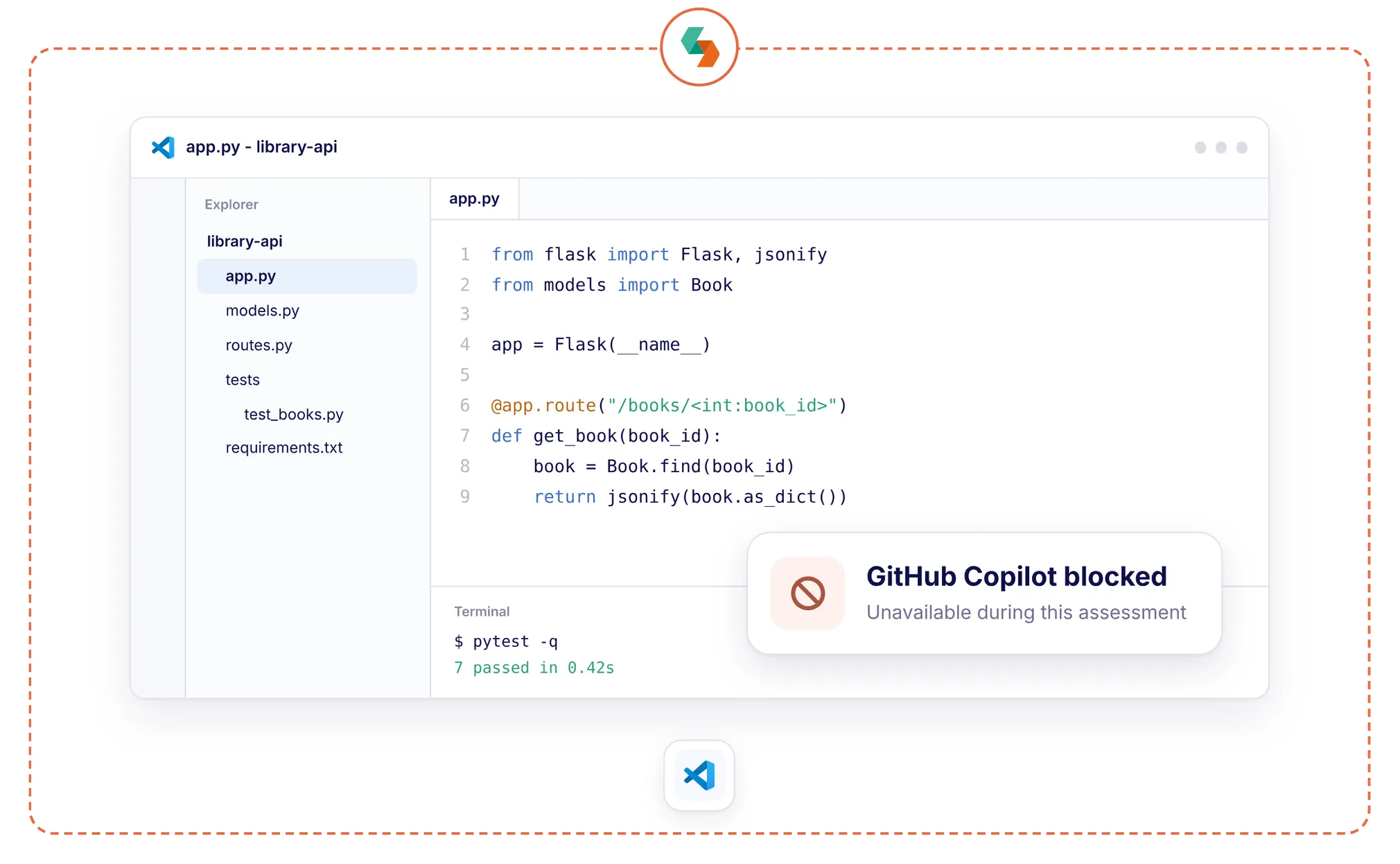
Assess real coding skills in a real IDE, not with pen and paper. Turn autocomplete and AI assistants off to see what students write themselves, or on when working with them is part of the skill.
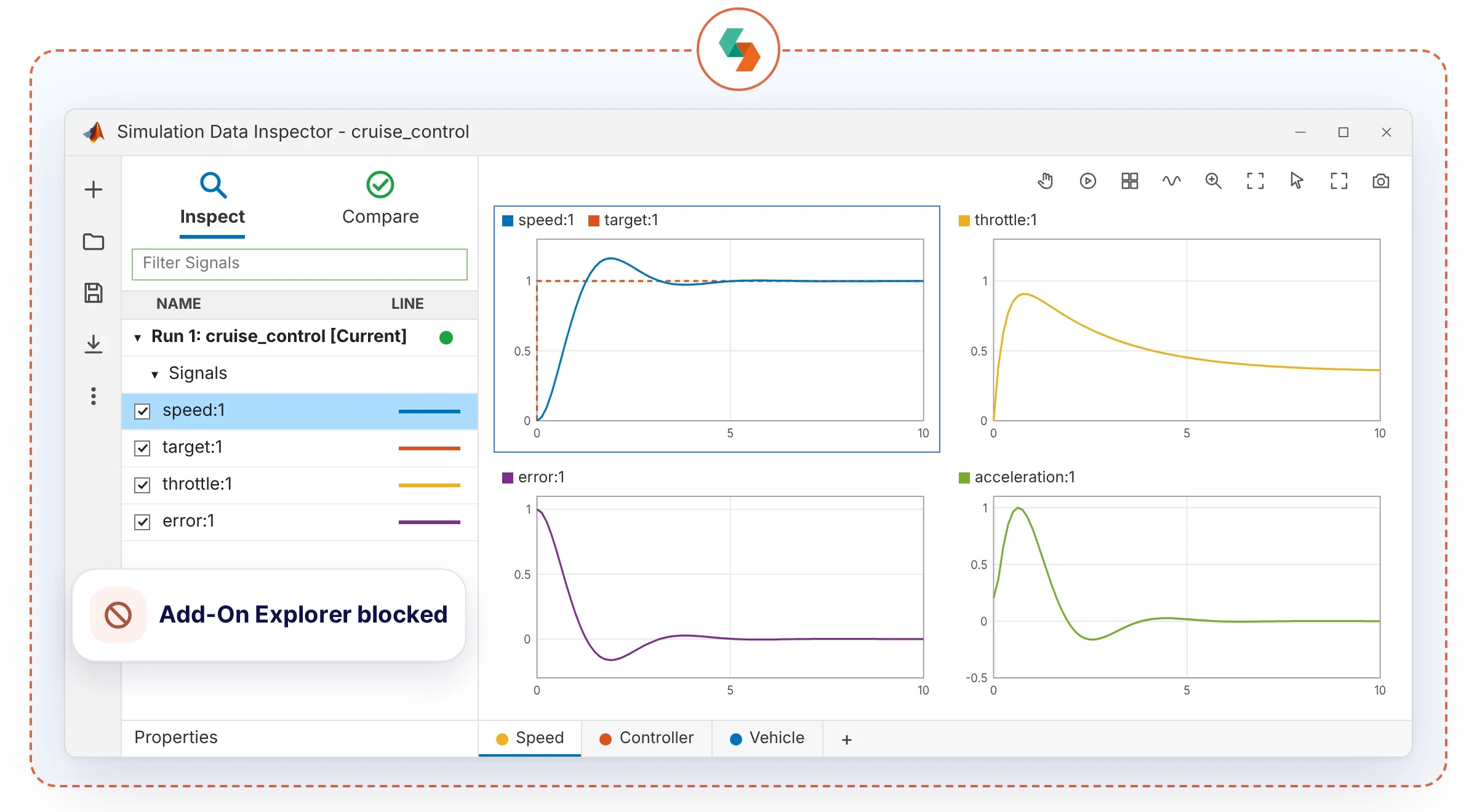
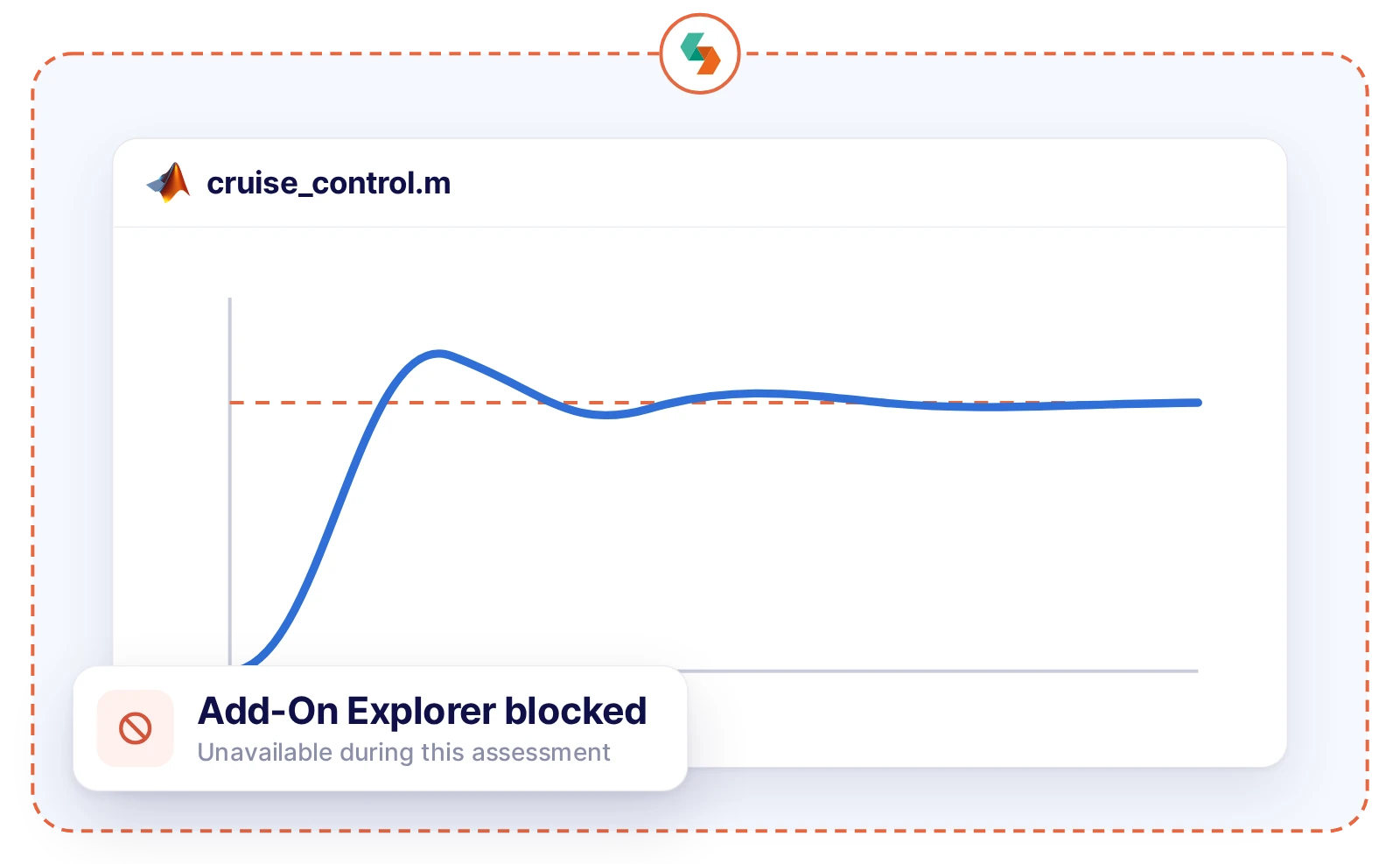
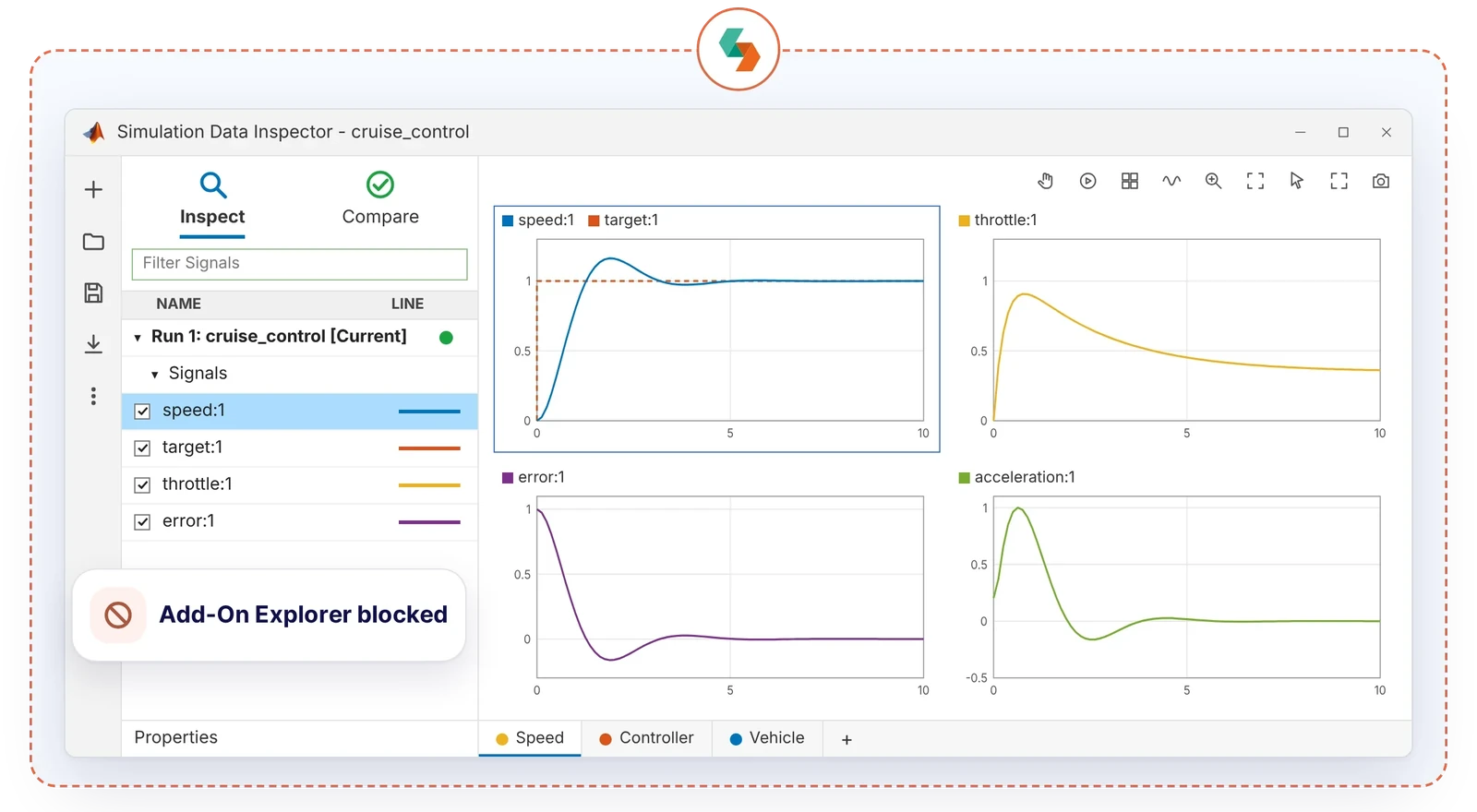
Let students build and test models in MATLAB, Simulink or Ansys. Give them the starter model and data they need, while unapproved add-ons and personal files stay out of reach.
"With Schoolyear, students can use a desktop application during an exam and we can make it AI-proof. This way, we can assess if students have the necessary knowledge themselves."

"With Schoolyear, students can use bookkeeping software, visit the exam site, open and fill in an Excel file, and then write a report about it in Word. All in a secured session, without access to AI or outside resources."


Our experts are ready to help you explore
the benefits of Schoolyear.