
Solutions
Assessment delivery

Assessment types
Integrations
Computer labs, student laptops or both: Schoolyear secures every assessment on every device. Use one setup across your LMS and assessment platforms.

"With Schoolyear, students can use bookkeeping software, visit the exam site, open and fill in an Excel file, and then write a report about it in Word. All in a secured session, without access to AI or outside resources."




"The teachers are satisfied with the BYOD setup for their Moodle exams. Schoolyear saves us money in the sense that we do not have to have so many computer rooms anymore."

"With Schoolyear, students can use a desktop application during an exam and we can make it AI-proof. This way, we can assess if students have the necessary knowledge themselves."


"Schoolyear was really the only larger player on the market offering the ability to secure assessments on managed Chromebooks."




"We had cases with our previous proctoring setup where we needed to look into whether we were dealing with a cheating case or not. The moment that you're conducting exams in Schoolyear, that is reduced heavily. This is saving us a lot of time."




"We can secure exams proactively instead of after the fact. This creates calm for students, clarity for teachers, and less hassle with the e-invigilators you no longer need."



"Schoolyear makes it possible to do skills assessments with the use of extra applications, like Rstudio, Excel and Matlab. Before, this was only possible with managed computers."

"We wanted to introduce safe and robust digital testing on campus. However, no combination of exam rooms had 800+ computers available at the same time. Schoolyear was the perfect and robust solution that we were looking for, as this allowed us to use the laptops of the students in regular exam rooms."


"We sought a flexible solution for fraud prevention during exams on students' own laptops. Schoolyear allows us to use our educational spaces more flexibly and reduce the need for fixed PC rooms."



"Before the introduction of the Schoolyear, lots of eyes were needed to make sure students didn’t use search engines, chat apps, notes, or email."



Every faculty has its own apps, formats and security levels, from a quick quiz to a final exam. IT has to support all of them.
Locking down managed computers with Group Policies and custom settings, means a lot of manual work.
Students are admin of their own device, so IT can’t lock it down like a managed computer.
Knowledge tests and authentic assessments, formative and summative, secured to the same standard.
The same security on managed computers and student laptops, so nothing differs per lab, per laptop or per platform.
Schoolyear secures the exam just as reliably on devices you don’t own.
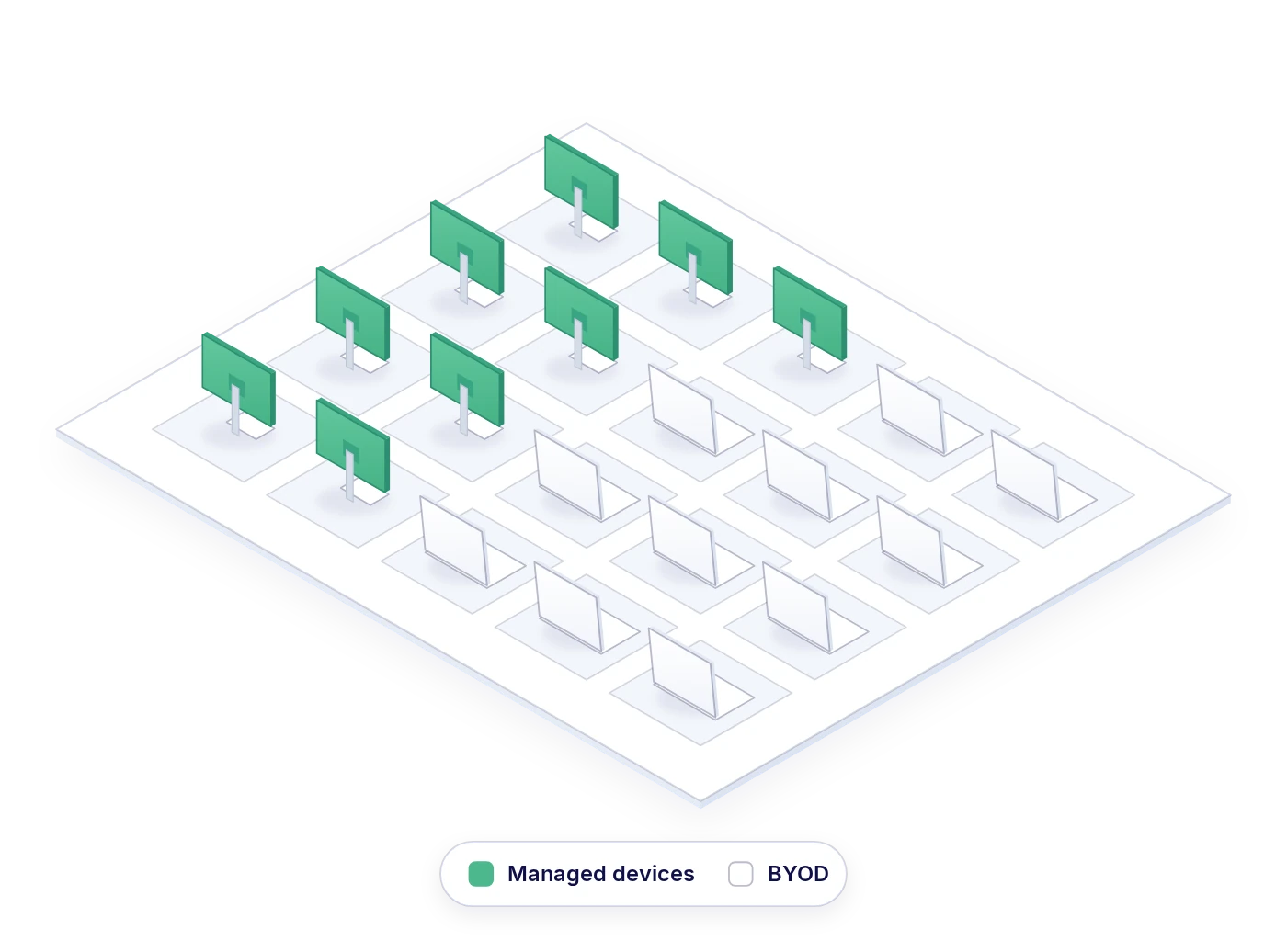
Schoolyear secures managed computers, student-owned laptops or a mix of both, with the same reliable security on every device.
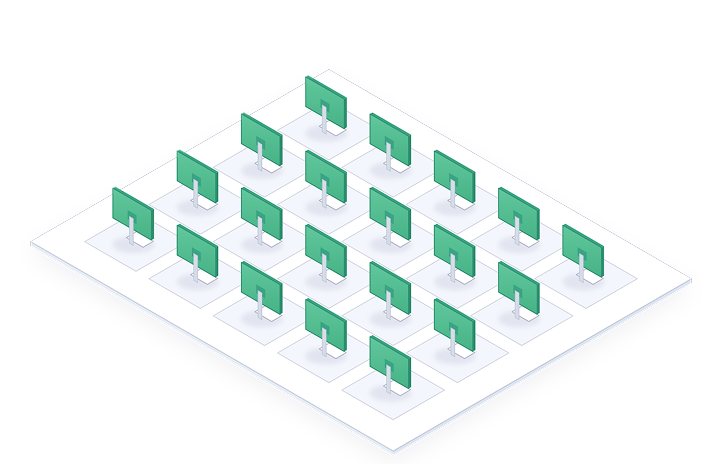
Lock down every managed computer in your lab for the duration of an assessment.
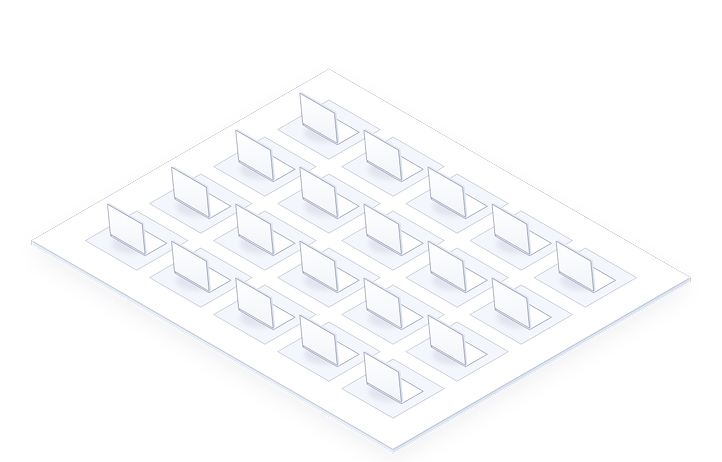
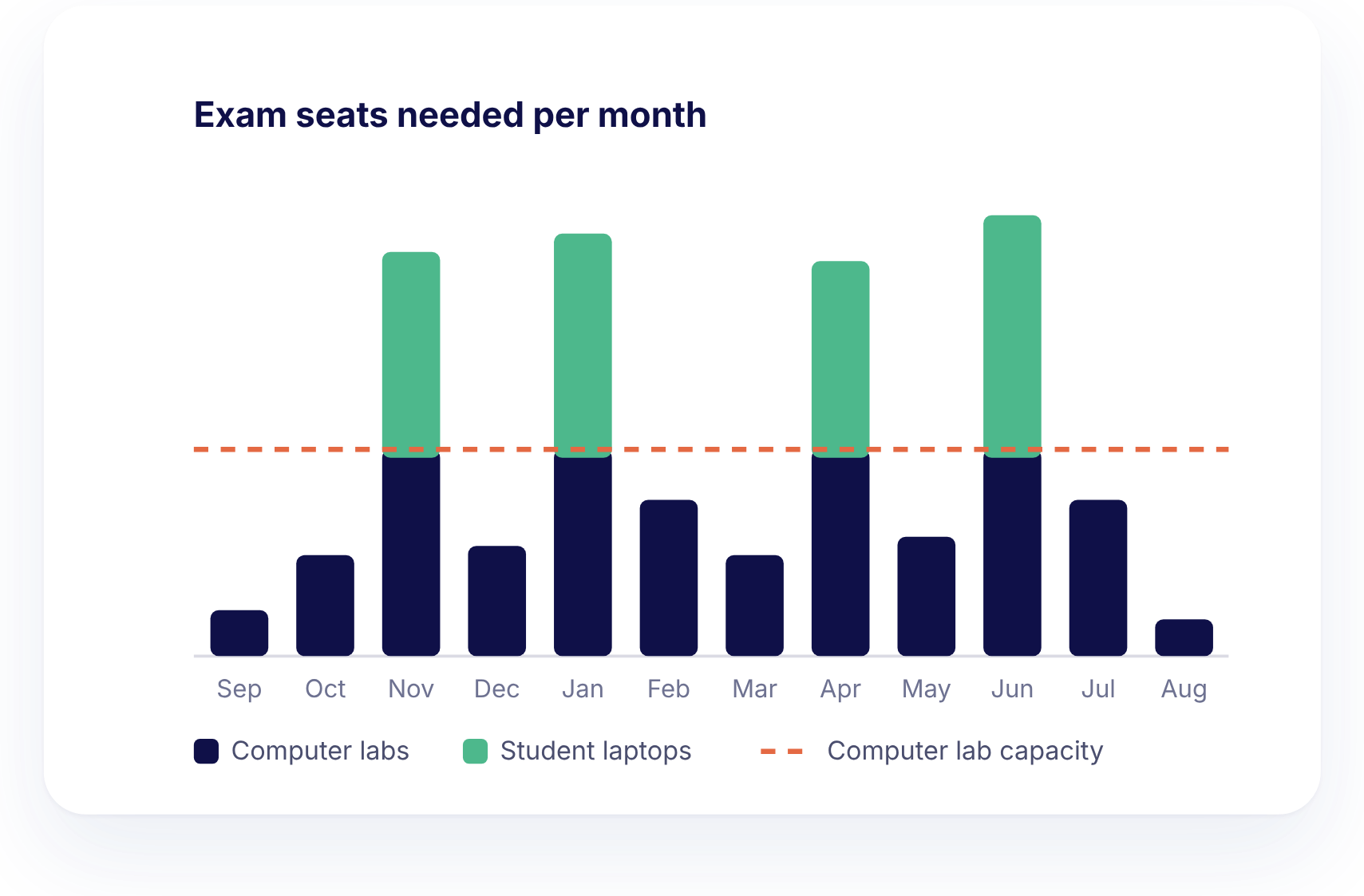
Exam demand isn’t steady: a few weeks a year need many times the seats of a normal week. Use your computer labs for everyday assessment and let student laptops absorb the peaks, with exactly the same security.
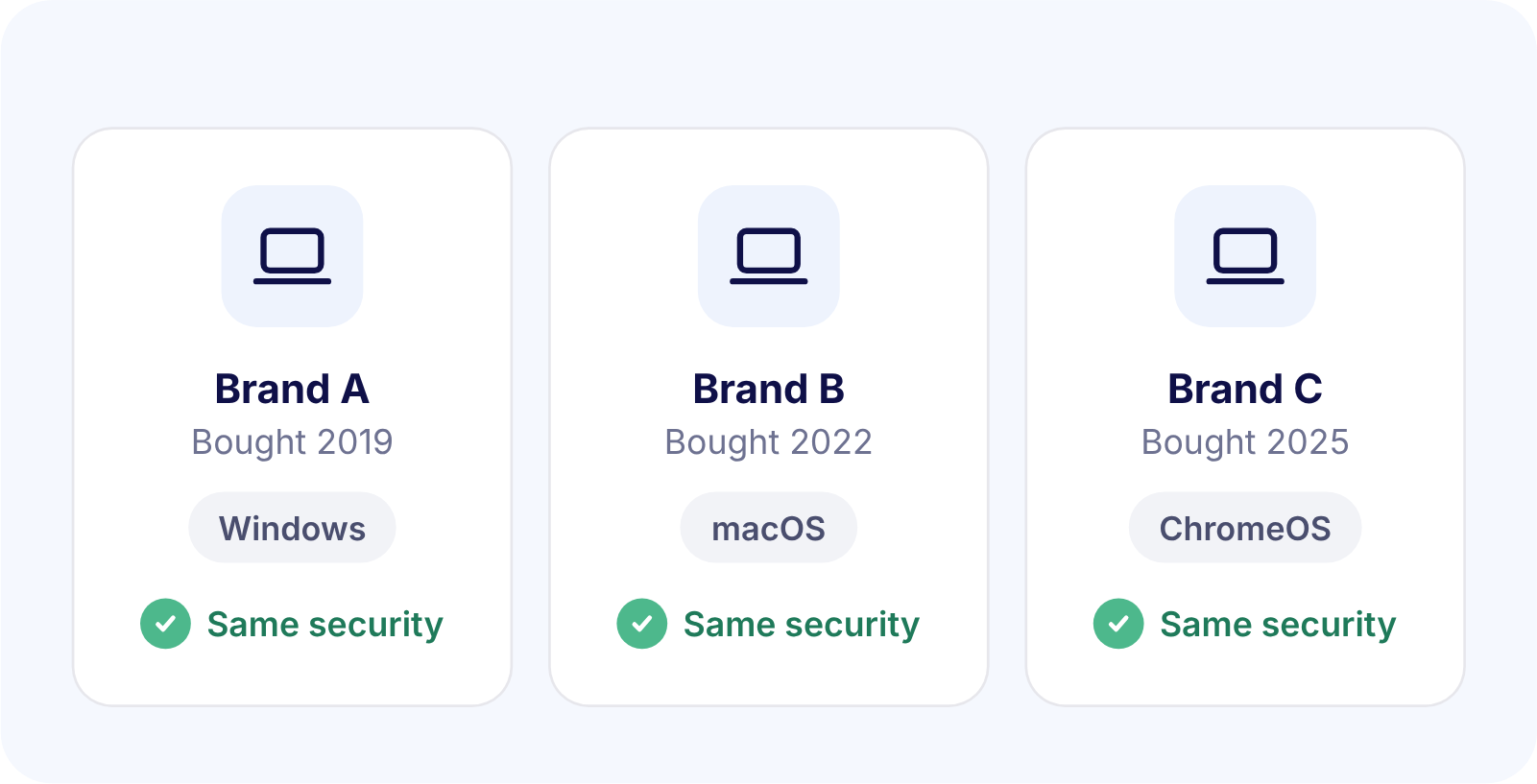
Schools buy devices at different moments, and students bring their own models and versions. Schoolyear runs the same secure environment on all of them, on Windows, macOS and managed Chromebooks, without setting up security per device.
New AI tools and bypass methods appear every month. Schoolyear updates its protection automatically, without new images, rollouts or action from students.
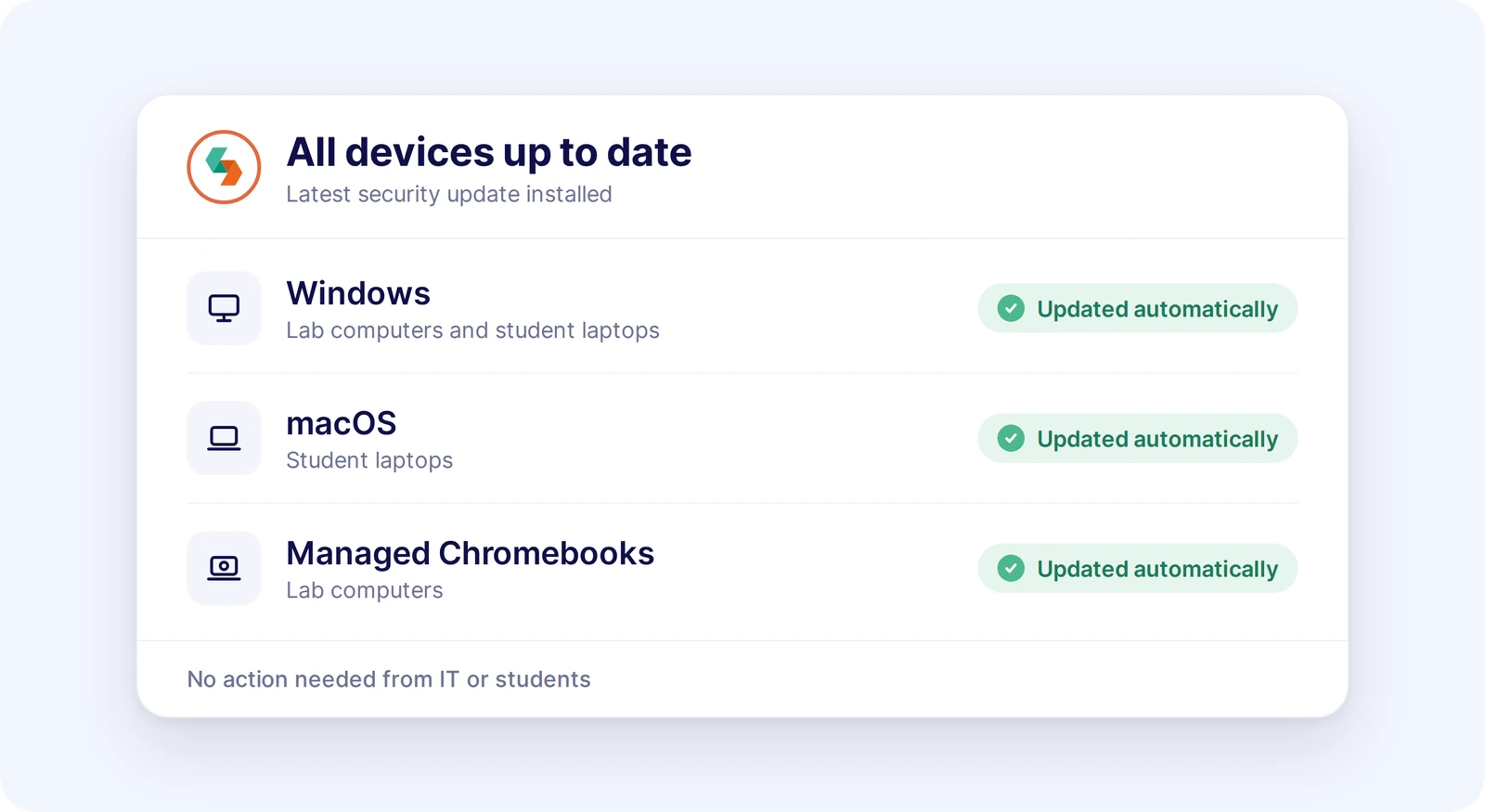
Students install the Schoolyear app once, in their own user account, on a managed device or their own laptop.
Schoolyear integrates with the LMS and assessment platforms you already run, so exams start where they always do.
Per assessment, educators decide what students can use and what stays restricted. No IT involved in planning or configuration.
Schoolyear locks the device in full screen and blocks other apps and AI tools. After the exam, the laptop is back to normal.


"With Schoolyear, the involvement of IT and related costs of overhead now has been reduced to almost nothing. Our teachers are back in control of their secure digital exams."

"We facilitate around 240,000 assessments a year for all eight faculties on managed Chromebooks. With Schoolyear, we're more flexible in meeting the specific needs of individual programs and courses. Assessment platforms used by individual faculties can now be allowed into our central landscape much more easily."

"We can secure exams proactively instead of after the fact. This creates calm for students, clarity for teachers, and less hassle with the e-invigilators you no longer need."
Our experts are ready to help you explore
the benefits of Schoolyear.