.avif)


Some educational institutions already use Proctorio for remote exams and may want to offer digital exams in-person too. When they try, they find that Proctorio is not the right fit for that use case.
This article explains why Proctorio isn't the right fit for in-person exams and compares three alternatives that are built for that context.
Why institutions look to replace Proctorio for in-person exams
Let's start with what Proctorio actually is: online proctoring software. It exists to supervise students remotely, when no one can be physically in the room with them. For remote exams, that is genuinely useful, and Proctorio does it well. It records the exam, flags suspicious behavior, and gives you a way to check afterwards whether something went wrong.
But in person, you already have invigilators in the room. Proctoring software exists for remote exams, when those invigilators aren’t there. When human supervision is present, layering proctoring on top creates problems instead of solving them. Three stand out.
You double the workload
In person, an invigilator is already in the room watching the exam. Proctoring adds a second layer on top: every session is recorded, and that footage has to be reviewed afterwards. Many institutions run a full team of e-proctors who do nothing but watch back recordings, which means you are running in-class invigilators and a review team for the same exams. That is two layers of supervision doing the same job, where one would do.
There is also a difference in how students experience it. Remotely, monitoring makes sense to them, because there is no other way to supervise an exam taken at home. In a room with an invigilator present, being recorded on top of that can be harder to understand and harder to accept.
The evidence is rarely conclusive
Proctoring flags suspicious behavior, but a flag is not proof. Normal behavior, like looking up while thinking, shifting posture, or glancing sideways, can trigger the same signals as cheating. That leaves your team reviewing footage of students who did nothing wrong, and when something genuinely suspicious does surface, it is often hard to act on. Eye movement and nervous behavior are not evidence of misconduct, and a flag that has to be checked with the teacher first can hold up grading for everyone.
This isn't limited to webcam recording. Even if you record only the screen and no webcam at all, the same problem appears. A virus scanner notification that pops up mid-exam, for example, can be picked up as suspicious activity and land the student on a list of flagged cases, through no fault of their own.
This gets harder as exams get richer. When an exam allows access to multiple websites, files, and applications, a reviewer often cannot tell legitimate work from cheating by watching a recording. Take a PDF that appears on screen: was it part of the exam, or left open from before? Only the teacher who set the exam knows, so ambiguous flags pile up and get sent back to them anyway.
It puts heavy strain on your network
Proctoring uploads webcam footage, microphone audio, and screen recording continuously throughout the exam. That’s a lot of data that needs to be uploaded at the same time, even if you only record the screen and turn off webcam and microphone recording.
In-person digital exams are often held in ordinary classrooms turned into exam rooms for the day, running on shared Wi-Fi that was never designed for heavy simultaneous upload. In a room with 100 students testing at once, that adds up fast, the connection slows down, and that quickly becomes a source of frustration for students mid-exam.
None of this means Proctorio is a weak tool. For remote exams, it remains a solid choice. It simply solves a problem that an in-person exam doesn't have.
What you actually need to secure an in-person exam
If proctoring solves a problem you don't have in the room, what does an in-person exam actually call for? The answer is prevention rather than monitoring. Instead of recording what students do and checking it afterwards, you stop cheating from being possible in the first place. In practice, that comes down to a few things:
- Device lockdown: the exam runs in a controlled environment that blocks access to anything you haven't allowed, so personal files, the open internet, messaging apps, and AI tools are simply out of reach during the exam.
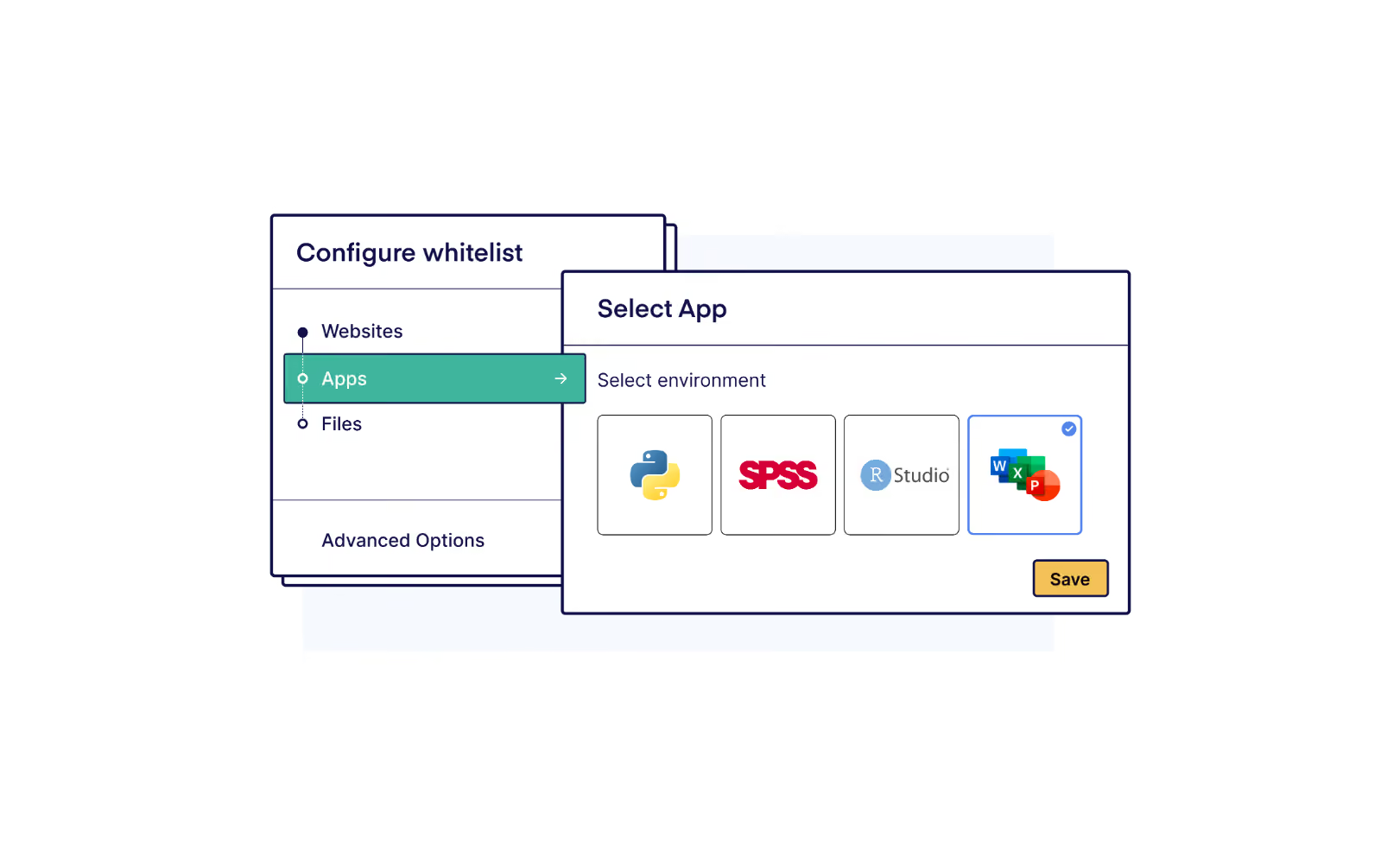
- Support for the resources your exam needs: many exams aren't just one website. They combine multiple sources, files, and desktop applications like Excel, SPSS, or R, and the tool should let you allow exactly those while blocking everything else.
- Real-time oversight for invigilators: the people already in the room should be able to see the lockdown status of every device at a glance and step in immediately if something goes wrong, rather than finding out afterwards.
- A clean start on student-owned devices: with most exams now taken on students' own laptops, the exam environment should start fresh every time, independent of whatever extensions, profiles, or software the student happens to have installed.
- No unnecessary data collection: without webcam and screen recording, there is nothing to store, nothing to review, and far less load on your network. Students keep their privacy, and your team keeps its time.
The 3 best Proctorio alternatives for in-person exams
The three tools below are all device lockdown solutions: they control what students can access on their device during the exam, without recording the student's activity or requiring continuous network upload.
1. Schoolyear – Safe Exam Workspace

Schoolyear is a device lockdown solution that prevents cheating during in-person digital exams. When a session starts, Schoolyear turns the device into an exam workspace, working at the level of the operating system rather than just the browser. Inside that workspace, only the exam content and resources you allow are accessible. Personal files, the internet, and unauthorized applications are blocked. It can be used for any exam and also integrates with major LMS platforms like D2L/Brightspace, Canvas, Blackboard, and Moodle.
What makes Schoolyear unique is that it answers the growing need for authentic exams, where students need a combination of websites, files, and desktop applications such as Excel, SPSS, R, and full coding environments in Java or Python. Other lockdown tools handle this through local whitelisting: applications are installed and run on the student's own laptop, leaving personal files, cloud drives, and AI tools like Copilot in Excel within reach. Schoolyear instead delivers all exam content, including the specific desktop applications, in an isolated environment the institution fully controls. It is the best way to run desktop applications securely on student-owned devices.
→ How ROC van Twente runs secure Word and Excel exams on student-owned devices
Invigilators get a real-time dashboard showing the lockdown status of every device in the room. If a session is compromised, supervisors get notified immediately. Other lockdown tools do not offer this kind of live oversight: once a student starts their exam, there is no verification that the secure environment is still intact during the exam.
Schoolyear is designed to be operated by educators, not IT departments. Exam coordinators and instructors can set up and manage exam sessions themselves, without needing to involve IT for configuration changes or updates. The software updates automatically when students launch it, so version mismatches are not an issue.
2. Safe Exam Browser
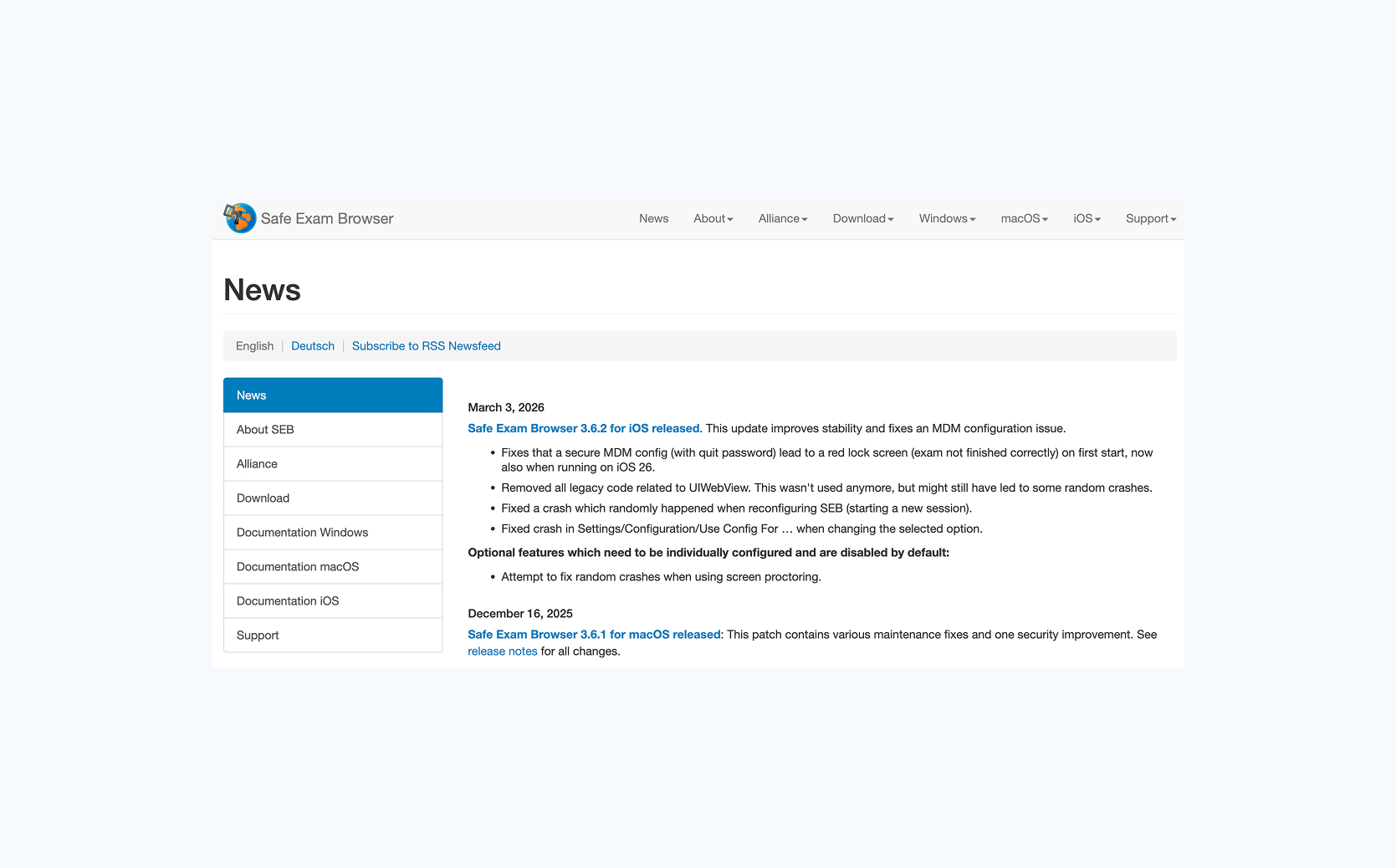
Safe Exam Browser (SEB) is an open-source lockdown solution that was originally built for exams in computer labs, where devices are managed by the institution. Once active, it ensures that students can't leave the exam browser.
SEB is highly configurable. Institutions define exam restrictions through configuration files: which websites are permitted, which shortcuts are blocked, which system functions remain accessible. That level of control makes it a strong fit for institutions with dedicated IT teams that manage their own exam infrastructure. It performs particularly well when exams run primarily in managed computer labs on fully managed devices, with IT directly involved in daily exam operations.
SEB was built for IT administrators, not educators. It requires IT knowledge to adjust exam settings. Any change requires IT to regenerate and redistribute a new configuration file, so IT availability is something to consider.
The tool is free and open source, which comes with obvious benefits. But being open source also introduces a specific risk in high-stakes contexts. Because the source code is publicly available, students can study exactly how the security works and look up known bypasses. Fixes rely on a community of volunteers rather than a dedicated security team. The same applies to support: if something goes wrong technically, there is no professional support team to fall back on. For an institution running exams at scale, where a problem on exam day affects hundreds of students at once, that is a real risk.
3. Respondus LockDown Browser
Respondus LockDown Browser is a dedicated exam browser that replaces the normal browser during a quiz, blocking tab switching, copy-pasting, and navigation away from the exam. It integrates directly with major LMS platforms, allowing instructors to enable the lockdown browser within their quiz settings.
Respondus works well for low-stakes browser-based LMS quizzes. The limitations surface in more demanding environments. Respondus cannot continuously confirm that the lockdown is still intact: if a student successfully uses a bypass during the exam, there is no alert and no way of knowing it happened. Bypass techniques are openly shared online, and because updates are not automatic, students must manually install the correct version before each exam. Version mismatches are common.
Respondus supports the use of desktop applications through local whitelisting: the applications run on the student's own laptop. On managed devices, where the institution controls the machine and students have no admin rights, this can work. On student-owned devices, it does not. The applications run locally, outside the lockdown's control, so students can still reach personal files, cloud drives such as OneDrive or Google Drive, and AI features built into the software like Copilot in Excel. This is the same gap that local whitelisting always leaves on devices the institution does not manage.
Conclusion
Proctorio was built for remote exams, and for that use case it remains a solid choice. It was not built to secure in-person exams on student devices, where its strengths turn into unnecessary overhead: a second layer of review on top of the invigilators you already have, flags that are hard to act on, and continuous recording that strains your network.
The three tools in this article were built for in-person use. Safe Exam Browser and Respondus LockDown Browser are established options for institutions with managed devices and straightforward browser-based assessments. Schoolyear goes further: it works securely on student-owned devices and supports a much wider range of exams, from browser-based tests to exams that combine websites, files, and desktop applications. It also gives invigilators real-time visibility into every session in the room.