.avif)


Institutions often start looking for Respondus alternatives when they want to run exams in desktop applications like Excel or SPSS, can no longer ignore the bypass tools circulating online, or need a solution that scales across a more complex exam infrastructure.
When Respondus LockDown Browser was introduced in the early 2000s, most digital exams ran in computer labs with institution-managed devices. Cheating prevention meant locking down the browser on a school-managed computer on which students have no admin rights. At the time, that was a perfectly reasonable solution. Universities controlled the machines, the software, and the room. Lock the browser and you were most of the way there.
Today, the situation is fundamentally different. Many universities now run exams on student-owned laptops, and assessments have become more advanced beyond the browser, allowing students to work with real desktop software such as Excel, SPSS, R, and Python. At the same time, the cheating landscape has grown more sophisticated: bypass tools spread openly online, and AI functionality is embedded in the browsers and desktop applications students use every day.
In that environment, the limitations of a single lockdown tool become hard to ignore.
In this article, we will:
- Give an honest overview of what Respondus does and where it works well
- Explain why institutions look for alternatives for in-person exams
- Compare five leading Respondus alternatives across different approaches to exam security
Before looking at the alternatives, let’s make sure we understand what Respondus actually does.
What is Respondus?
Respondus was founded in 2000, making it one of the longest-established digital exam security tools used in higher education today. Over the past two decades, it has become widely adopted by universities, primarily as a simple tool to secure quizzes that run inside a Learning Management System (LMS).
The core product is Respondus LockDown Browser, a custom browser designed specifically for online exams. Instead of taking an assessment in a normal browser such as Chrome or Safari, students must launch the exam through the LockDown Browser. This browser then restricts various actions that could be used to cheat.
Respondus integrates directly with major LMS platforms such as Canvas, Moodle, Blackboard, and D2L Brightspace. This allows instructors to enable LockDown Browser directly within their LMS quiz settings. Students automatically receive instructions to start the exam using the secure browser.
Once the exam starts, several actions are restricted to reduce the likelihood of cheating. For example, the browser can block actions such as:
- Opening additional browser tabs
- Copying, printing, or capturing exam content
- Navigating to other websites (except for explicitly whitelisted domains)
- Running certain applications during the exam
In addition to the lockdown browser, Respondus later introduced a separate product called Respondus Monitor. This feature was designed primarily for remote exam scenarios where students are not physically supervised.
Where Respondus LockDown Browser works well
Respondus LockDown Browser performs best in environments that closely match the use case it was originally designed for.
Because of this design, Respondus works particularly well when exams are:
- Simple, low-stake browser-based quizzes or tests via your LMS
- Only web-based and don’t require files or external desktop applications
Because the system integrates directly with major LMS platforms such as Canvas, Moodle, Blackboard, and Brightspace, exams can be launched from the same environment where students already access their course materials. This makes the workflow familiar for both instructors and students.
For teachers primarily looking to secure LMS-based quizzes with minimal operational complexity, Respondus can therefore be a practical and accessible solution.
Why institutions look for Respondus alternatives for in-person exams
Respondus works well for what it was built for: low-stakes browser-based LMS quizzes, mainly on managed devices. Back when it was built, LMS quiz modules were far from being the assessment platforms they are today. Institutions were not using these platforms to conduct exams, they were merely used for in-class quizzes.
Now, institutions are looking for high-grade security for their digital exams, and that’s where the limits of Respondus start to show.
1. The security model hasn't kept pace with modern bypass techniques
Cheating around Respondus is no longer a niche problem. Bypasses are openly shared online and spread quickly among students. Many of the new bypasses are plug and play: no technical knowledge required, just follow the steps.
New exploits emerge faster than patches can follow. And because Respondus updates aren't pushed automatically, students must install them manually before the exam. In practice, this can go wrong easily. Version mismatches are hard to avoid, especially during large-scale exam sessions.
But the deeper problem isn't the update friction. Respondus can lock down a device, but it cannot continuously confirm that the lockdown is actually intact. If a student successfully uses a bypass, there's no signal. No way of knowing during the exam that something went wrong. You can't report bypasses to Respondus if you don’t know they’re being used in the first place.
2. It can't secure the use of applications on student-owned devices
Many institutions increasingly want to enable students to use desktop software such as Excel, R, SPSS, MATLAB, or full coding environments during digital exams. Respondus only supports Word and Excel and does it through local application whitelisting: the students get to use their own locally installed applications alongside the lockdown environment.
On managed devices, this can work because the student has no admin rights. The institution controls the machine, restricts what's installed, and can limit what those applications can access.
On student-owned devices, it doesn't. When a desktop application runs locally on a student's own laptop, it interacts directly with the underlying operating system, outside the lockdown's control. That means students may still be able to:
- open personal files and recent documents from within the application
- access cloud drives such as OneDrive or Google Drive
- use AI functionality built into the software, such as Copilot in Excel
- retrieve data or content from the web inside the application itself
Respondus recently added native support for Excel and Word. But this doesn't resolve the underlying problem. The applications still run locally, which means the same access vectors remain open. The lockdown browser controls what happens in the browser. It cannot control what happens inside a locally running desktop application on a device the institution doesn't manage.
3. It's a single tool in an environment that requires more
For institutions running low-stakes LMS quizzes, Respondus is often sufficient. But modern exam infrastructure is more complex than that.
Universities increasingly run multiple exam types in parallel: browser-based tests, application-based assessments, and hybrid formats that combine both. They do this across multiple assessment platforms and LMS quizzes, on a mix of BYOD and managed devices, involving IT administrators, exam coordinators, teaching staff, and academic leadership.
Respondus is a tool for individual teachers that was designed to solve a specific, bounded problem. It was not designed to serve as the central exam security layer for an institution running exams at this level of complexity.
An individual teacher looking for a tool to lock down a browser quiz will find Respondus straightforward. An institution looking for a partner to help build and maintain a secure, scalable exam infrastructure across all device types, all assessment platforms, and all exam formats will quickly find that Respondus wasn't built for that role.
Introducing the 5 best Respondus alternatives
1. Schoolyear – Safe Exam Workspace

Schoolyear – Safe Exam Workspace is built for institutions that want to secure high-stakes digital exams, not just a formative quiz.
Modern exam infrastructure is more complex than it looks: universities run multiple assessment platforms alongside their LMS, support a mix of student-owned and institution-managed devices, and increasingly need to accommodate authentic exams that require desktop applications like Excel, R, or SPSS.
Assessments and high-stakes exams require a fundamentally higher integrity level than a formative quiz, and the threat landscape reflects that: cheating tools are actively sold online, targeting exactly the kind of environments that basic lockdown software leaves exposed.
Schoolyear is built to hold up under all of that complexity, serving as the central security layer across platforms, devices, and exam types. Institutions get onboarding for IT teams, dedicated support during exam periods, and a team that thinks along with how your exam environment is set up.
How Schoolyear – Safe Exam Workspace works
The Safe Exam Workspace has two capabilities that set it apart from other exam security tools, including Respondus: a verification layer that continuously confirms the secure environment is intact, and a secure way to run desktop applications during exams.
When the exam starts, the device enters a controlled exam mode where unauthorized applications, system shortcuts, screen-sharing tools, and remote desktop software are blocked.
But blocking alone isn't enough. Without a way to verify that the lockdown is actually intact, a successful bypass goes unnoticed. Schoolyear's verification layer continuously monitors the exam environment and sends invigilators a real-time alert if suspicious system activity is detected, allowing them to intervene during the exam.
Unlike Respondus, which may require different versions depending on which assessment platform is in use, Schoolyear runs a single version across all platforms. It updates automatically when students launch the software, ensuring everyone runs the correct version without manual intervention.
Securing the use of applications during exams
Where Schoolyear differs most is in its support for exams that require real desktop applications like Excel, R, SPSS, or coding environments. Instead of allowing files and desktop applications to run directly on the student’s laptop — which leaves them with access to personal files, cloud drives, and AI tools built into the software — Schoolyear runs applications in a secure, isolated environment.
This means that during an exam in Excel, SPSS, R, MATLAB, or a coding environment, students cannot:
- access personal files or recent documents
- connect to cloud drives such as OneDrive or Google Drive
- use AI functionality such as Copilot in Excel
Institutions can assess real software skills on student-owned devices without the access risks that local whitelisting introduces.
→ How ROC van Twente runs secure Word and Excel exams on student-owned devices
Integrations
Schoolyear integrates with Canvas, Moodle, Blackboard and Brightspace.
Limitations
Schoolyear is built for in-person exams. It does not offer webcam recording or screen capture. Institutions that deliver most of their exams remotely, should look at a tool specifically designed for that use case.
2. Safe Exam Browser

Safe Exam Browser (SEB) is a free, open-source lockdown browser originally developed in the mid-2000s as an initiative within a university's IT environment to securely run digital exams on managed campus computers. It still performs well in that environment today.
SEB is highly configurable. It uses downloadable configuration files that allow institutions to fine-tune a wide range of exam restrictions: which websites are allowed, which shortcuts are blocked, which system functions remain accessible. This level of configurability makes it a strong fit for institutions with dedicated IT teams that manage their own exam infrastructure.
SEB performs particularly well when institutions:
- run exams primarily in managed computer labs
- maintain fully managed devices
- have a dedicated IT team involved in the daily operations of exams
- treat digital exams as an IT-controlled service
It is worth noting that SEB was built for IT administrators, not educators. Teachers cannot configure or adjust exam settings themselves. Any change, however small, requires IT to regenerate and redistribute a new configuration file. For institutions without dedicated exam IT support, this is a significant operational constraint.
Integrations
Safe Exam Browser integrates with Moodle, Canvas, Blackboard, and D2L Brightspace.
Limitations
SEB's strengths become constraints when the environment changes.
Because all configuration runs through IT, exam adjustments are slow and create hard dependencies that are difficult to scale during busy exam periods. Updates are not automatic, so students must manually install the correct version before the exam. Version mismatches are common and create confusion at exactly the wrong moment.
Being open source introduces a specific risk in high-stakes contexts. Because the source code is publicly available, students can study exactly how the security works and look up known bypasses online. Fixes rely on a community of volunteers rather than a dedicated security team, and once a patch is released, your IT department still has to manually update every device before the next exam.
On BYOD devices, the absence of a verification layer is the deeper problem. SEB can block, but it cannot confirm the lockdown is still intact. If a student bypasses a restriction, no alert is raised and the exam continues as normal. For application-based exams on BYOD, local whitelisting leaves students with access to personal files, cloud storage, and AI tools inside the application, which the locked browser cannot control.
3. SMOWL
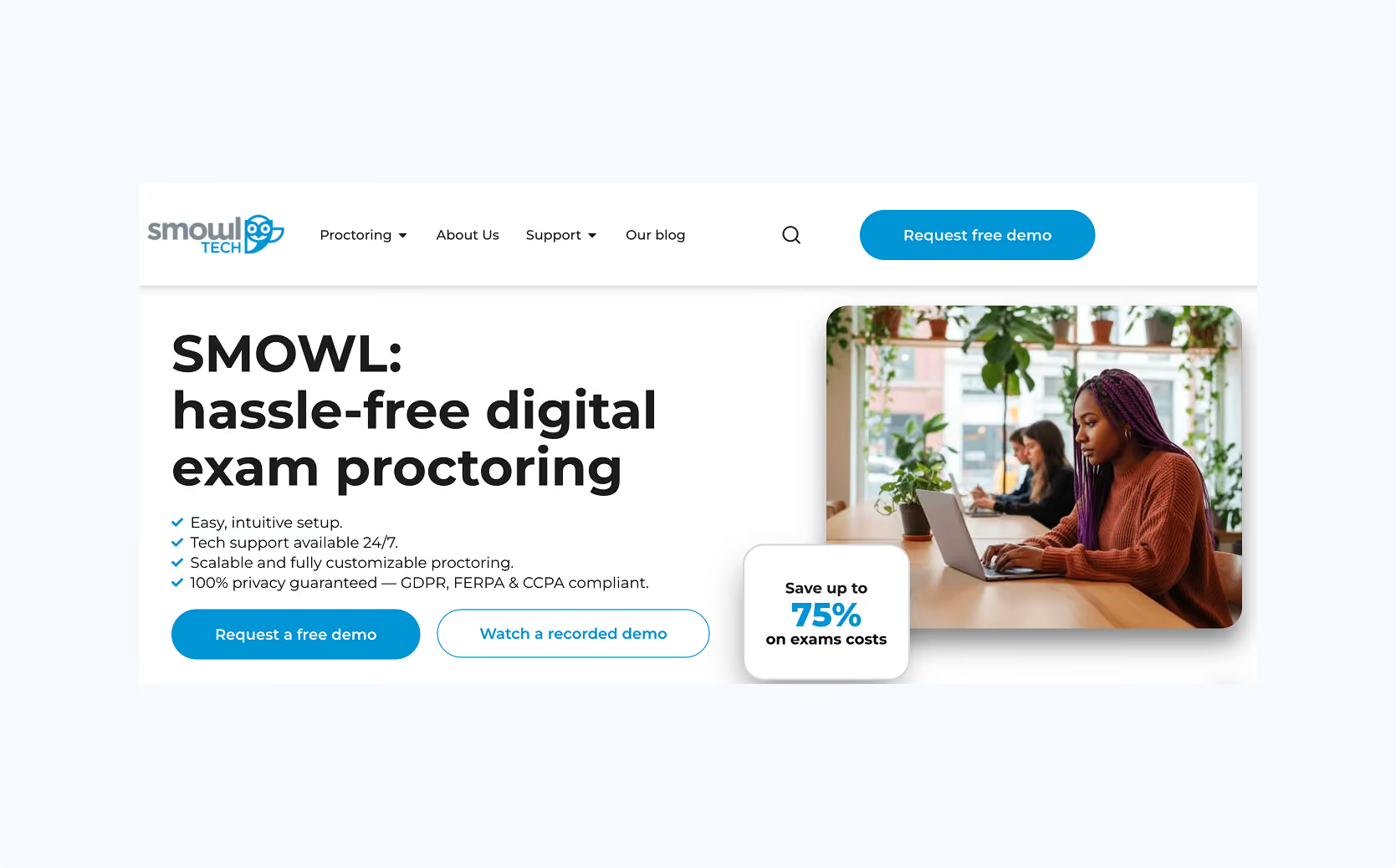
SMOWL is a remote proctoring solution that separates itself from its competition with its focus on identity verification. Where other tools prioritize preventive lockdown, SMOWL's approach centers on observing student behavior during the exam and compiling evidence for post-exam review.
When integrated with an LMS, SMOWL operates within the student's personal browser. An additional desktop component (SMOWL CM) can extend monitoring beyond the browser, tracking active applications, browser tabs, connected devices, and clipboard activity. However, SMOWL CM does not actively block unauthorized applications. It logs them for review after the exam.
Instead of continuously recording video, SMOWL captures periodic snapshots of the student's face, screen, and environment at regular intervals. These images are analyzed using AI to detect suspicious situations such as absence from the screen, presence of other people in the background, or other forms of unusual behavior. All collected data is compiled into a report with flagged incidents for post-exam review.
Integrations
SMOWL integrates with Moodle, Canvas, Blackboard, and D2L Brightspace.
Limitations
Because SMOWL's model is built around monitoring rather than prevention, the exam environment is not structurally isolated. Applications run locally on the student's device, and enforcement relies on detecting suspicious behavior rather than blocking it. This means security depends mostly on behavioral detection and manual review after the fact.
SMOWL CM can log what applications are open, but it cannot stop a student from using them. This means that bypasses can often be used and you fully rely on being able to spot it after the fact.
As with other monitoring-based tools, institutions should carefully consider the privacy implications. Capturing snapshots of students, their screens, and their physical environment raises questions around data storage, consent, and compliance with European privacy frameworks.
4. Proctorio
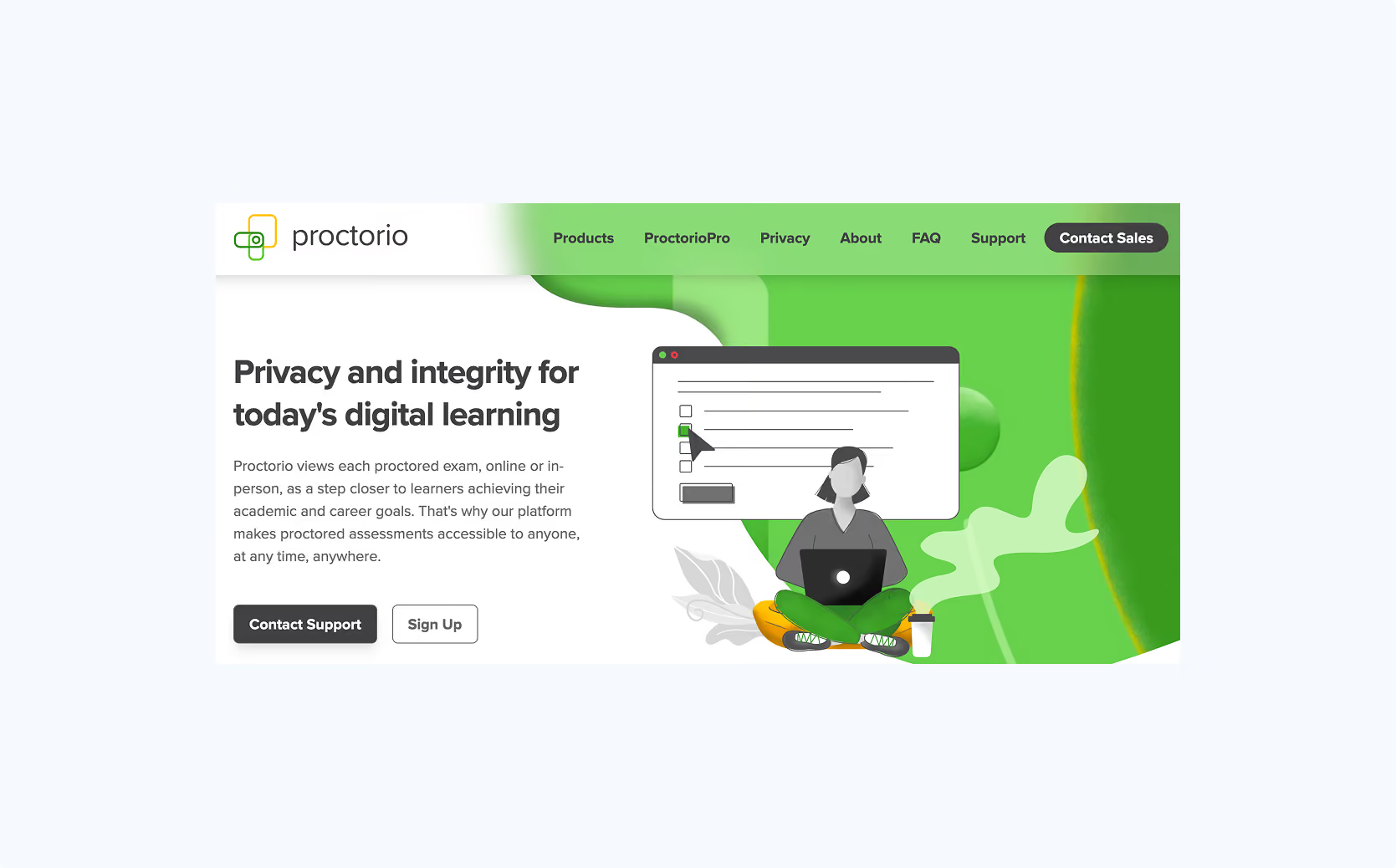
Proctorio is another proctoring solution that is used for remote exams. It combines some restrictions of the student’s personal browser with monitoring.
Proctorio operates as a browser extension inside of the student’s personal browser. The system can enforce full-screen mode, block navigation to other websites, and restrict certain browser functions. Beyond these browser-level controls, Proctorio's primary capability is monitoring: it records webcam, microphone, and screen activity during the exam. AI-based flagging is used to detect potentially suspicious behavior, which instructors review after the exam to determine whether academic misconduct occurred.
Integrations
Proctorio integrates with Canvas, Moodle, Blackboard, and D2L Brightspace.
Limitations
Like SMOWL, Proctorio's preventive controls are scoped to the browser session. Applications and processes running outside the browser are not structurally isolated, meaning tools like remote access software, or AI overlays remain outside the extension's control. In practice, most institutions using Proctorio rely primarily on its monitoring capabilities rather than its blocking mechanisms.
The post-exam review workload is heavier than with SMOWL. Where SMOWL compiles flagged snapshots into a report, Proctorio generates large volumes of flagged video footage that instructors must manually review. At scale, this can translate into hours of additional work per exam session, and outcomes are rarely conclusive.
The privacy considerations are the same as those described under SMOWL: webcam recording, screen capture, and audio monitoring raise questions around data storage, consent, and proportionality that are particularly relevant for institutions operating under European data protection frameworks.
5. Honorlock
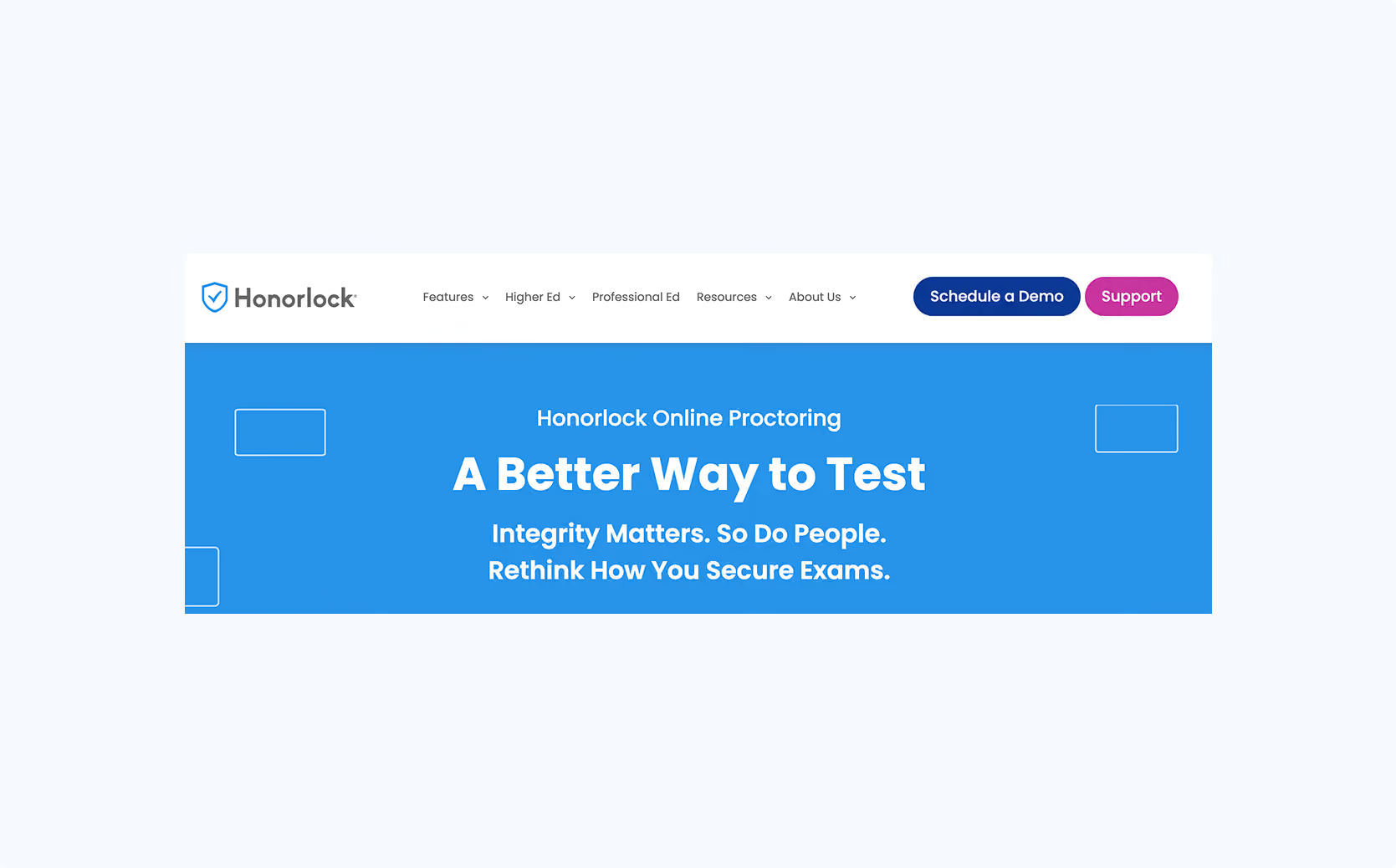
Honorlock is a remote proctoring solution that takes a hybrid approach: where Proctorio relies on fully automated AI-based monitoring, Honorlock combines AI flagging with the ability for live proctors to intervene in real time when suspicious behavior is detected.
Like Proctorio, Honorlock operates primarily through a Chrome extension that enforces lightweight browser-level restrictions: blocking navigation, disabling certain browser functions, and limiting access to unauthorized websites. In some configurations, an additional desktop component extends controls beyond the browser. As with Proctorio and SMOWL, these restrictions apply within the browser session. Applications running locally on the student's device are not structurally isolated.
The live proctor element is Honorlock's primary differentiator. When the AI flags suspicious behavior, a live proctor can join the session and intervene during the exam rather than leaving everything to post-exam review. Honorlock also promotes on-demand proctoring: institutions do not need to schedule a dedicated proctor for every session in advance. Students start the exam when it opens, and a proctor steps in only when the system flags something.
Integrations
Honorlock integrates with Canvas, Moodle, Blackboard, and D2L Brightspace.
Limitations
The fundamental limitations are the same as those described under Proctorio and SMOWL. Enforcement relies on monitoring rather than structural prevention, the exam environment is not isolated at operating system level, and application-based exams cannot be secured through behavioral detection alone.
Where Honorlock differs from Proctorio is in its reliance on live proctors. This adds a human layer, but it also introduces questions about consistency and scalability. At large exam volumes, the on-demand model depends on proctor availability, and intervention is only possible after suspicious behavior has already occurred.
The privacy considerations also remain the same: webcam recording, screen capture, and audio monitoring require careful evaluation of consent, data storage, and proportionality under European data protection frameworks.
How to choose the right Respondus alternative
There is no single “best” replacement for Respondus.
Different exam security tools are built around very different cheating prevention models. The right choice depends on the institution’s exam model, technical infrastructure, and academic integrity policies.
Before selecting a solution, universities should evaluate factors such as:
- whether exams are low-stakes or high-stakes
- whether exams take place in remote or in-person settings (or both)
- whether exams run on BYOD devices or managed computers
- whether assessments require desktop applications such as Excel, Python, or SPSS
- whether you need a simple tool as a teacher or a solution for your entire exam team
- whether the institution accepts webcam monitoring and recording
- how much manual review workload is acceptable after exams
- how much operational complexity instructors and IT teams can support
These considerations often narrow the options fairly quickly. Most institutions who conduct exams in both remote and in-person settings, opt for two different exam security solutions.
Conclusion
Respondus remains a strong tool for securing low-stakes browser-based tests. But the environment in which exams take place has changed significantly.
Modern assessment models increasingly involve:
- BYOD devices
- authentic, application-based assignments
- stricter privacy expectations
- the growing influence of AI tools
That's why exam security is slowly but surely moving beyond traditional lockdown browsers toward broader exam environments that combine prevention, verification, and scalable operations.
If your institution runs high-stakes in-person exams on student-owned devices, needs to assess real software skills in applications like Excel, SPSS, or Python, and cannot accept the risk of undetected breaches during the exam, Schoolyear was built for exactly that context.
If you're exploring alternatives to Respondus, you can request a demo of Schoolyear to see how the platform works in practice and evaluate whether it fits your assessment model. You can also try out the product for free.