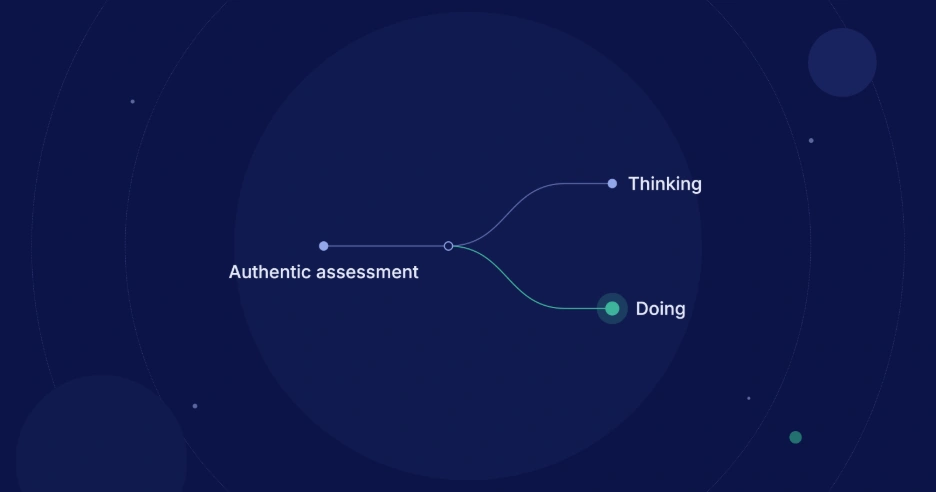
Authentic assessment should reflect real work, and real work now includes AI. Still, educators need to verify that students can do that work themselves. Accountability measures like oral defenses capture the thinking. Secure practical assessments in the software of the discipline capture the doing, and most programs will need both.
Authentic assessment is on the rise. Instead of writing essays or answering multiple-choice questions, students are assessed on how they build a financial model, analyze a real dataset, write a legal memo or code an app. That’s exactly the kind of work they’ll do in their future jobs.
In many of those jobs, AI has become an integral part of the work.
This creates a dilemma for educators. On one hand, they want to teach their students how to work with AI in authentic settings. On the other, they want to verify that students have actually done the work themselves.
How do you handle AI in authentic assessment?
Charlotte von Essen, Pedagogical Lead at the Stockholm School of Economics, wrote about this topic in a recent Wonkhe article. Authentic assessment takes work in the real world as its reference point, and in the real world, lawyers draft contracts with AI and developers increasingly rely on AI-generated code. That's why she argues that an authentic task can’t simply pretend AI doesn’t exist.
That leaves educators with two goals:
- Students should learn to work with AI.
- Students should be able to do the work themselves.
But how do you achieve both? There are two widely adopted approaches.
Approach 1: build in accountability
In her article, von Essen argues for building accountability into the assessment design.
Students may use AI, but they have to show they understand what they produced. In von Essen’s framework, an accountable assessment is:
- Defensible. The student can justify decisions and explain their reasoning.
- Traceable. The student can show how the work developed, including drafts, and the role of AI.
- Answerable. The student can respond to questions and feedback.
In practice, that means formats like an oral defense of written work, portfolios with drafts and revision histories, and live demonstrations. In an oral exam, a few sharp follow-up questions quickly show whether a student knows what they’re talking about.
However, there are some drawbacks to this approach.
Why relying on accountability has its limits
In practice, accountability runs into three limitations:
- Process evidence can be faked. Drafts, notes and AI logs can be generated by AI just as easily as the final product, as a recent paper in the Journal of Digital Pedagogy also points out. Telling real from fake becomes a cat-and-mouse game.
- It doesn’t scale. A 15-minute oral defense for a cohort of 400 students takes 100 hours of examiner time, before any moderation. Von Essen acknowledges this herself: it raises real questions about workload and institutional capacity.
- It can undermine assessment validity. In a way, you end up assessing how students talk and think about the work, not the work itself. A student who delivers a good product but struggles to explain how they did it under pressure scores lower, while a confident speaker can sometimes talk themselves out of similar tough spots.
Accountability still has its place, for example in a thesis defense. But as an engineering educator at a large Australian university recently told me, educators want to be able to assess both the thinking and the doing. Accountability mostly captures the thinking. To assess the doing as well, you need a different approach.
Approach 2: secure practical assessments
That’s why more and more institutions are making secure practical assessments part of their overall assessment strategy. Students do part of the authentic work, such as building an app, in the software of their discipline. What you assess is the actual work, done by the student.
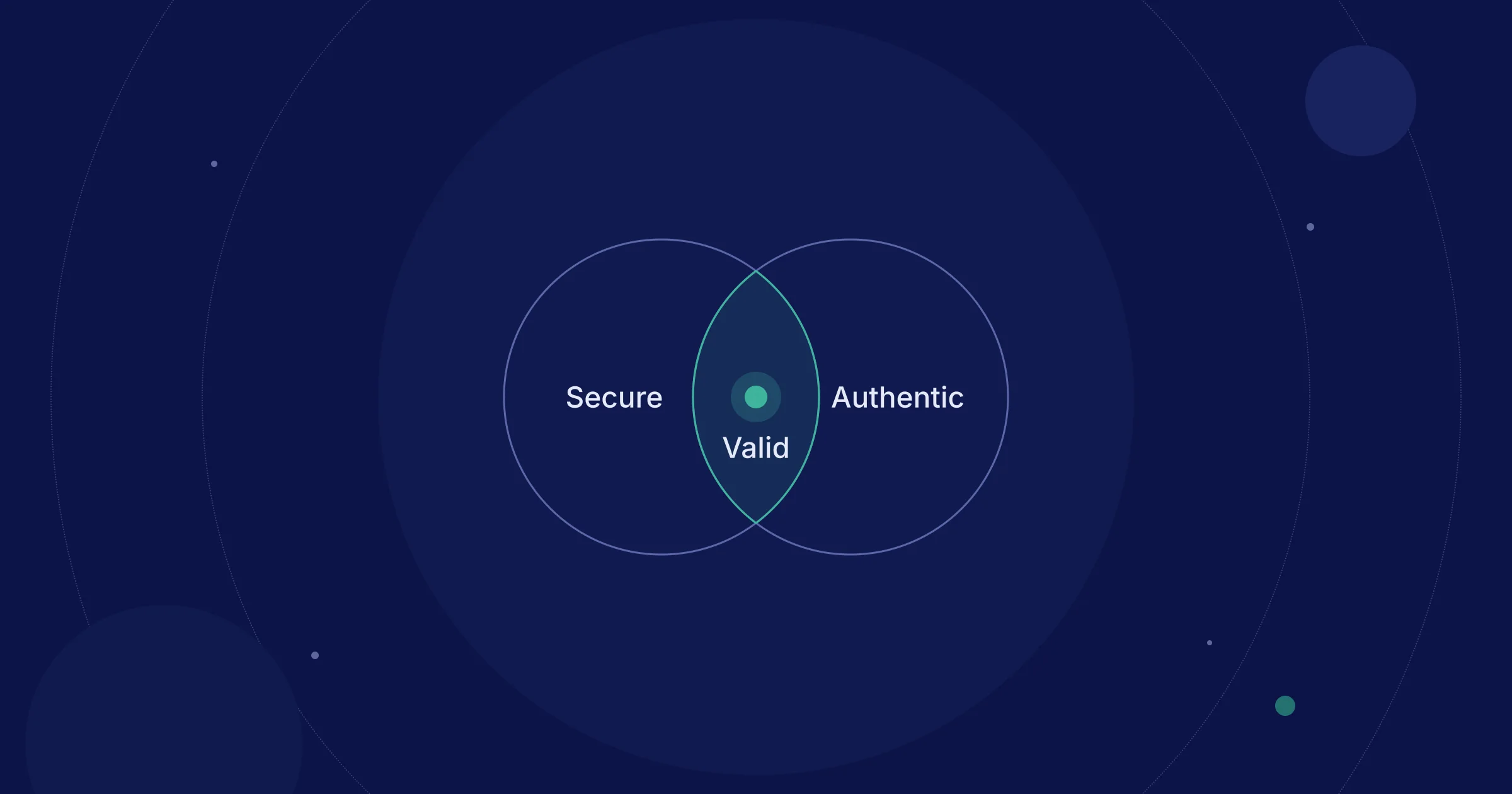
A secure assessment of practical work needs to be:
- Valid. The task gives evidence for the learning outcome you want to assess. And because you can be sure that the students actually do the work, you assess the doing, not just how they talk about it.
- In person and supervised. Students take it on site, with the supervision needed to rule out unauthorized help.
- In the right software. Students work in the applications of their discipline, such as Excel, VS Code or RStudio.
- Secured within the software. You decide which files, websites and AI features students can reach, including inside the applications themselves.
- Workable at scale. You can assess a whole cohort in time, with appropriate supervision.
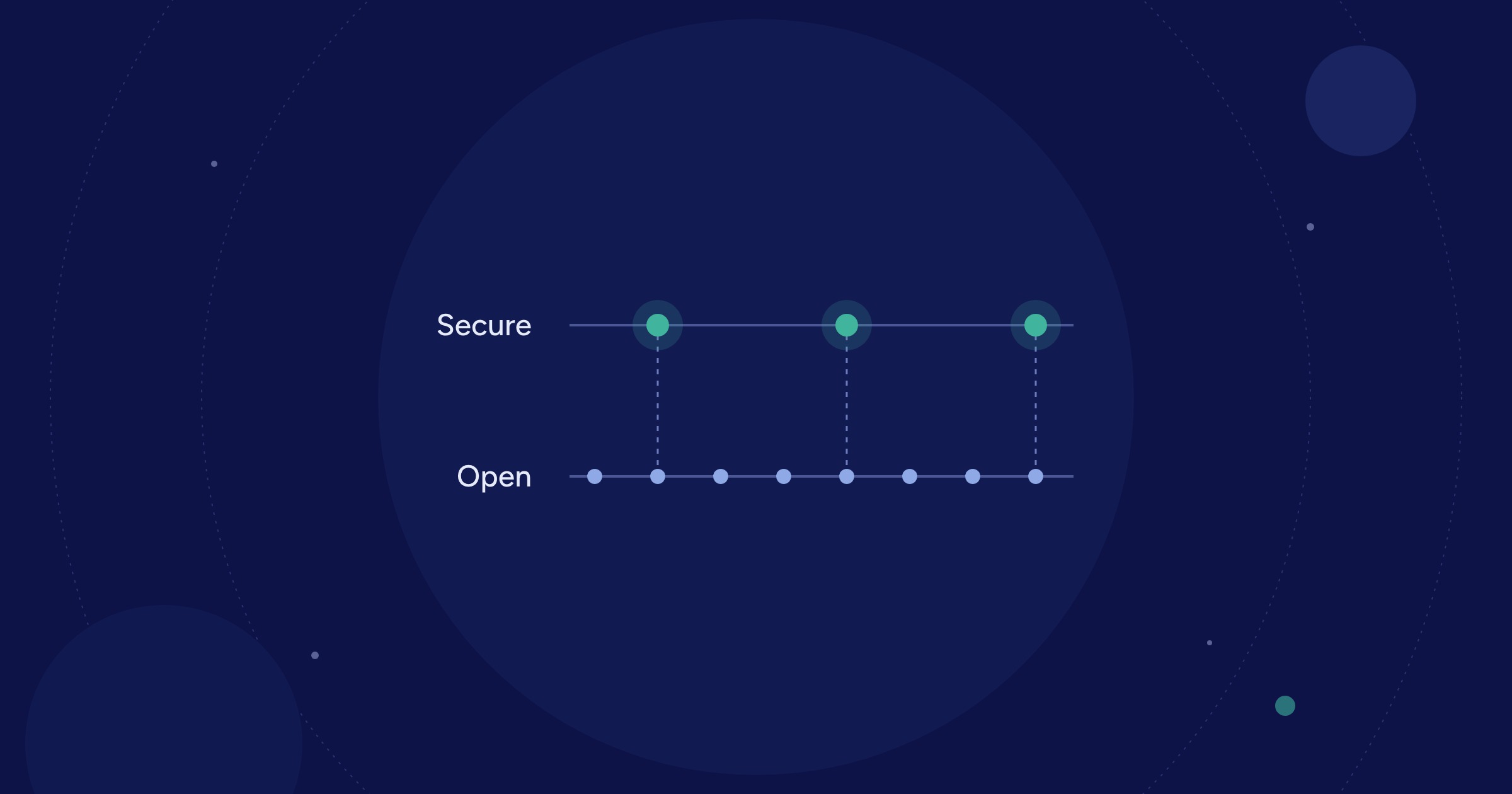
Students can still do much of their authentic assessments work outside the secure environment, with access to AI or help from others. But you build in a few checkpoints: secured moments where students show they can do the work themselves. In those moments you control the tools and resources students can use, AI included.
What secure practical assessment looks like in practice
In a secure practical assessment, students do real work in the tools of their field, with the resources the task needs. A few examples:
- Business. Build a financial model or valuation in Excel from a case dataset, with Copilot switched off and only the Solver add-in available.
- Engineering and IT. Write and test code in VS Code or Jupyter with GitHub Copilot switched off, or model a system in MATLAB.
- Science and social sciences. Analyze a real dataset in RStudio or SPSS and interpret the results.
- Law. Write advice on a case, open book, with students’ own notes and case materials as PDFs and access to approved legislation databases only.
Bringing it together
Most programs will mix open tasks, where students learn and work with AI, with a few secured moments where you verify what students can do themselves.
Those secured moments can take two forms. An in-person oral defense is a secured assessment of the thinking. A secure practical assessment, where students do the work in the software of their discipline, is a secured assessment of the doing.
In practice, most institutions will end up with a combination of both: oral exams where group size and stakes allow it, and secure practical assessments where you need to see the doing of a whole cohort.
How Schoolyear enables secure practical assessment at scale
Securing practical work is different from securing a traditional exam. Students need the software of their discipline, plus the files and websites the task relies on. Everything else has to stay out of reach, including the AI assistants now built into the apps themselves.
Schoolyear’s secure assessment workspace is built for secure assessment at scale, from traditional knowledge-based exams to practical assessments in software.
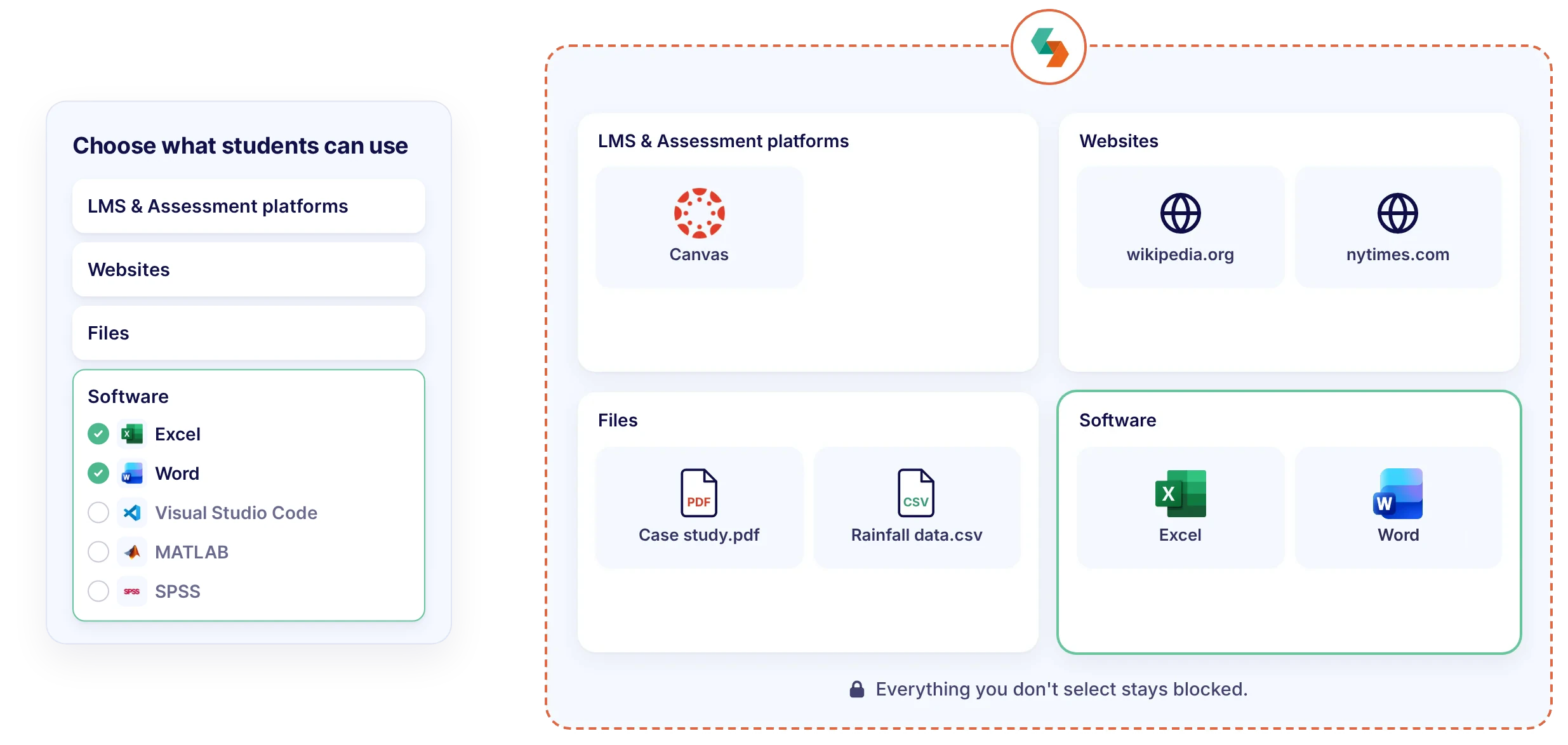
For practical assessments, educators decide per assessment what students can use:
- Applications, like Excel, Word, RStudio or VS Code
- Files, like a case dataset or a formula sheet
- Websites, like an approved legislation database
- AI tools, if they choose to allow one
They also control what happens inside the apps. In Excel, for example, you can turn off Copilot, allow only the Solver add-in and block access to personal files and cloud drives.
See how secure assessments with desktop applications work in Schoolyear →
Share this